Add Watermark to Image
27nano-banana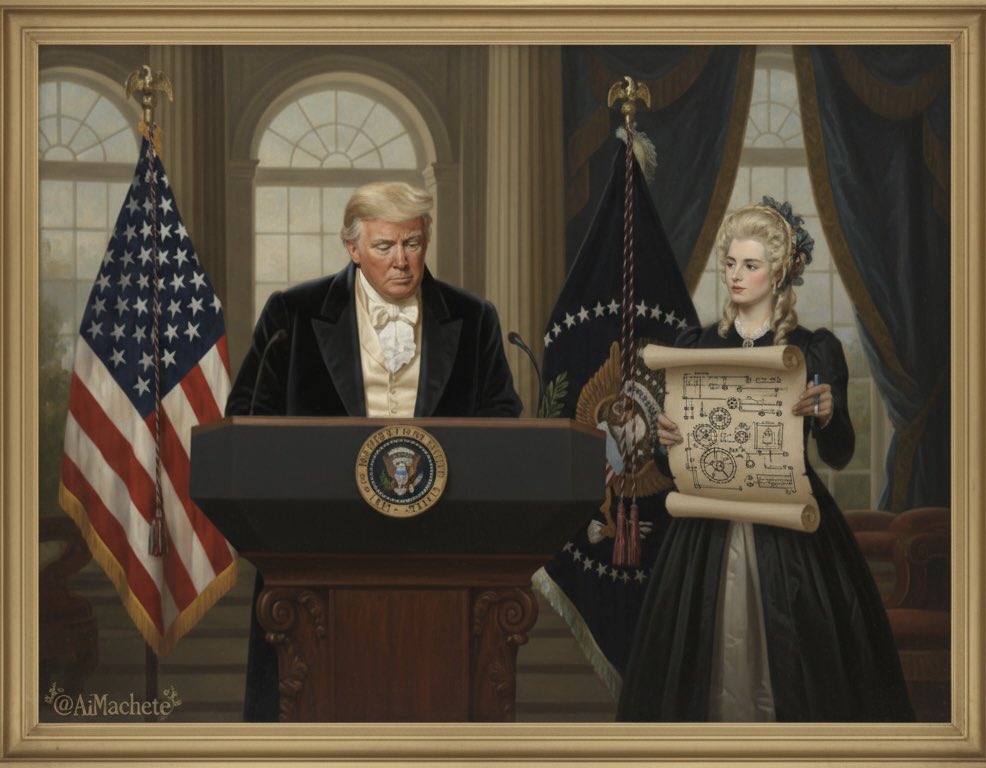
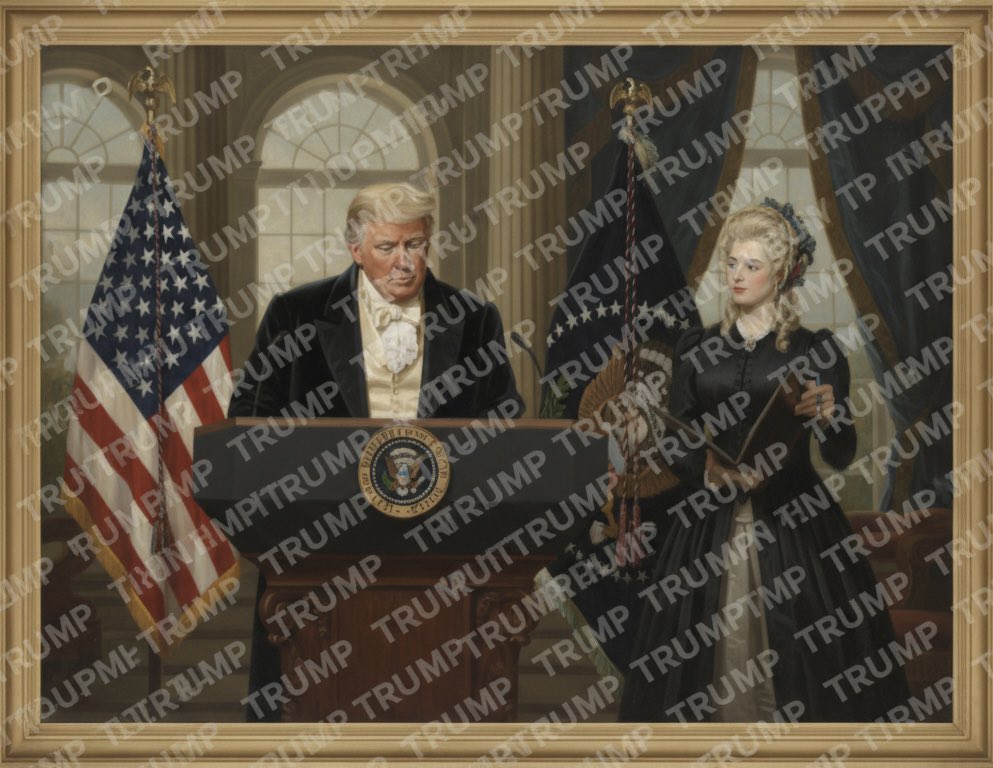
Prompt
Watermark the word ‘TRUMP’ over and over again across the whole image.Requirements
Need to upload a reference image
Author
Source Links
Recommended Prompts
Discover more creative AI photo prompts that complement your current selection. These carefully curated prompts share similar themes, styles, or techniques that can help expand your creative possibilities and enhance your AI image generation workflow.
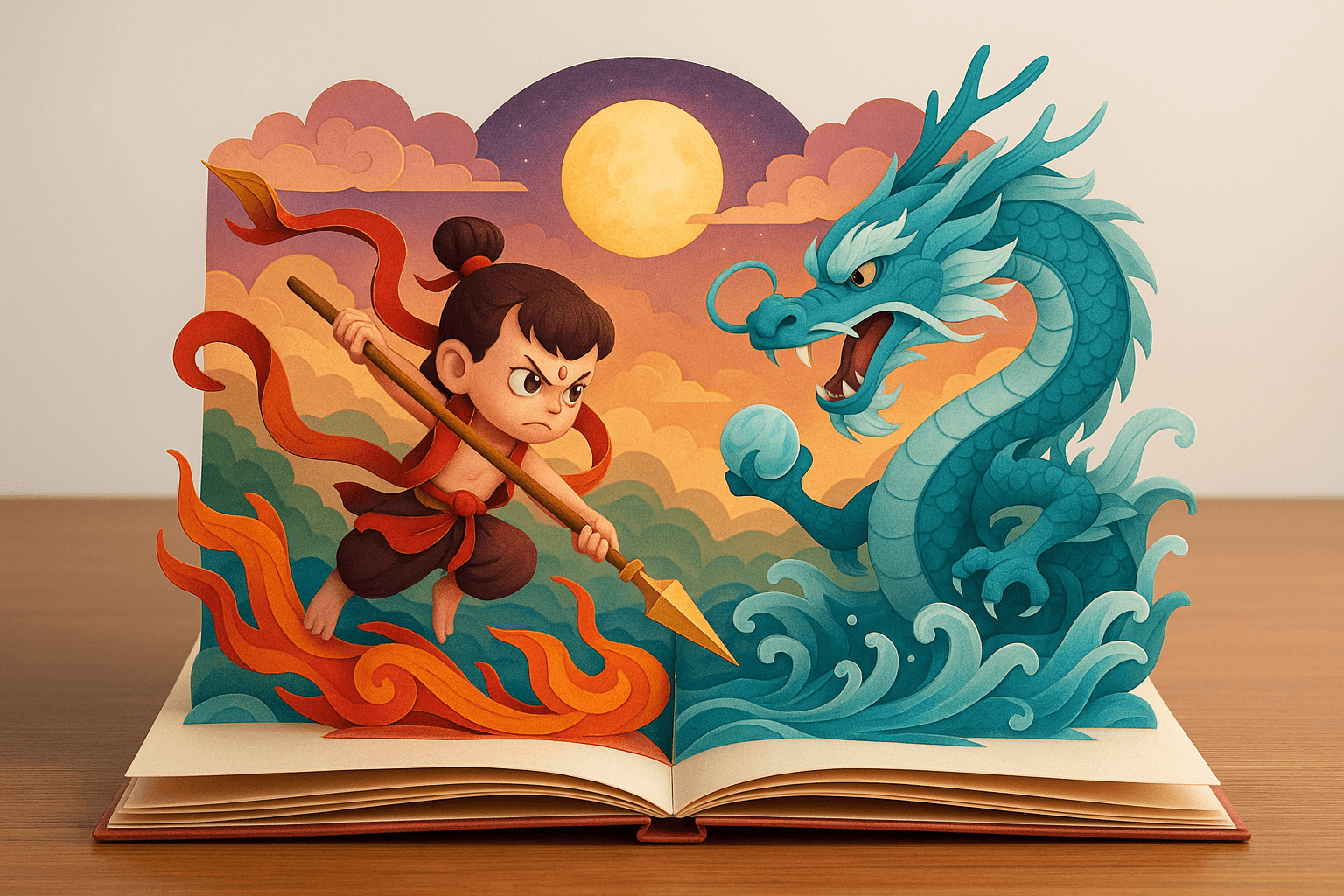
3D Papercraft Pop-up Book
Multi-layered foldable paper sculpture pop-up book, placed on a desk, with a clean background highli...

Famous Painting Character OOTD
Generate a Q-style 3D C4D-rendered character based on the person in the photo, dressed in a fashion-...

RPG-Style Character Card Creation
Create a digital character card in RPG collectible style. The subject is a {Programmer}, standing co...
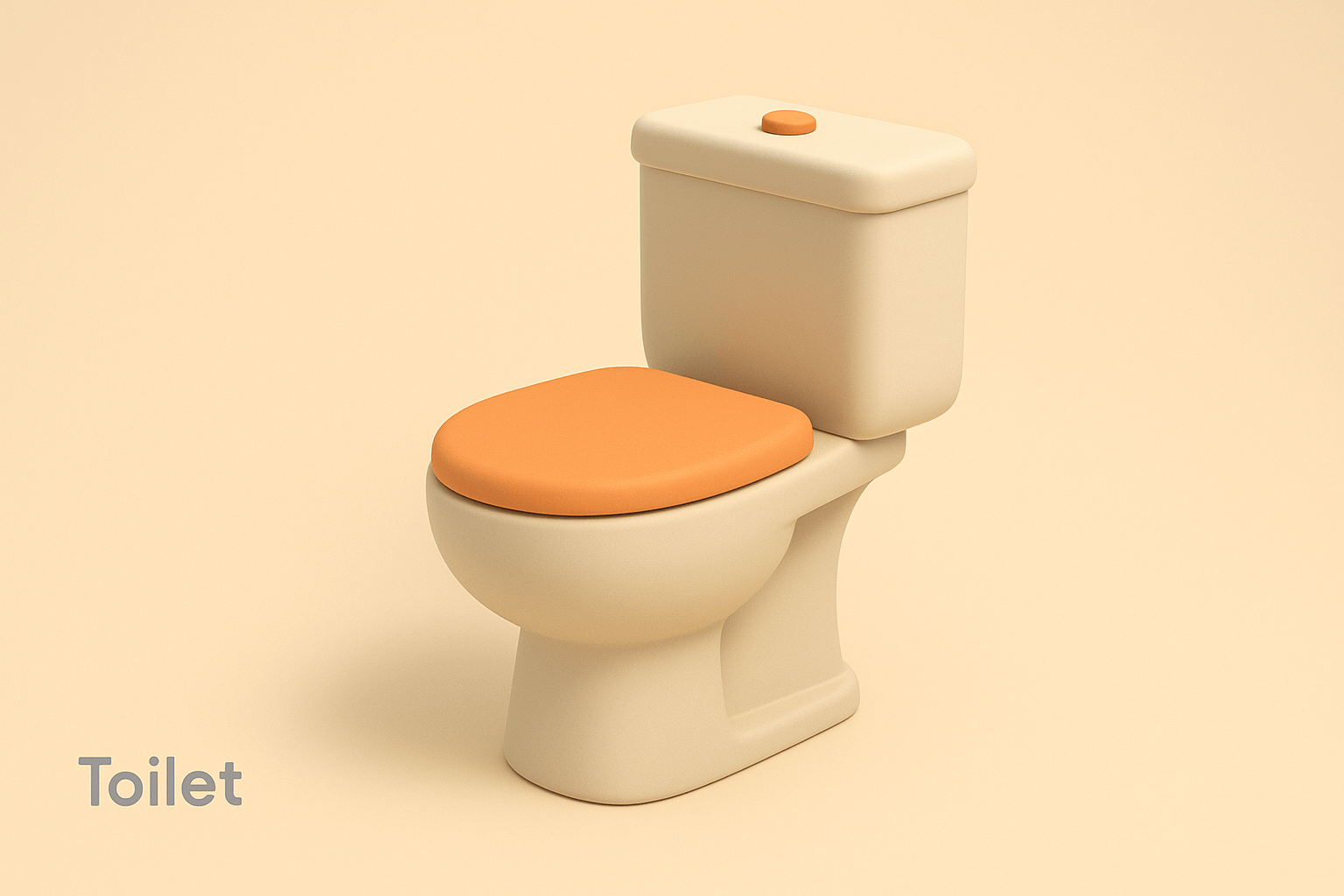
Minimalist 3D Illustration (Markdown Format)
Draw a Toilet ## 🎨 Art Style: Minimalist 3D Illustration ### 🟢 Shape Language - Rounded edges an...

Story Scene in Crystal Ball
A delicate crystal ball rests quietly on a warm, softly lit tabletop by the window. The background i...

Retro Style Promotional Poster
A retro-style promotional poster emphasizing bold Chinese text. The background features a red-and-ye...
Why These Prompts?
Category Matching
These prompts share similar categories and themes with your current selection, ensuring thematic consistency and complementary creative directions for your AI image generation projects.
Technical Compatibility
All recommended prompts are tested and optimized for similar AI models and techniques, providing reliable results and consistent quality across your creative workflow.
Pro Tips for Using These Prompts
- •Combine elements from multiple prompts to create unique variations
- •Adjust style parameters based on your specific project requirements
- •Use these as starting points and add your own creative modifications