Emoji Inflatable Cushion
53gpt-4o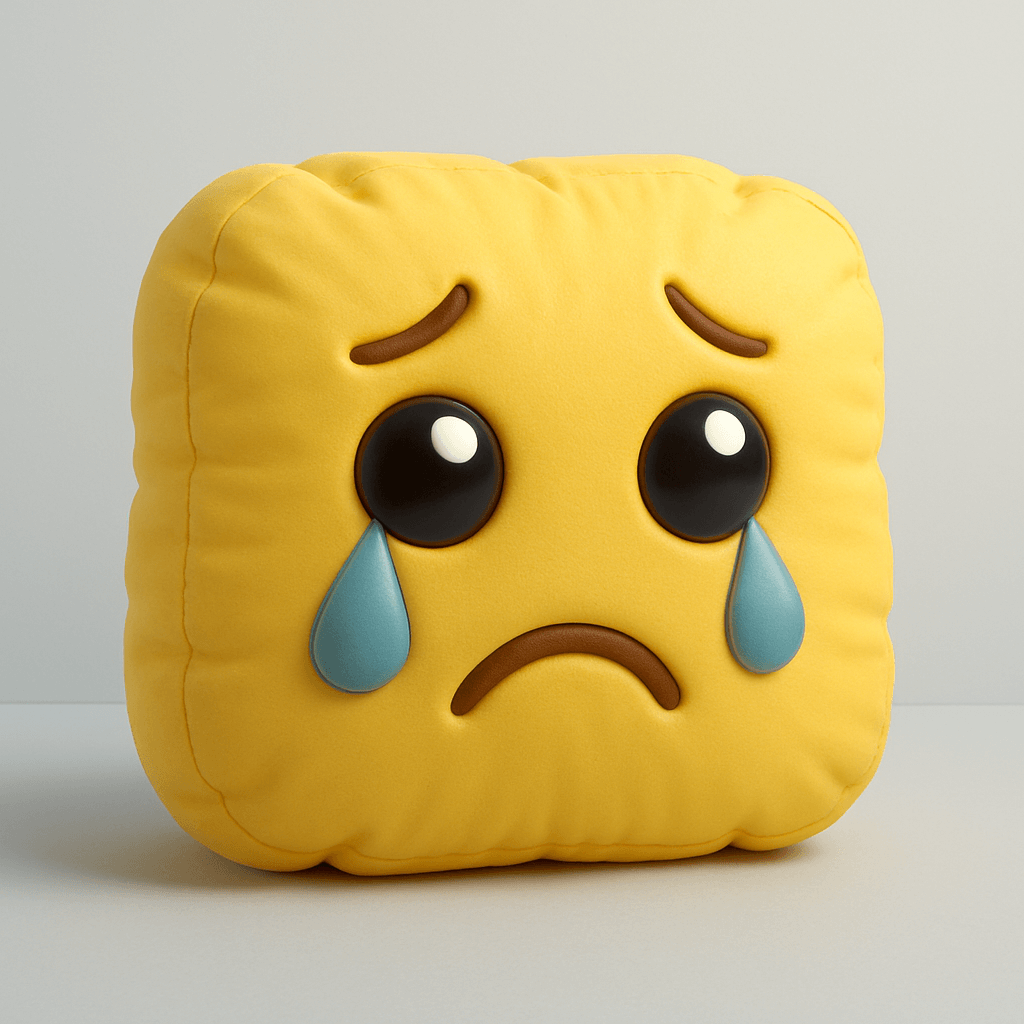
Prompt
Create a high-resolution 3D render of [🥹] designed as an inflatable, puffy object. The shape should appear soft, rounded, and air-filled — like a plush balloon or blow-up toy. Use a smooth, matte texture with subtle fabric creases and stitching to emphasize the inflatable look. The form should be slightly irregular and squishy, with gentle shadows and soft lighting that highlight volume and realism. Place it on a clean, minimal background (light gray or pale blue), and maintain a playful, sculptural aesthetic.Author
Source Links
Recommended Prompts
Discover more creative AI photo prompts that complement your current selection. These carefully curated prompts share similar themes, styles, or techniques that can help expand your creative possibilities and enhance your AI image generation workflow.
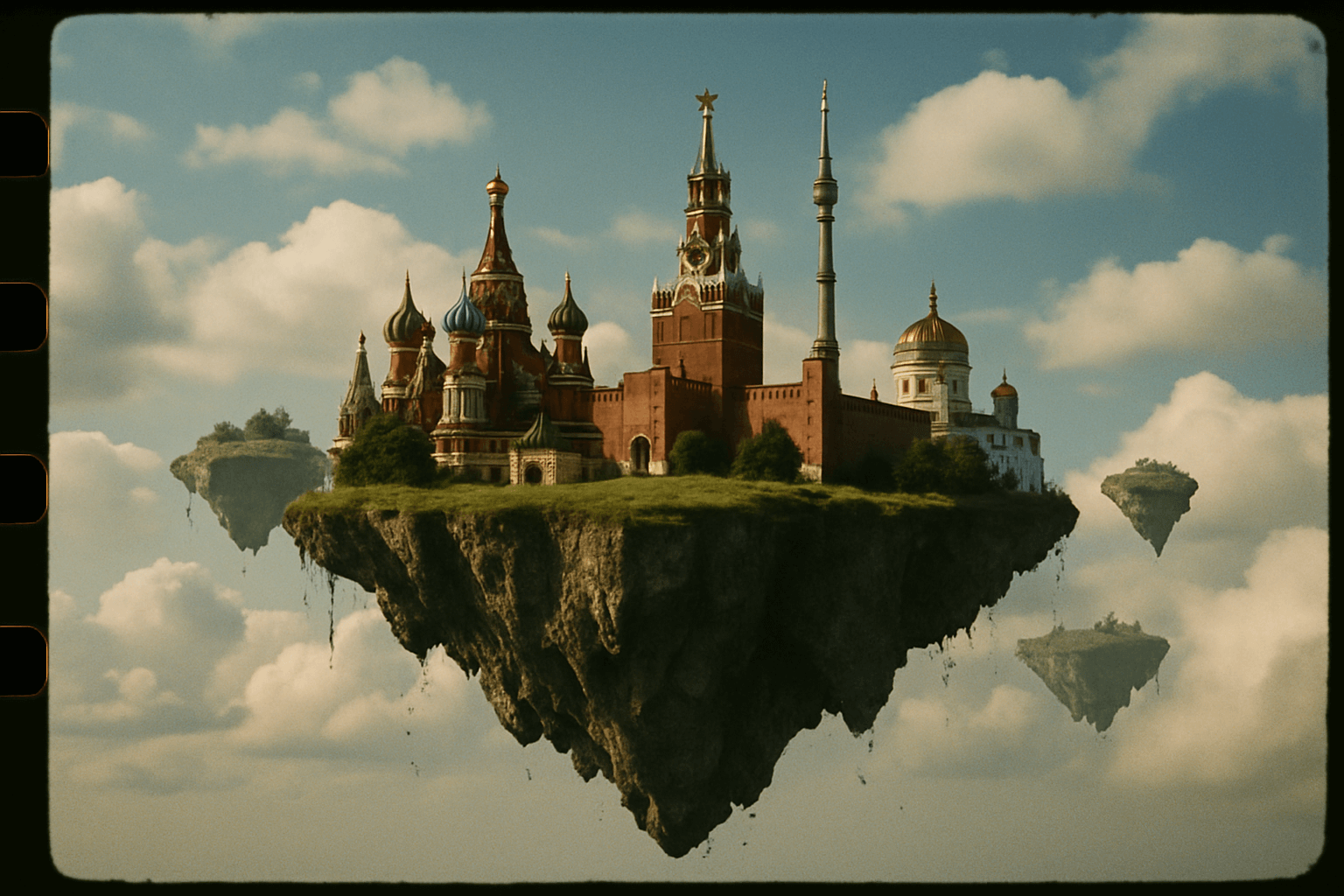
35mm Film Style Flying Island
35 mm photo of Moscow floating in the sky on a flying islands.
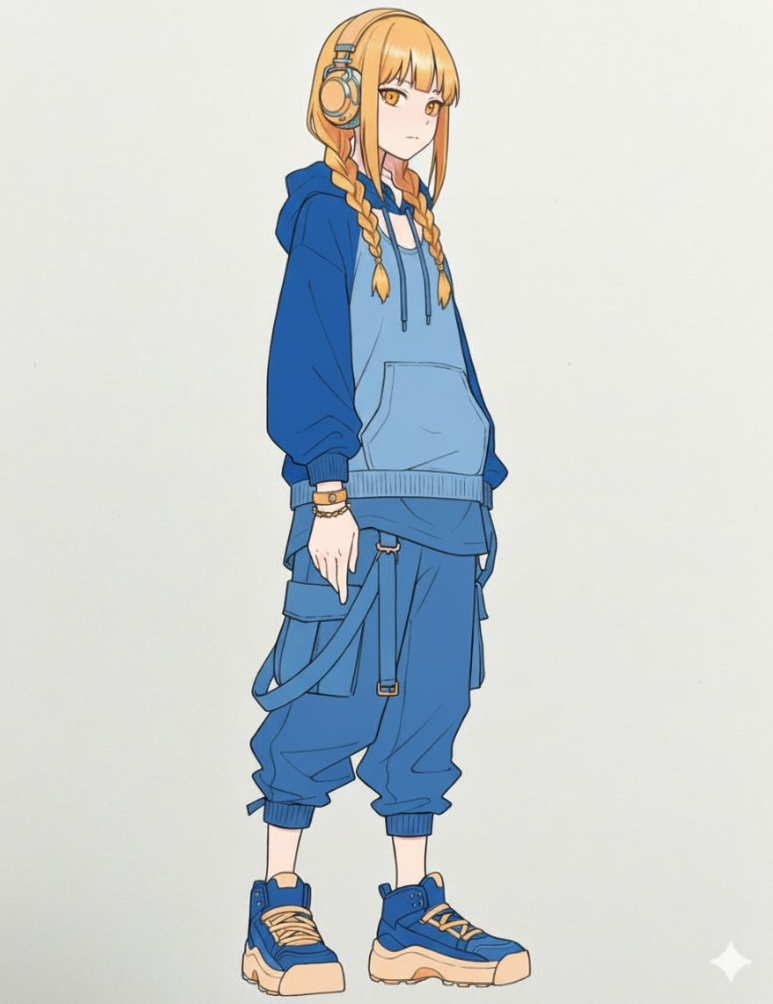
Color Line Art with Color Palette
Accurately use the color palette from Figure 2 to color the character in Figure 1
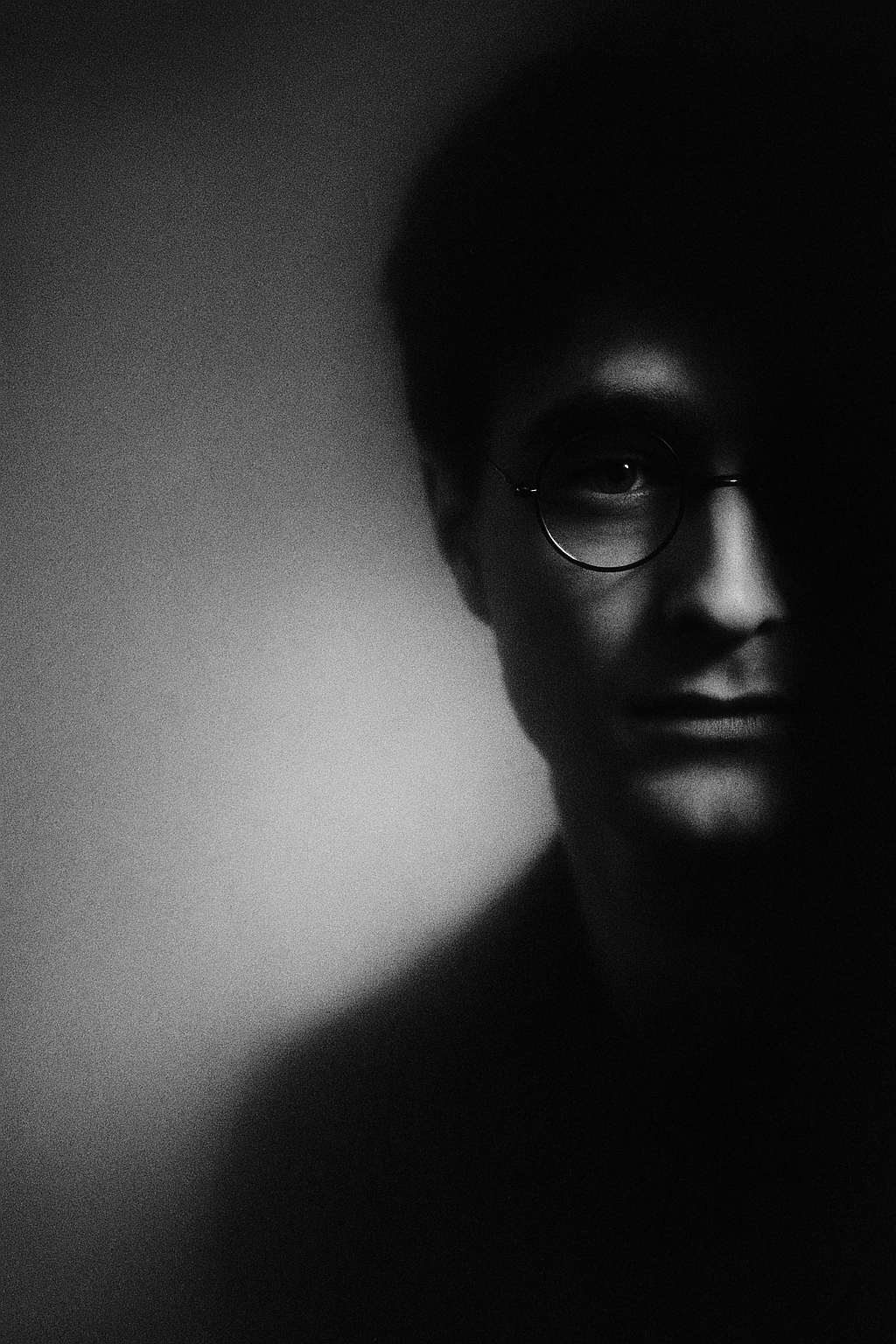
Black and White Portrait Art
A high-resolution black and white portrait artwork, in an editorial and fine art photography style. ...
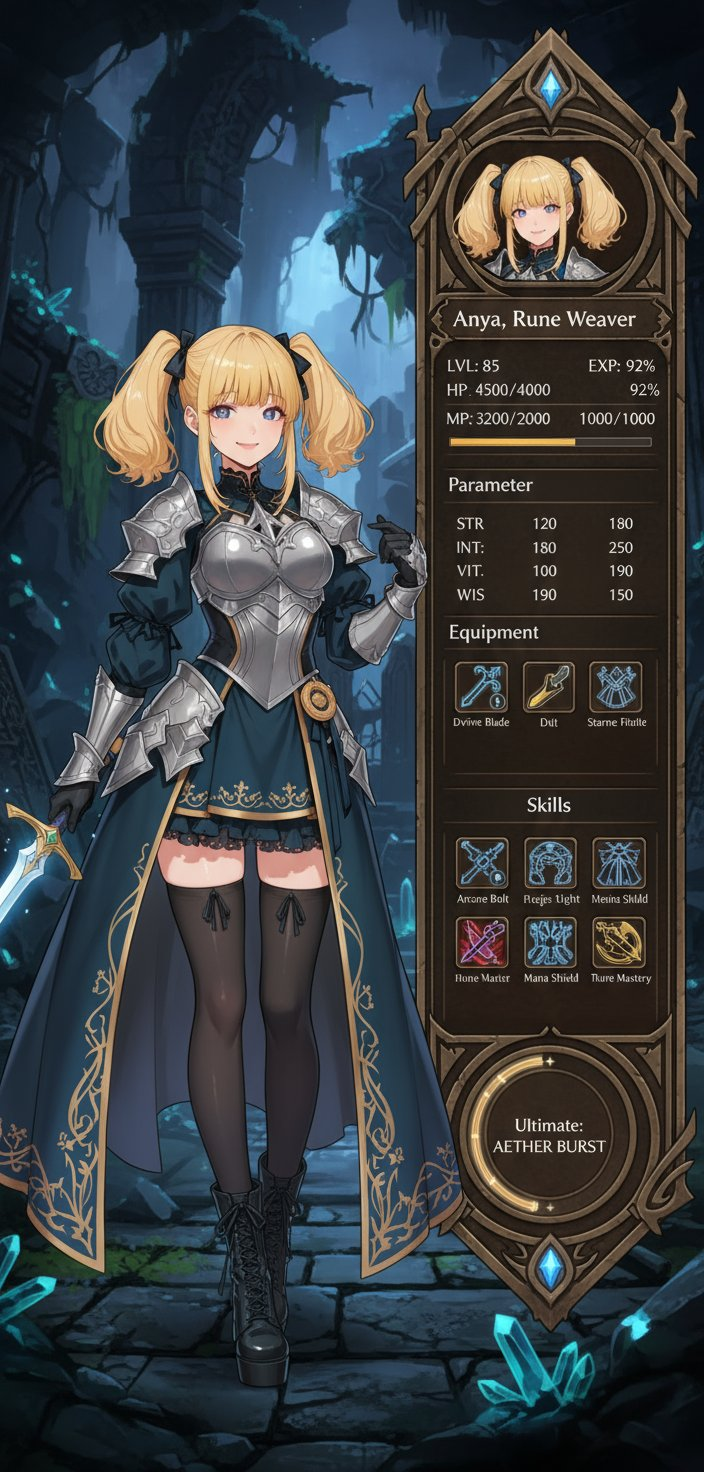
RPG Character Status UI
Use the character in the original image to create a character status screen for an RPG game. Keep th...
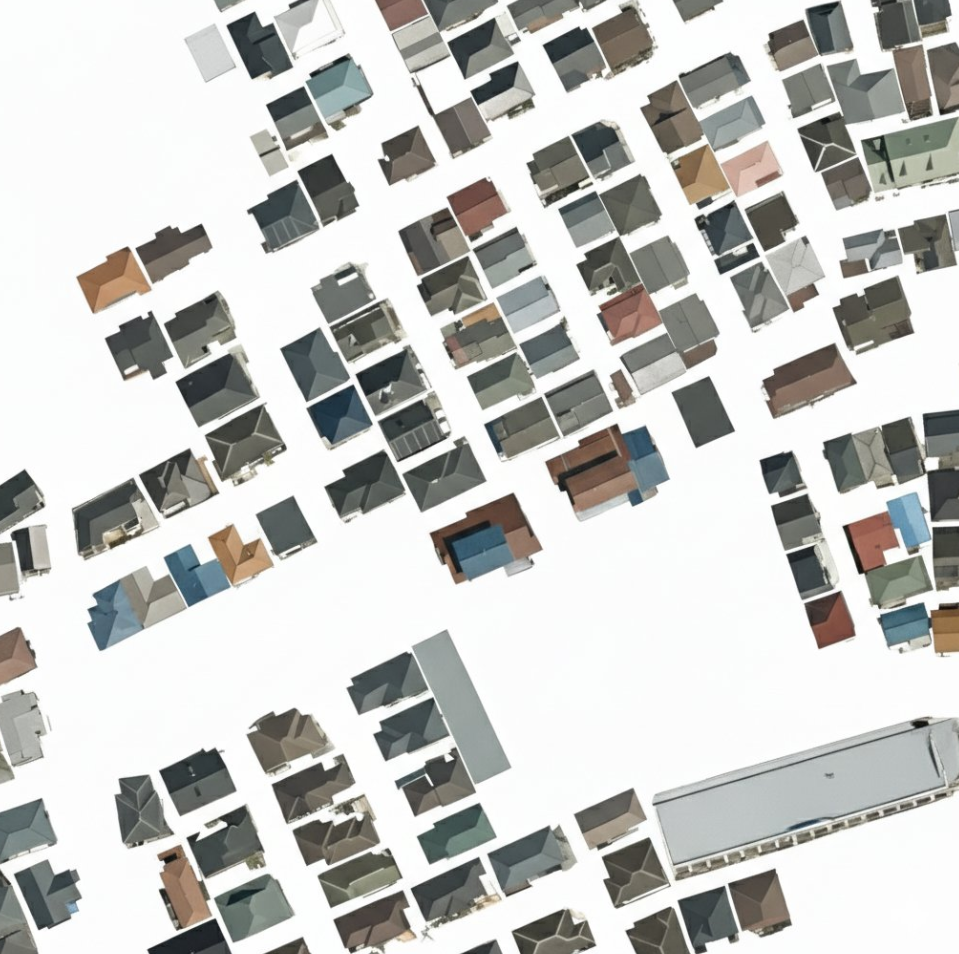
Building Extraction from Remote Sensing Image
Remove everything in the image except the buildings.
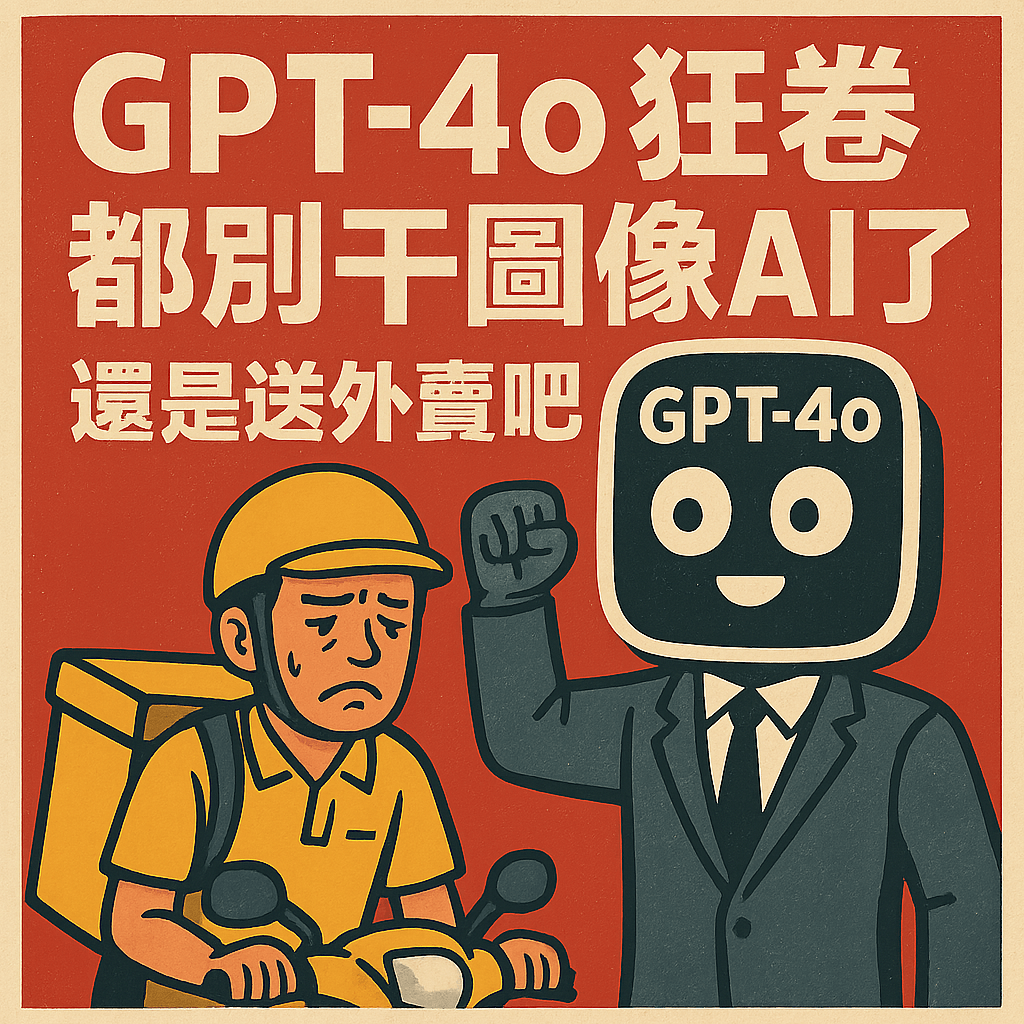
Satirical Poster Generation
Satirical Poster Text (English): GPT-4o is taking over. Forget working in image AI maybe it’s time t...
Why These Prompts?
Category Matching
These prompts share similar categories and themes with your current selection, ensuring thematic consistency and complementary creative directions for your AI image generation projects.
Technical Compatibility
All recommended prompts are tested and optimized for similar AI models and techniques, providing reliable results and consistent quality across your creative workflow.
Pro Tips for Using These Prompts
- •Combine elements from multiple prompts to create unique variations
- •Adjust style parameters based on your specific project requirements
- •Use these as starting points and add your own creative modifications