Overlay Filter/Material
42nano-banana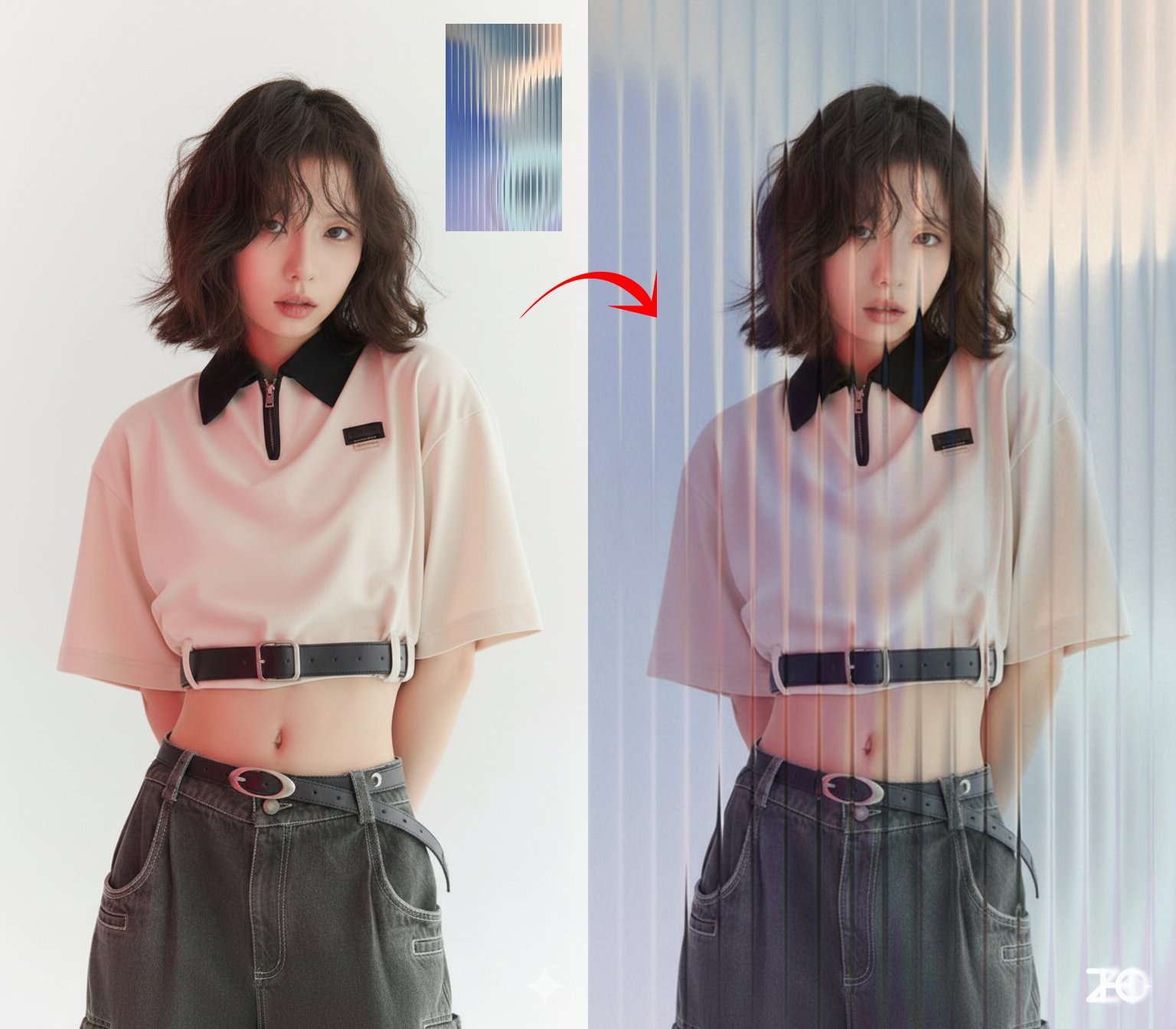
Prompt
Overlay the [glass] effect from Image 2 onto the photo in Image 1Requirements
Need to upload a reference image and a filter/material reference image
Author
Source Links
Notes
- •Change the text in [brackets] to the desired filter/material
Recommended Prompts
Discover more creative AI photo prompts that complement your current selection. These carefully curated prompts share similar themes, styles, or techniques that can help expand your creative possibilities and enhance your AI image generation workflow.
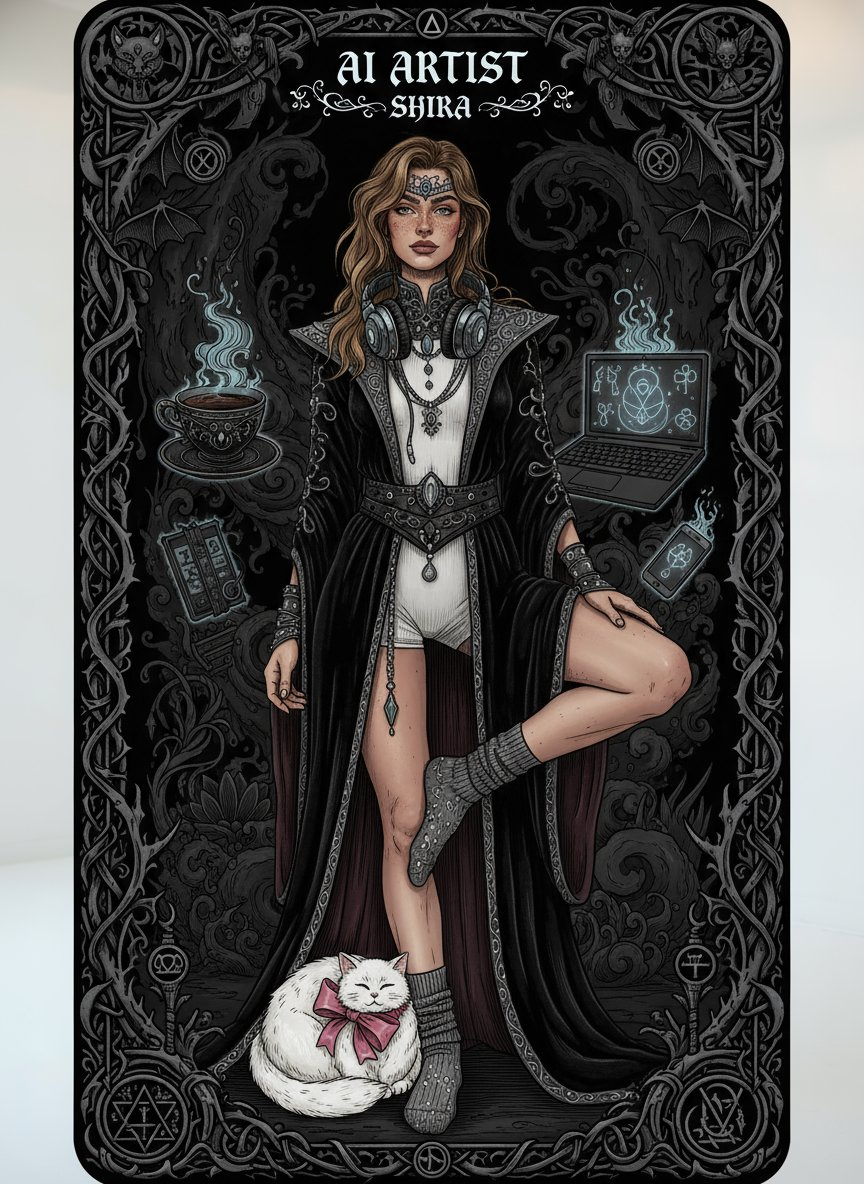
Dark Gothic Tarot Card
Generate a dark gothic tarot card featuring me from this image. Include [“AI Artist - Shira”] and [c...
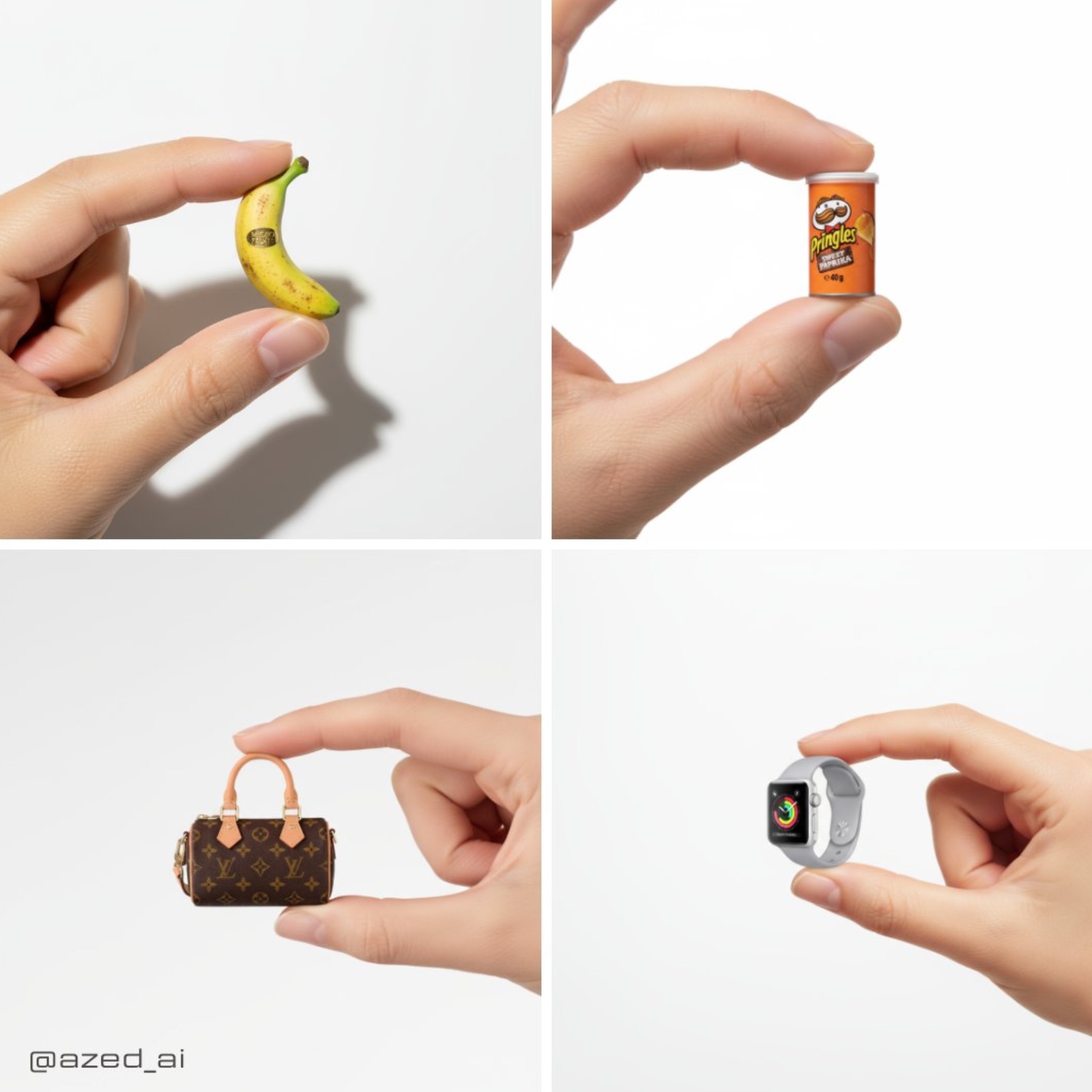
Delicate Cute Product Photo
A high-resolution advertising photograph of a realistic, miniature [PRODUCT] held delicately between...
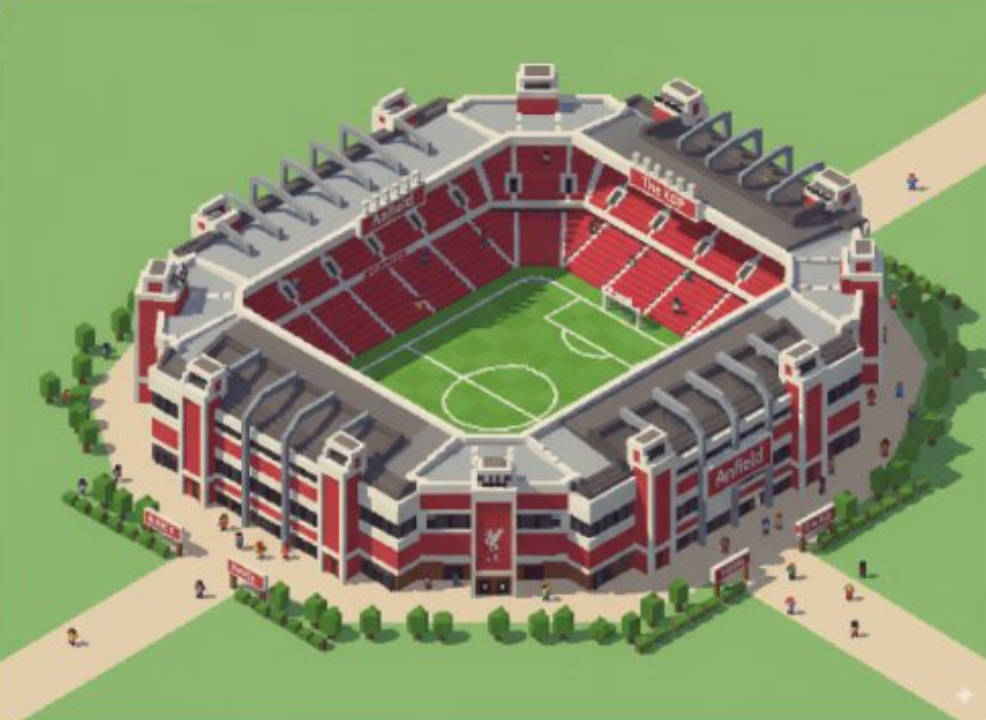
Map to Isometric Buildings
Take this location and make the landmark an isometric image (building only), in the stvle of the gam...
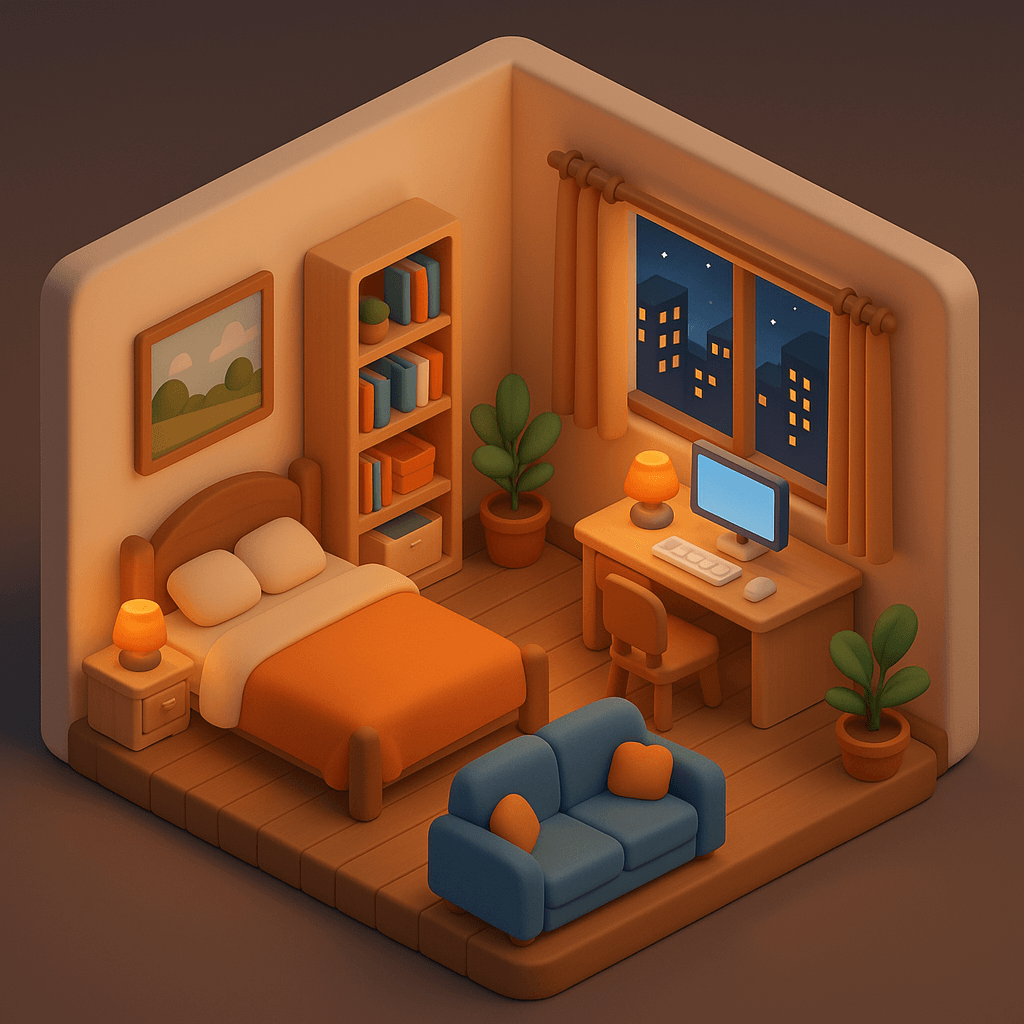
Personalized Room Design
Design a cozy bedroom in a cute 3D style with C4D-quality rendering, presented in an isometric view....
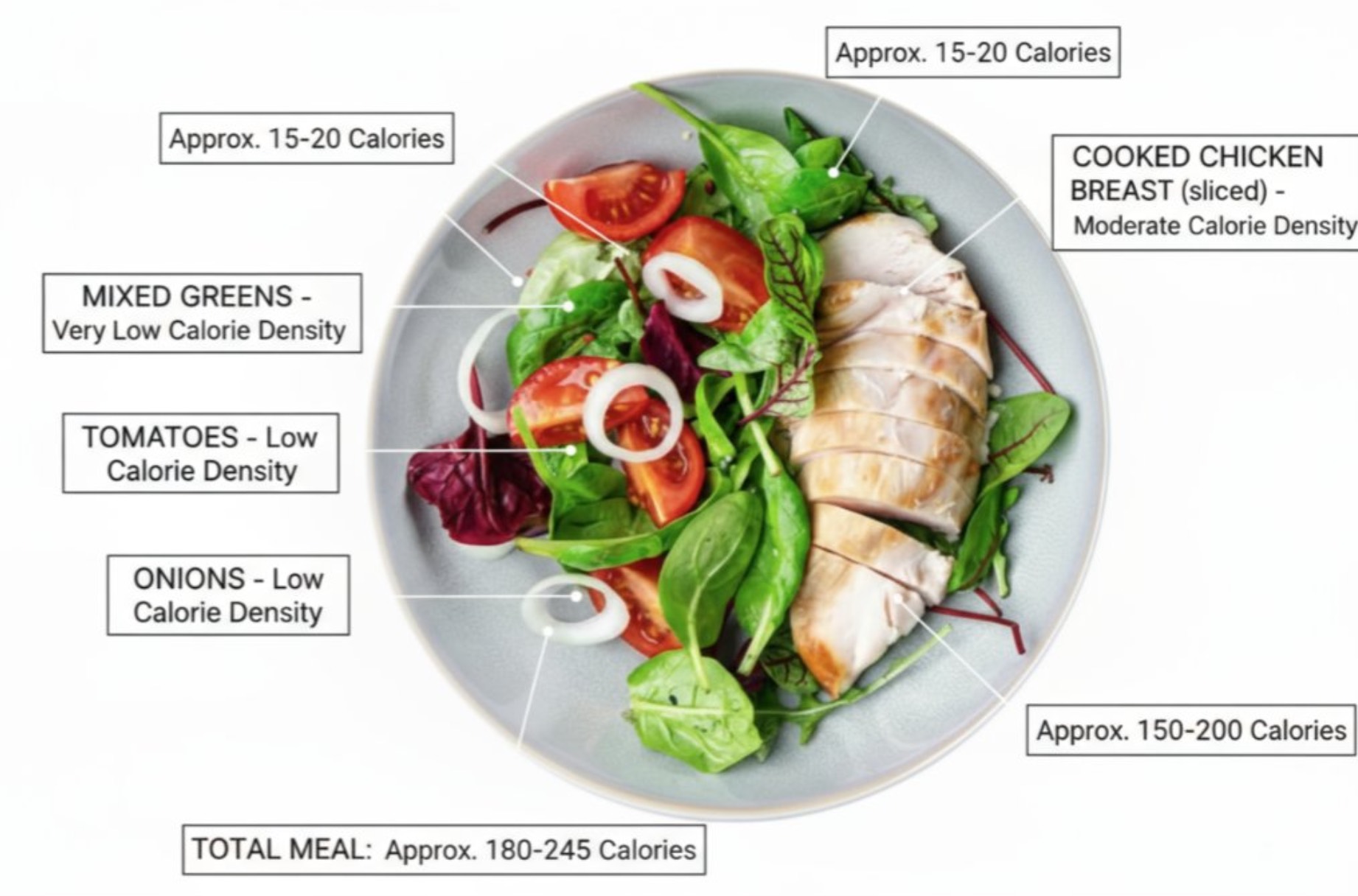
Food Calorie Annotation
annotate this meal with names of food and calorie density and approximate calories
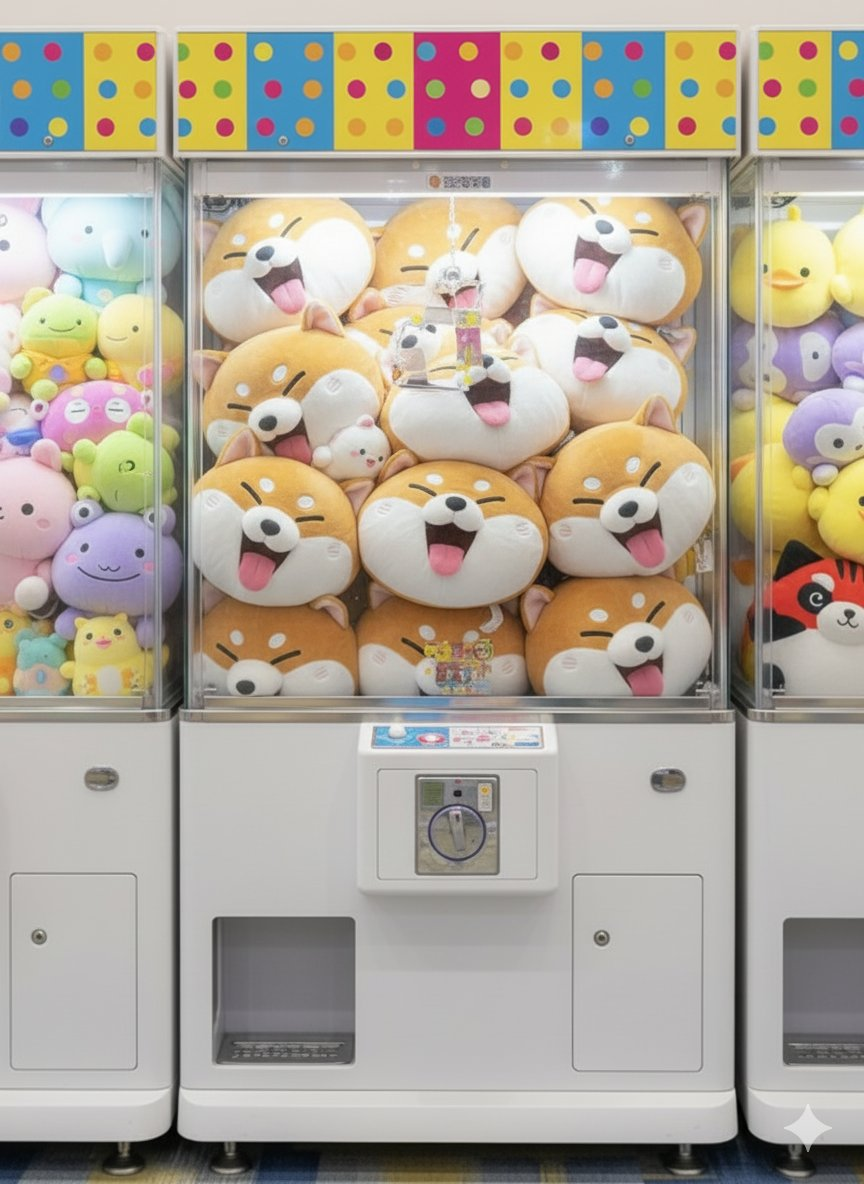
Custom Claw Machine
Generate an image showing this animal as a simplified and deformed as an anime-like plush toy (made ...
Why These Prompts?
Category Matching
These prompts share similar categories and themes with your current selection, ensuring thematic consistency and complementary creative directions for your AI image generation projects.
Technical Compatibility
All recommended prompts are tested and optimized for similar AI models and techniques, providing reliable results and consistent quality across your creative workflow.
Pro Tips for Using These Prompts
- •Combine elements from multiple prompts to create unique variations
- •Adjust style parameters based on your specific project requirements
- •Use these as starting points and add your own creative modifications