Add Watermark to Image
27nano-banana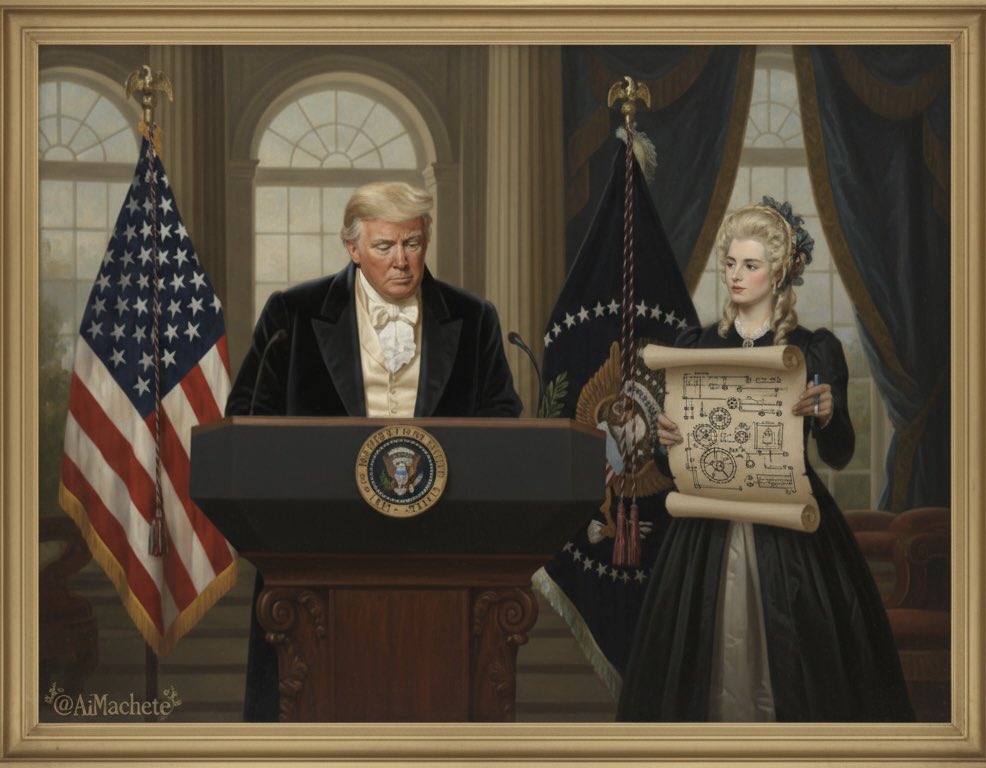
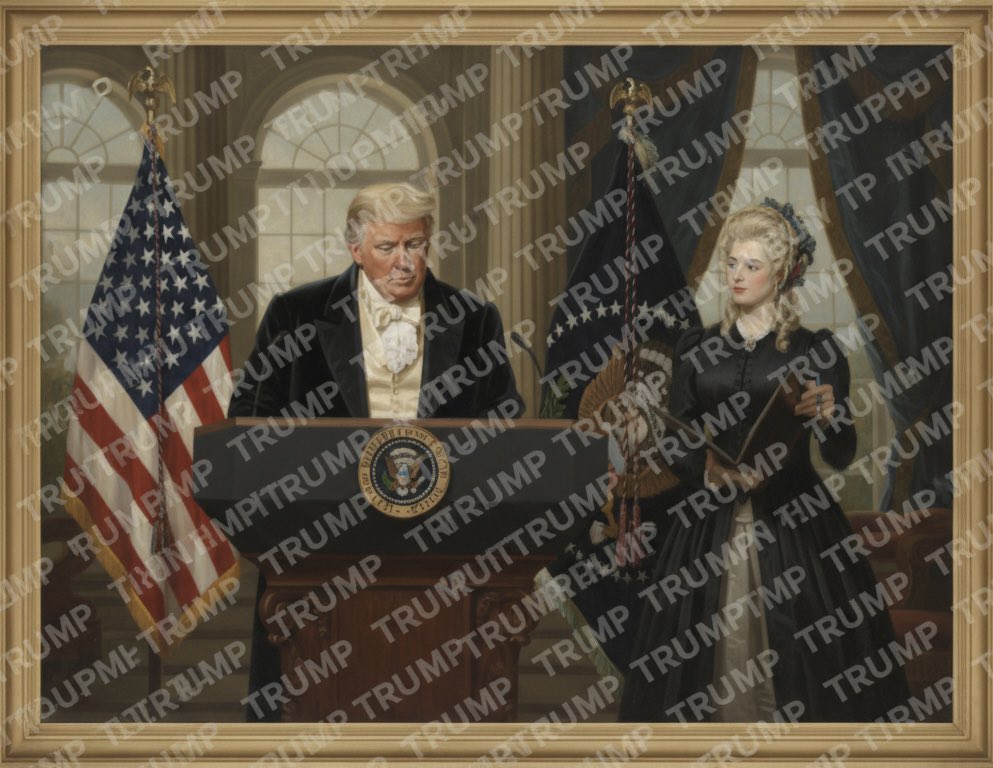
Prompt
Watermark the word ‘TRUMP’ over and over again across the whole image.Requirements
Need to upload a reference image
Author
Source Links
Recommended Prompts
Discover more creative AI photo prompts that complement your current selection. These carefully curated prompts share similar themes, styles, or techniques that can help expand your creative possibilities and enhance your AI image generation workflow.

Code Style Business Card
A close-up shot of a hand holding a business card designed to look like a JSON file opened in VS Cod...
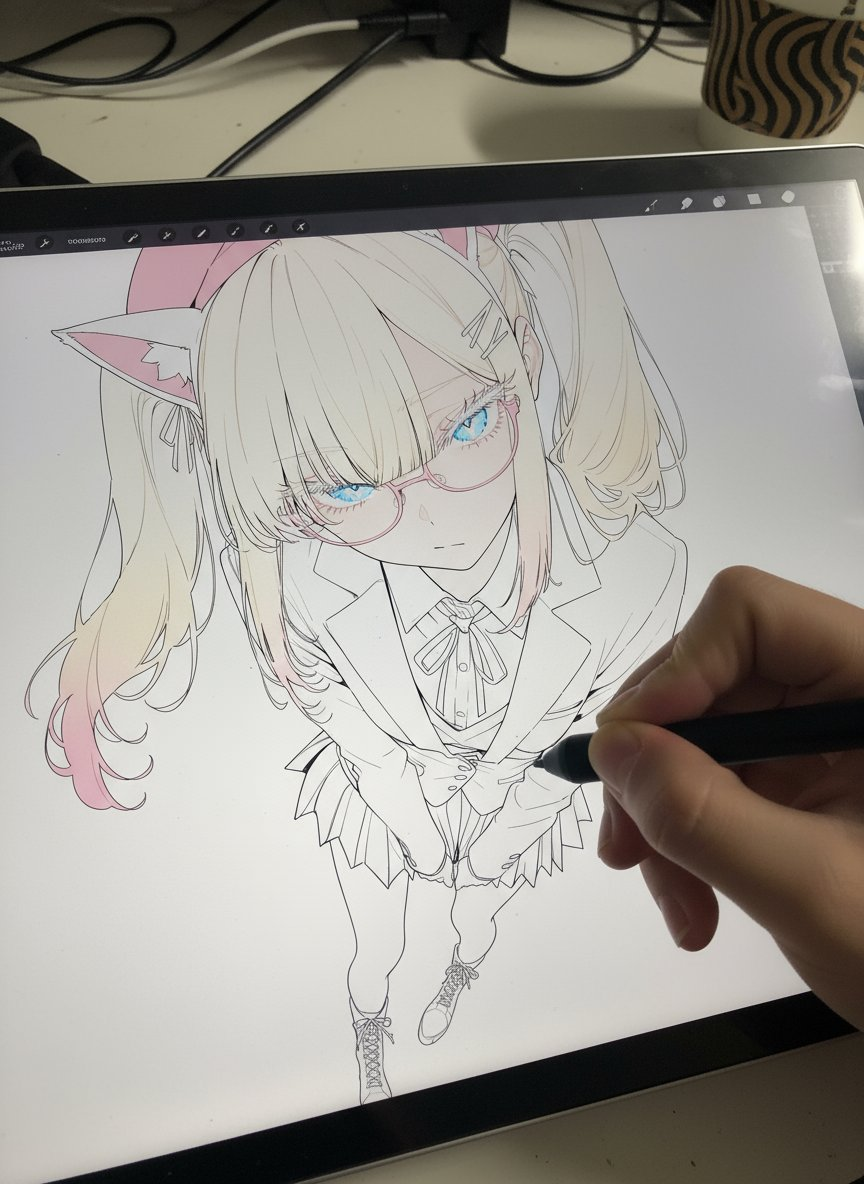
Drawing on a Pen Display
Photorealistic pen tablet screen. Realistic first-person hand holding the pen tablet and pen. The or...
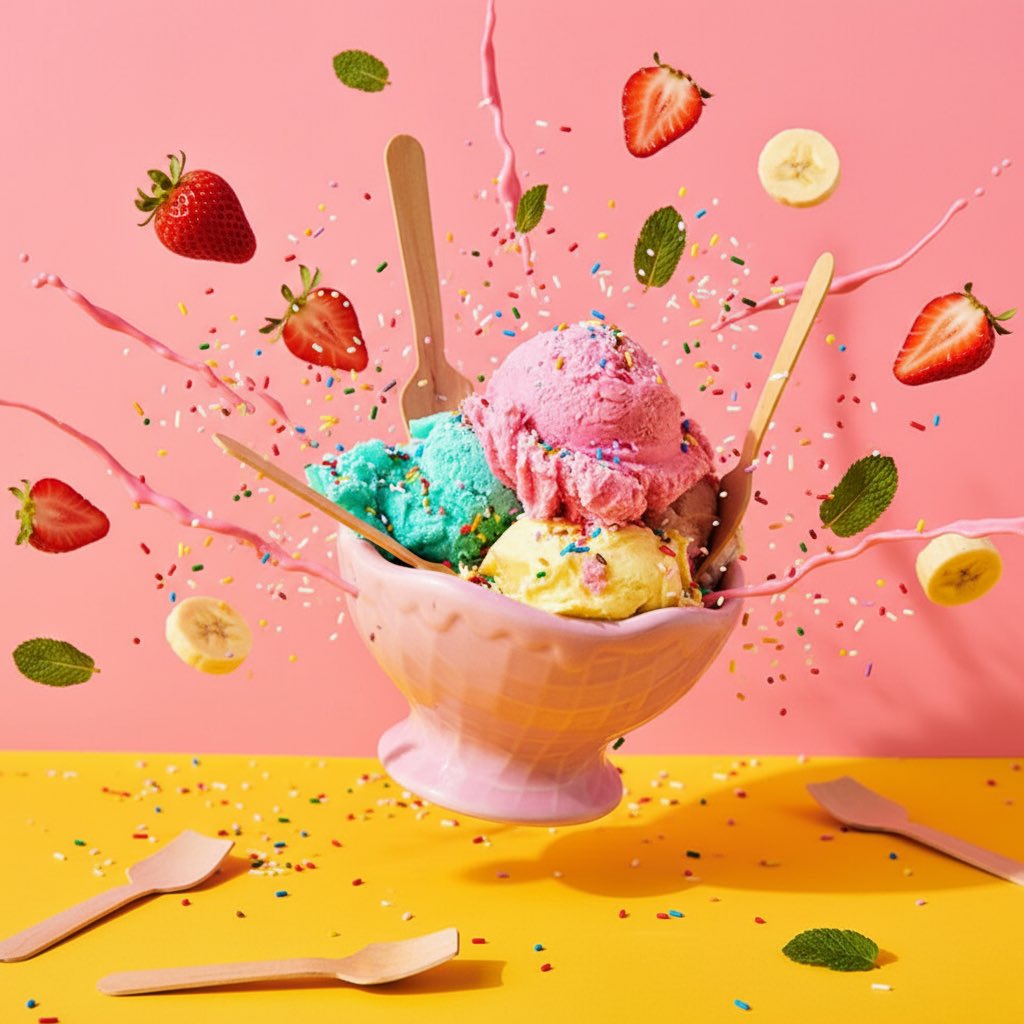
Explosive Food
Photograph this product in a dramatic modern scene accompanied by explosive outward dynamic arrangem...
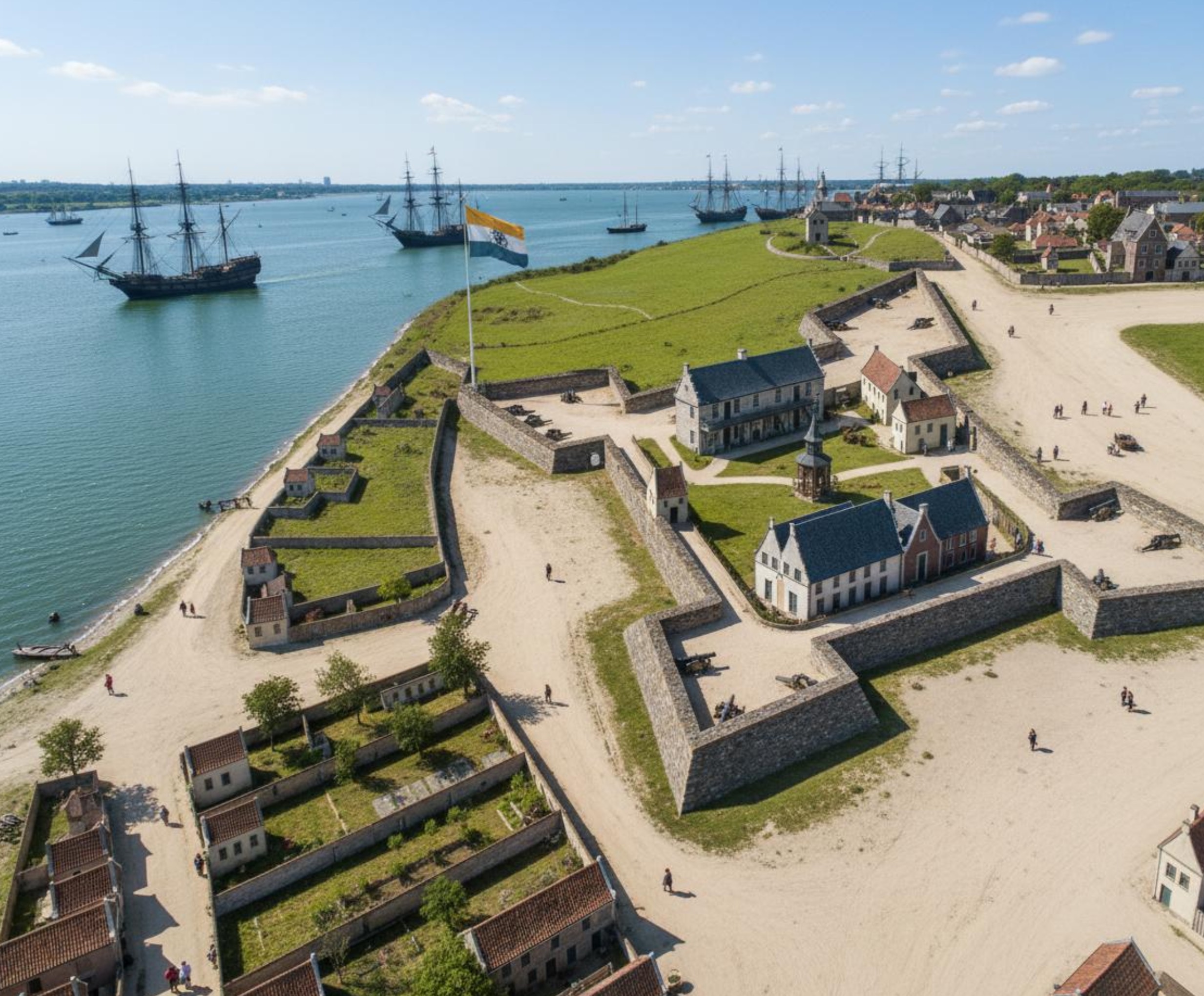
Ancient Map → Historical Scene Photo
full colour photograph. New Amsterdam in 1660. make sure it's full modern colors as if it's a photog...

Flat Sticker Design
Turn this photo into a chibi-style sticker illustration in a minimalist flat design. – Keep the char...
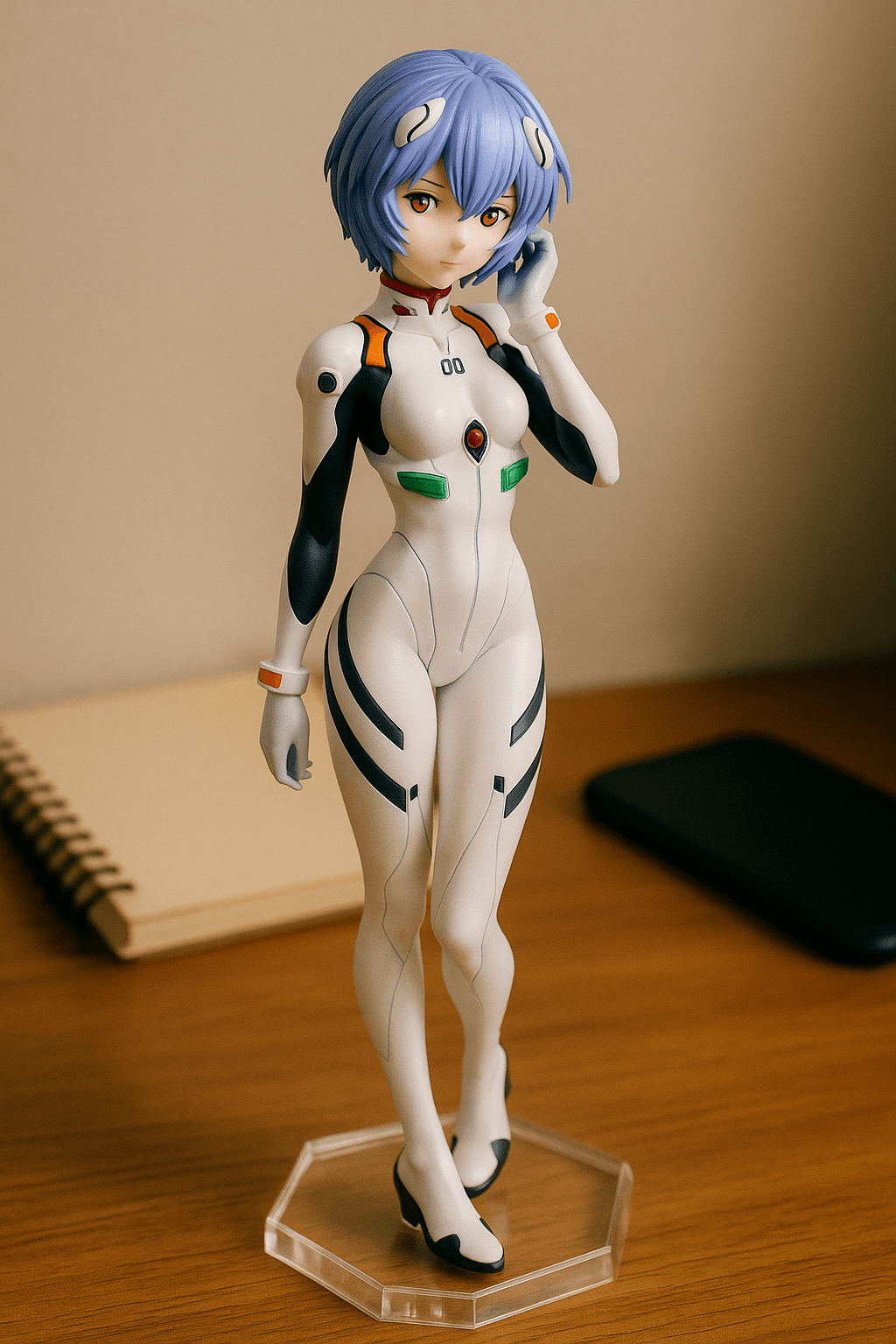
Custom Anime Figure
Generate an anime-style figure photo placed on a desktop, presented from a casual, everyday snapshot...
Why These Prompts?
Category Matching
These prompts share similar categories and themes with your current selection, ensuring thematic consistency and complementary creative directions for your AI image generation projects.
Technical Compatibility
All recommended prompts are tested and optimized for similar AI models and techniques, providing reliable results and consistent quality across your creative workflow.
Pro Tips for Using These Prompts
- •Combine elements from multiple prompts to create unique variations
- •Adjust style parameters based on your specific project requirements
- •Use these as starting points and add your own creative modifications