Remove Burger Ingredients
73nano-banana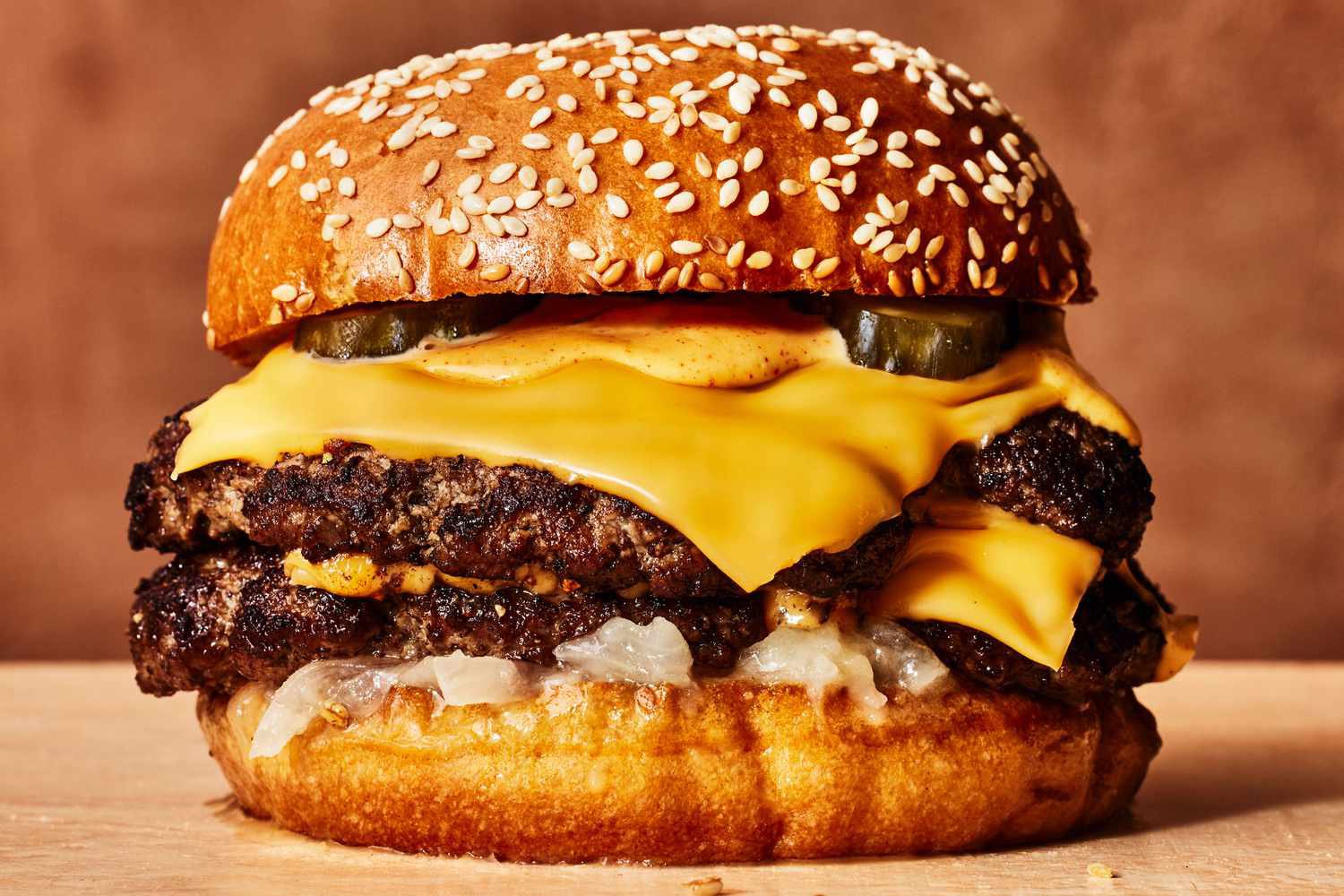
Prompt
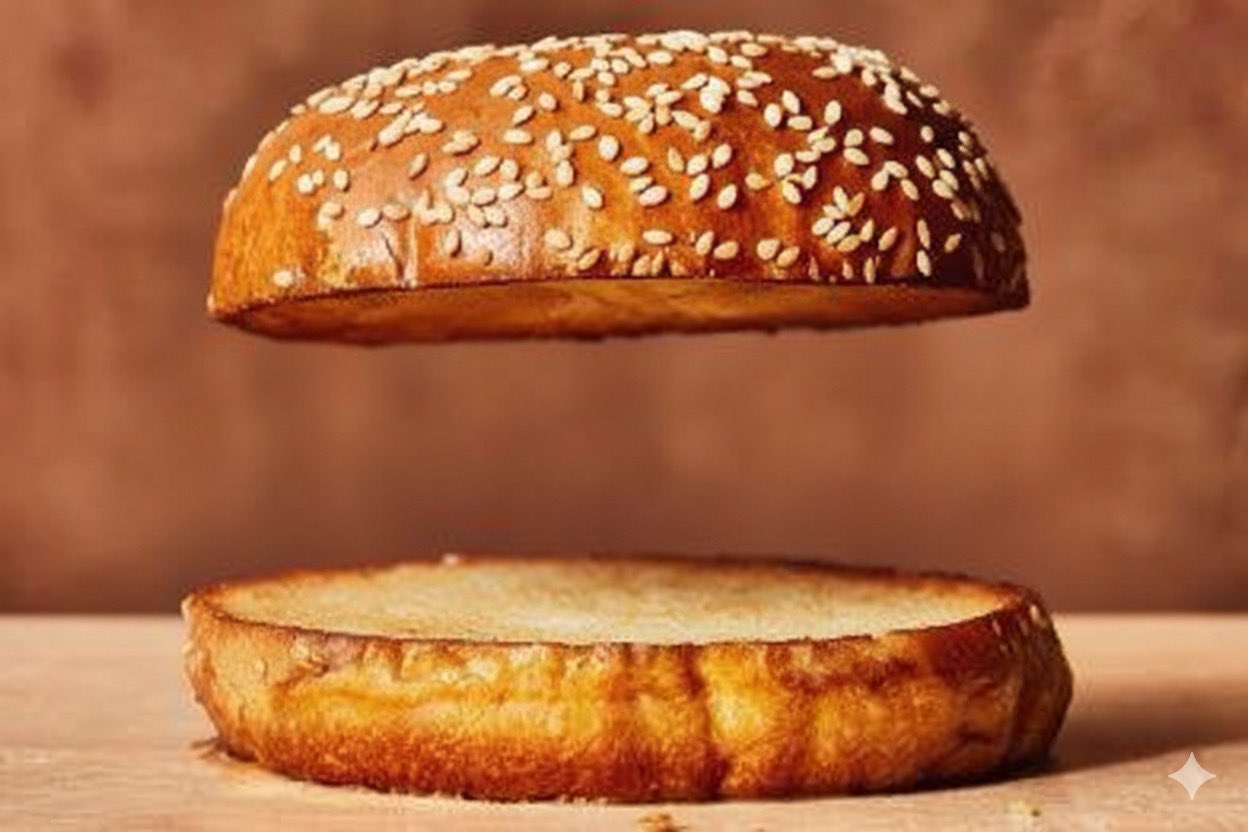
Remove all the ingredients from the burger and keep only the top and bottom buns. Leave a gap between them, keeping the same spacing as if the fillings were still inside.Requirements
An image of a burger must be uploaded.
Author
Recommended Prompts
Discover more creative AI photo prompts that complement your current selection. These carefully curated prompts share similar themes, styles, or techniques that can help expand your creative possibilities and enhance your AI image generation workflow.
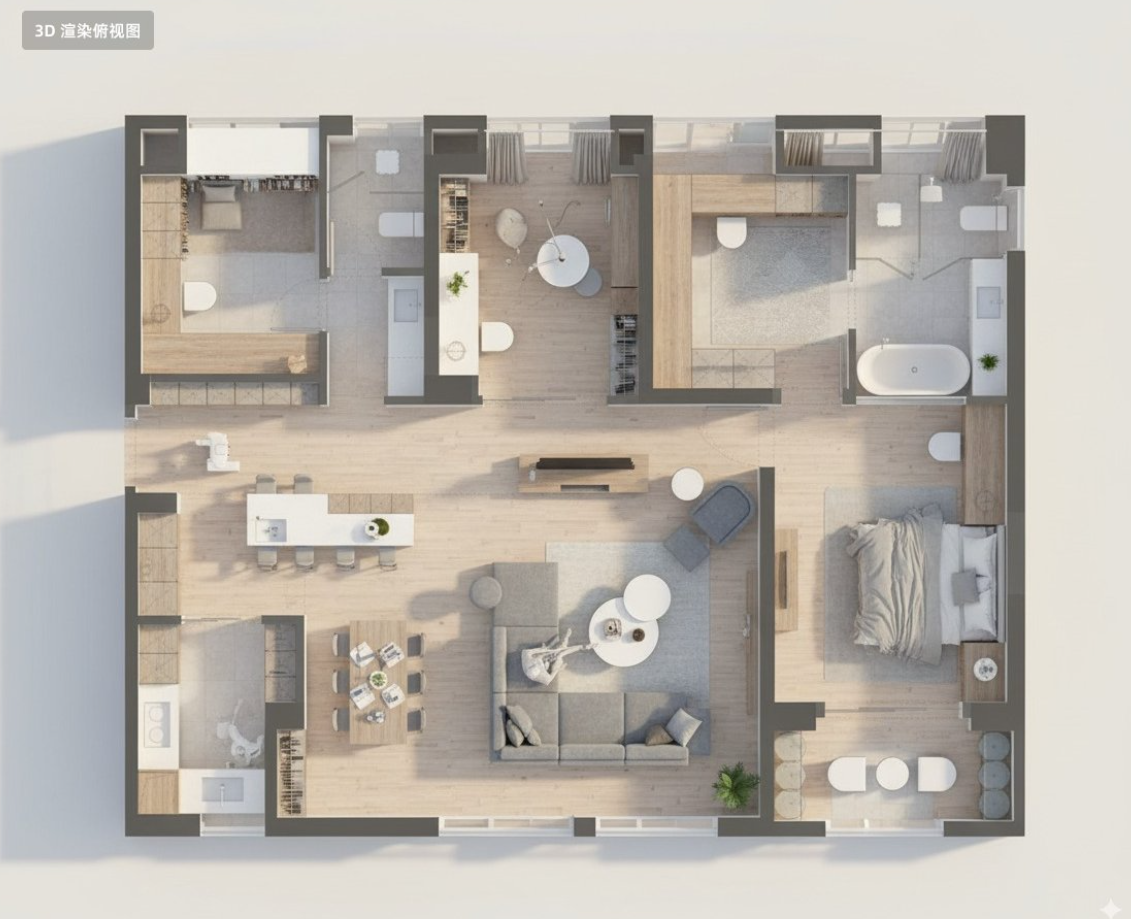
Floor Plan 3D Render
Convert this residential floor plan into an isometric, photo-realistic 3D rendering of the house.
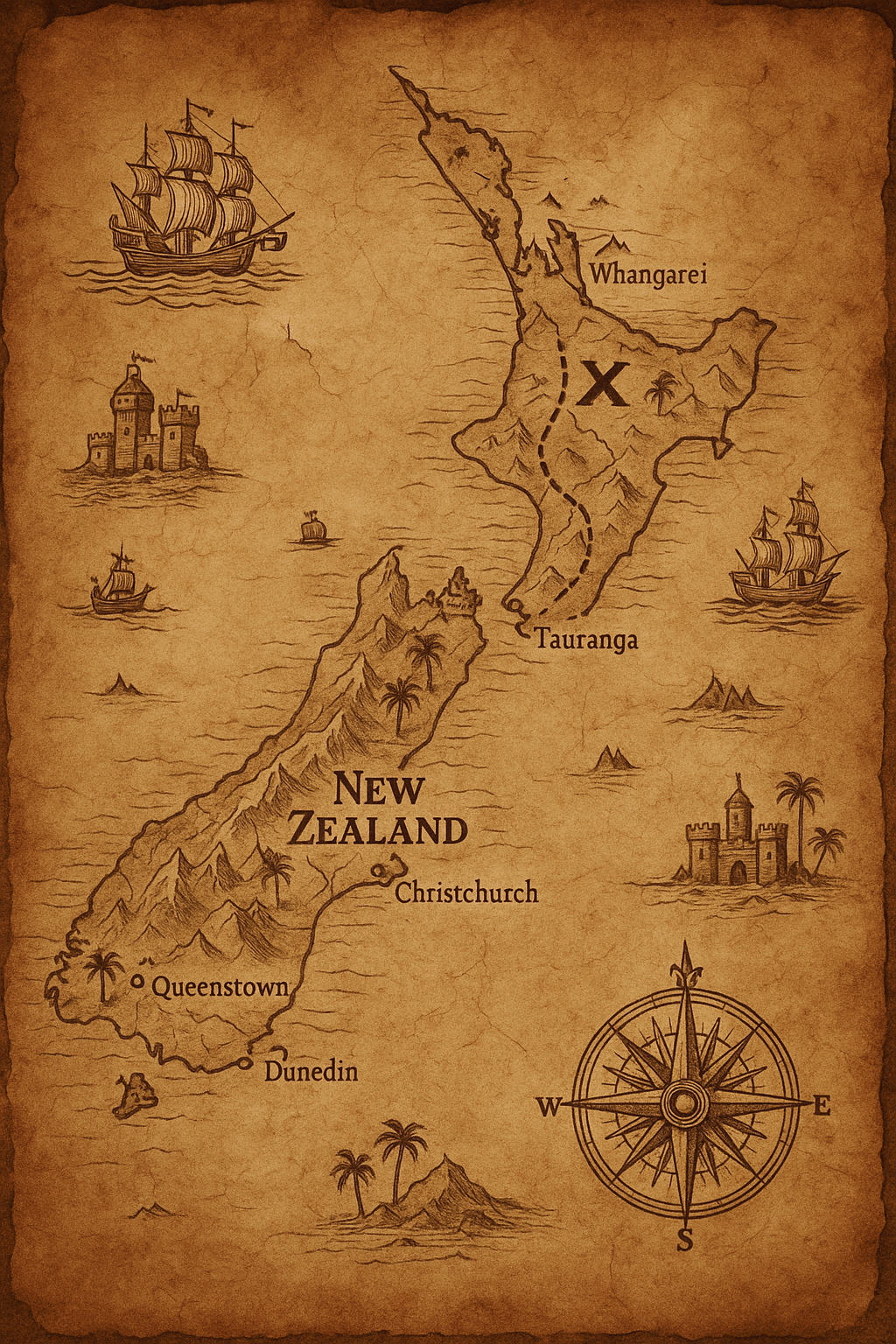
Google Maps to Ancient Treasure Map
Transform the image to an ancient treasure map drawn on aged parchment. The map includes detailed el...
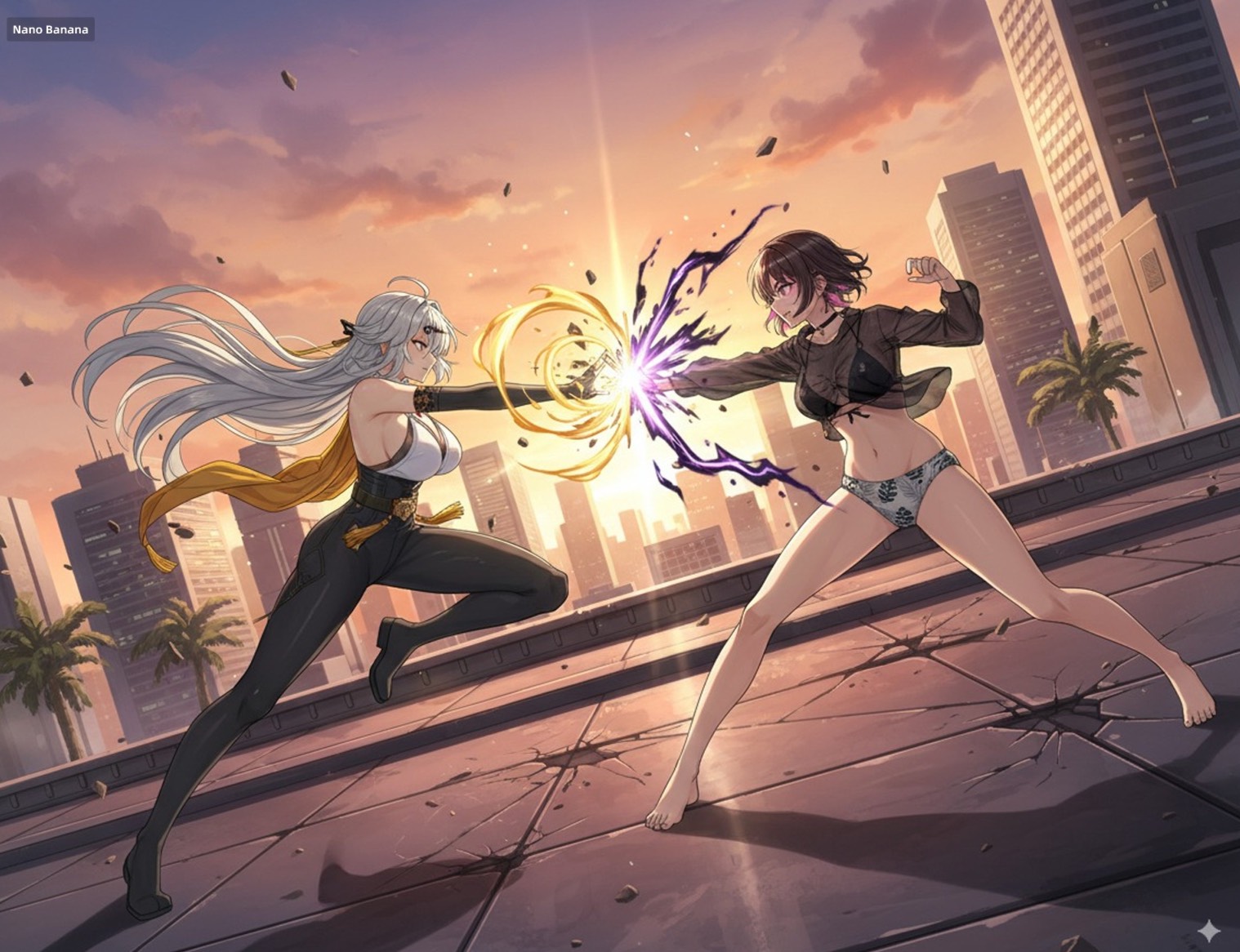
Hand Drawing Controls Multi-Character Poses
Have these two characters fight using the pose from Figure 3. Add appropriate visual backgrounds and...
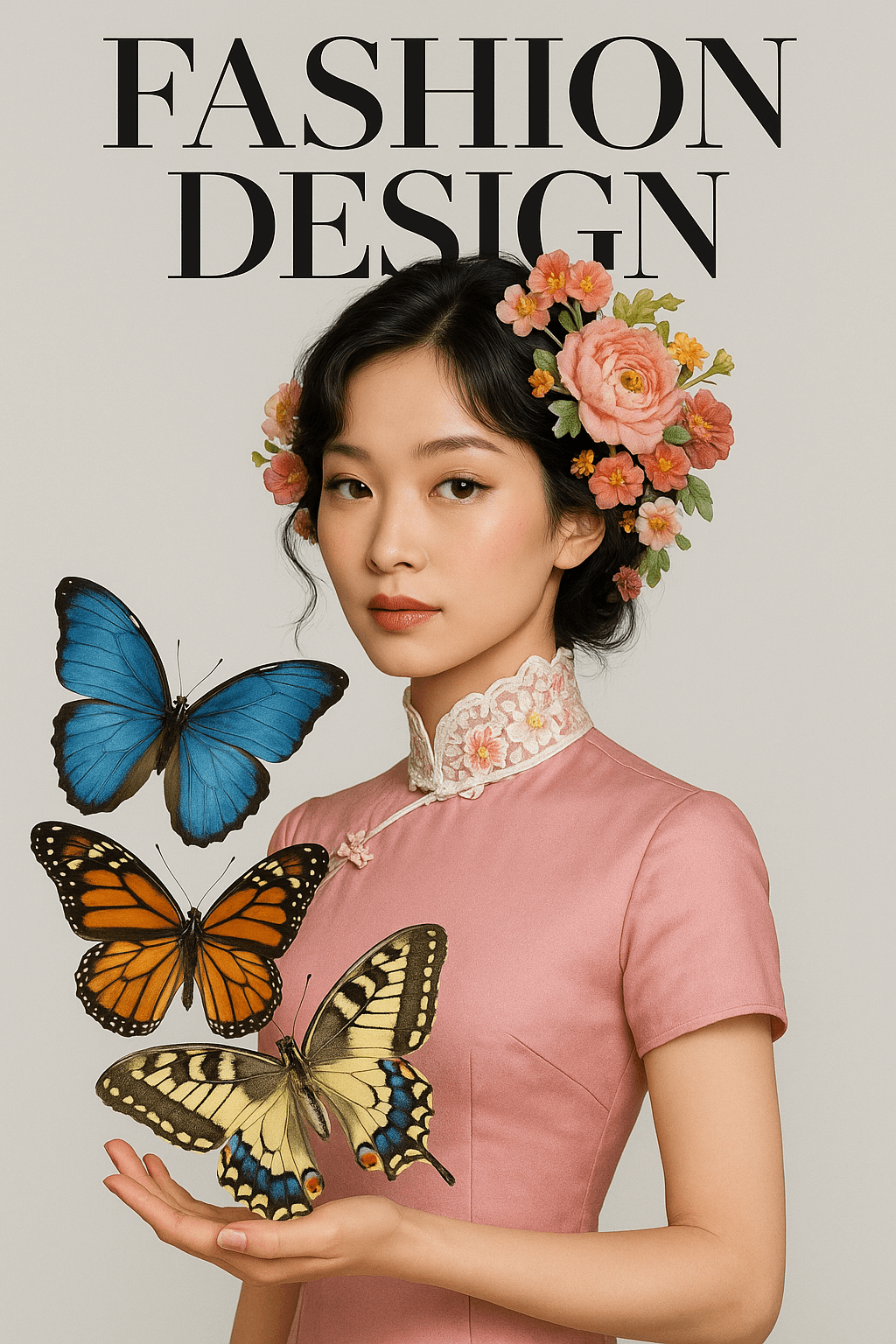
Fashion Magazine Cover Style
A beautiful woman wearing a pink qipao, adorned with delicate floral accessories on her head and col...
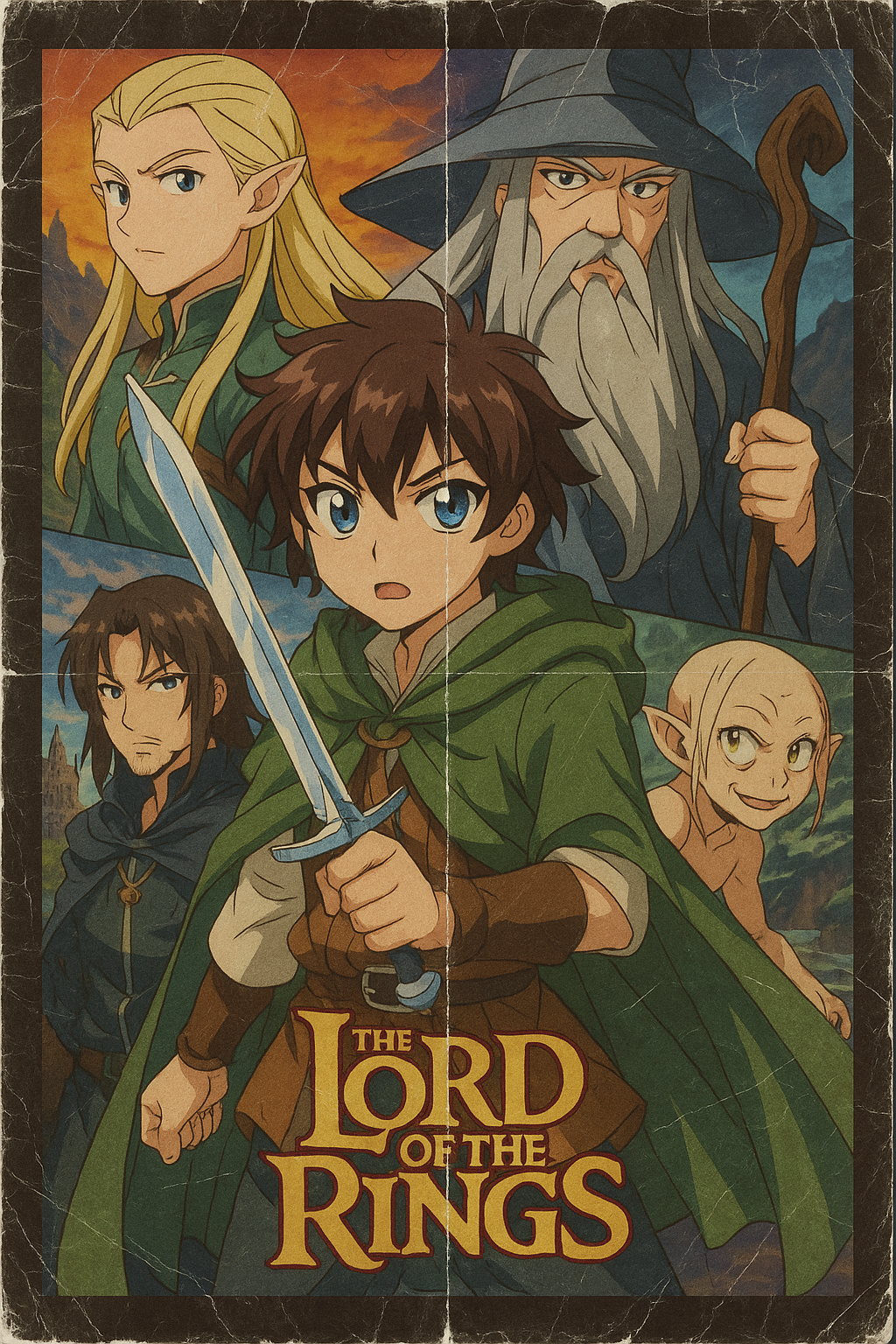
Nostalgic Anime Film Poster
{The Lord of the Rings} anime film poster, the anime is in the style of High School DXD. Visible eve...
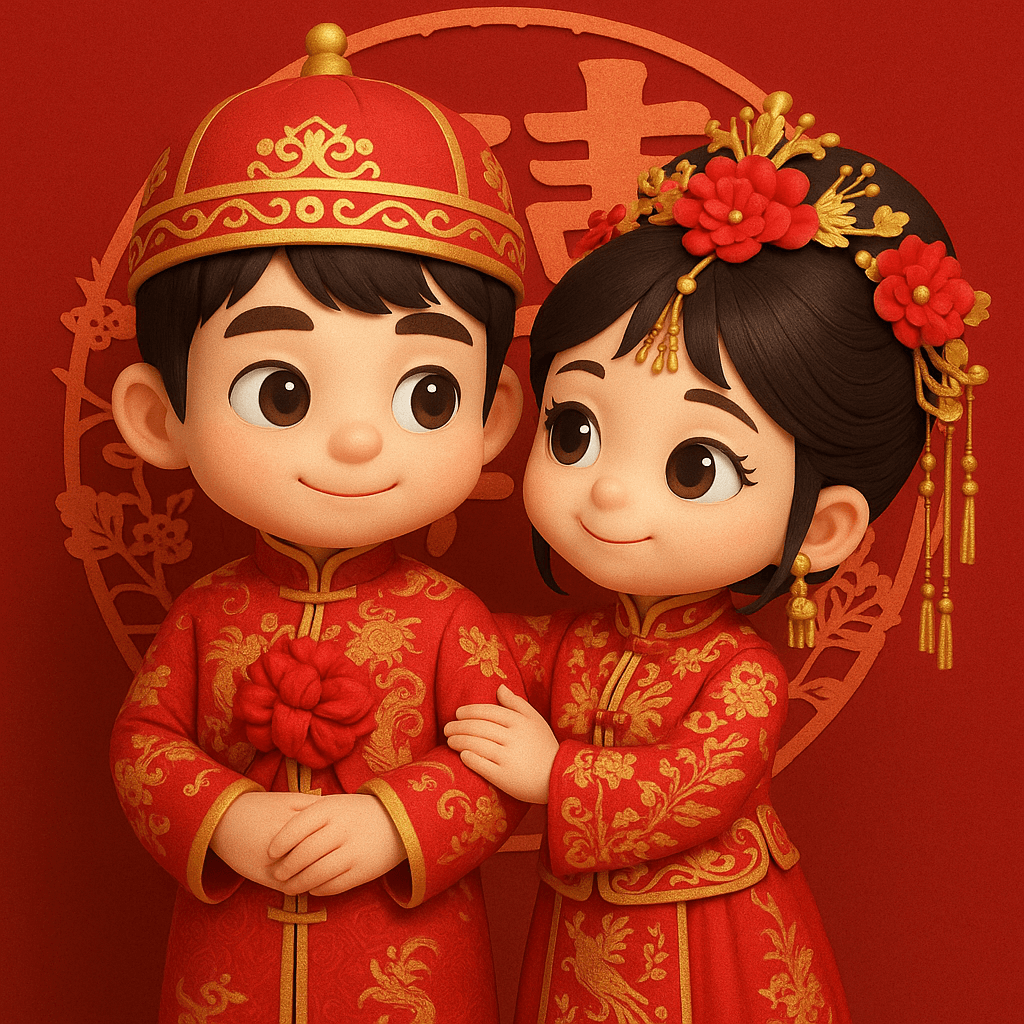
3D Chibi Chinese Wedding Scene
Transform the two people in the photo into chibi-style 3D cartoon characters, dressed in traditional...
Why These Prompts?
Category Matching
These prompts share similar categories and themes with your current selection, ensuring thematic consistency and complementary creative directions for your AI image generation projects.
Technical Compatibility
All recommended prompts are tested and optimized for similar AI models and techniques, providing reliable results and consistent quality across your creative workflow.
Pro Tips for Using These Prompts
- •Combine elements from multiple prompts to create unique variations
- •Adjust style parameters based on your specific project requirements
- •Use these as starting points and add your own creative modifications