Apply Material Sphere to Logo
60nano-banana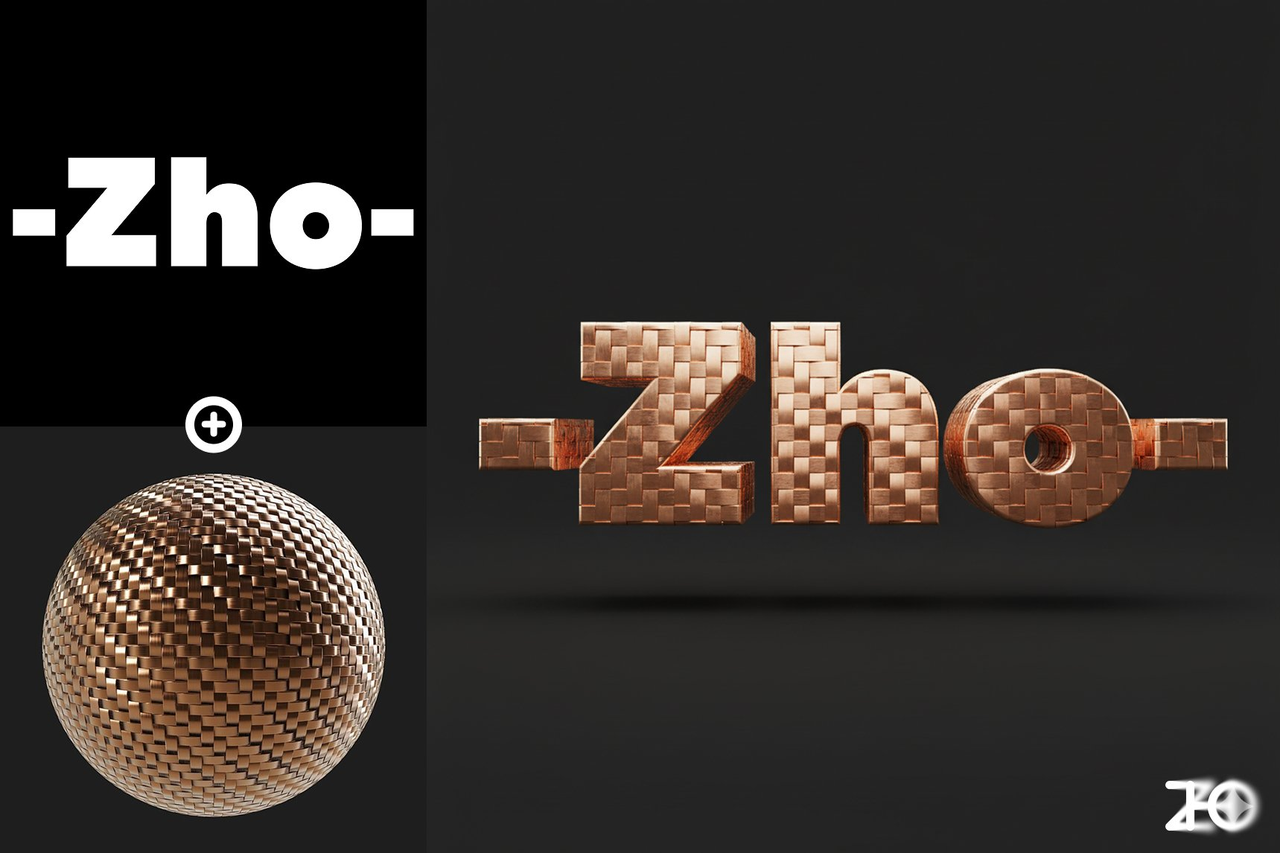
Prompt
Apply the material from Image 2 to the logo in Image 1, present it as a 3D object, render in a C4D-like style, with a solid-color background.Requirements
Need to upload a reference image and a material-sphere image
Author
Source Links
Recommended Prompts
Discover more creative AI photo prompts that complement your current selection. These carefully curated prompts share similar themes, styles, or techniques that can help expand your creative possibilities and enhance your AI image generation workflow.
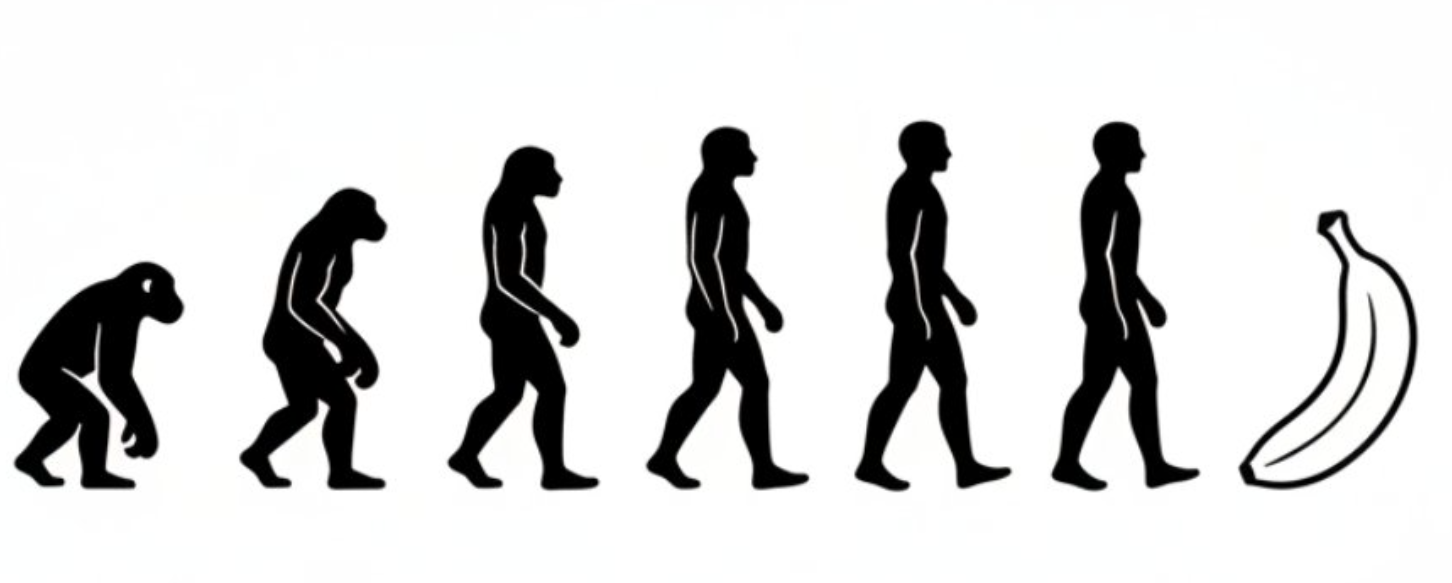
Black and White Evolution Chart
Generate an evolutionary progression chart in a minimalist black-and-white style, showing the evolu...
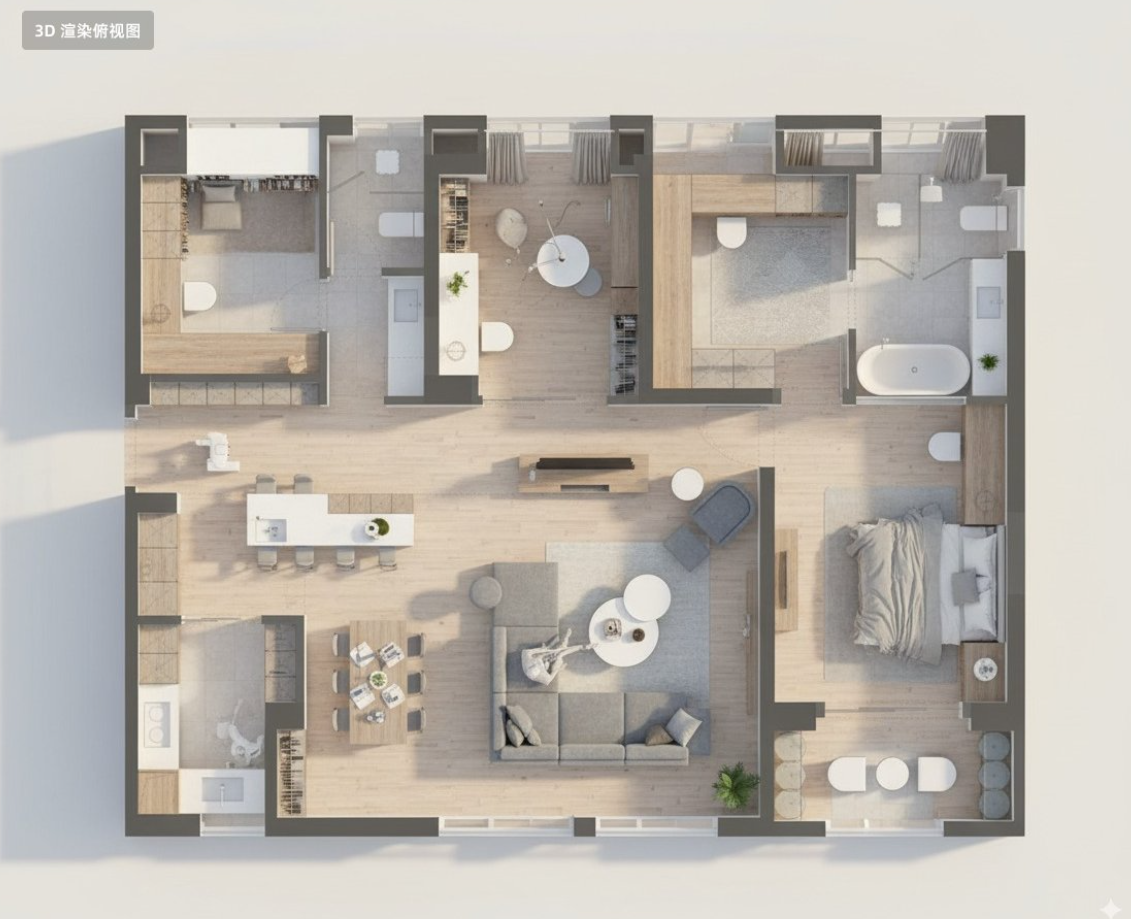
Floor Plan 3D Render
Convert this residential floor plan into an isometric, photo-realistic 3D rendering of the house.
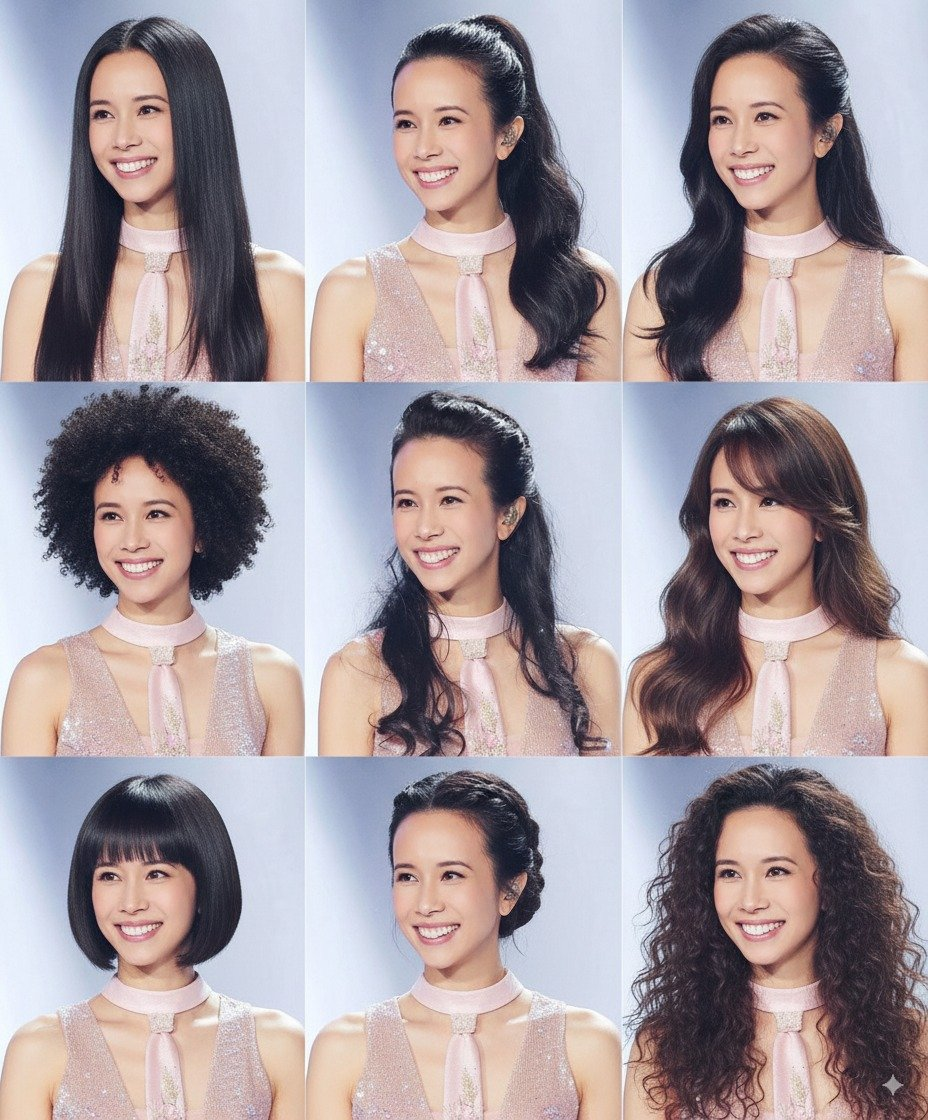
Change Multiple Hairstyles
Generate avatars of this person with different hairstyles in a 3x3 grid format
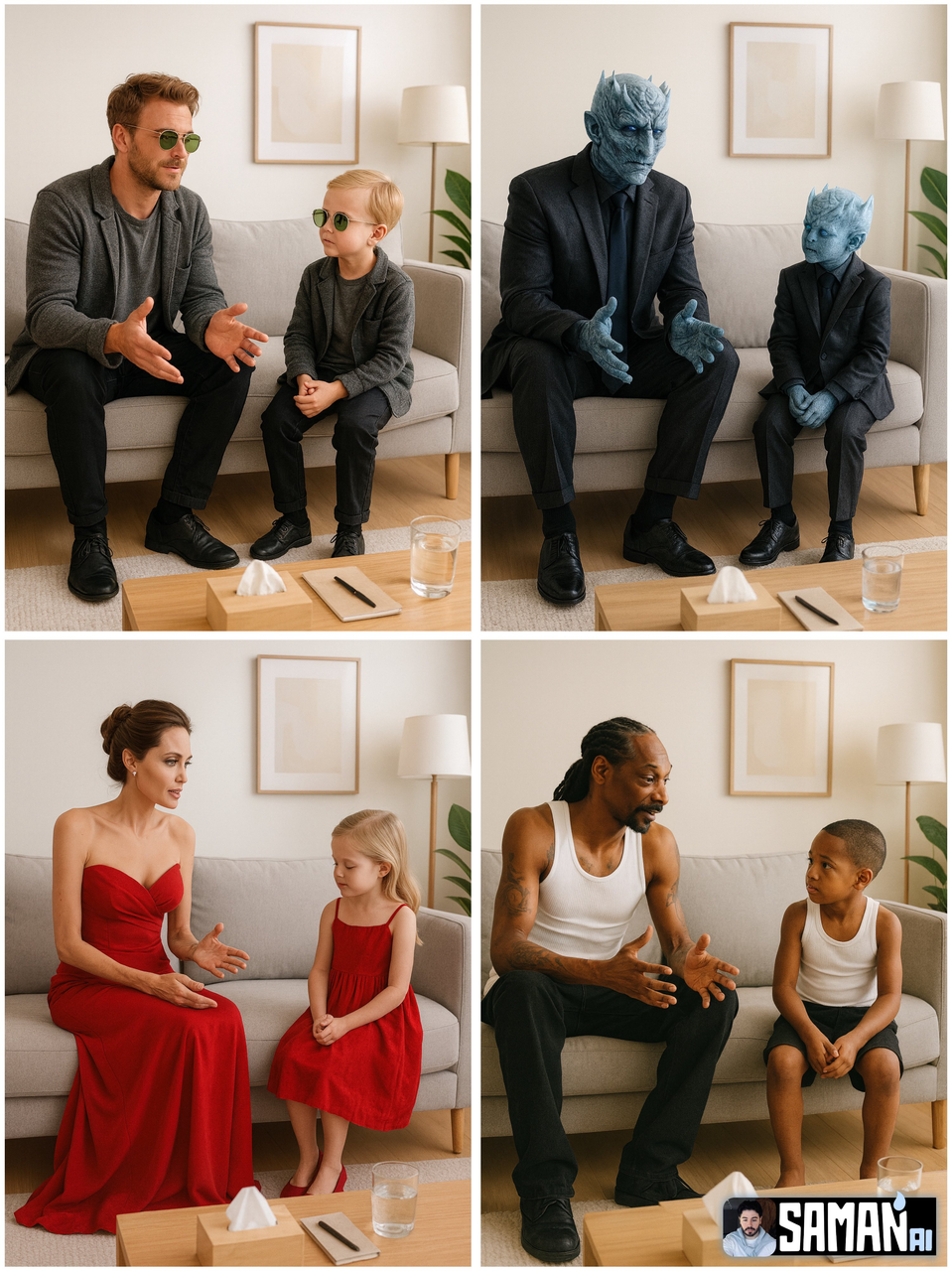
Therapy for Childhood Self
Photorealistic minimalist therapy room; light walls, grey sofa, wooden coffee table with a tissue bo...
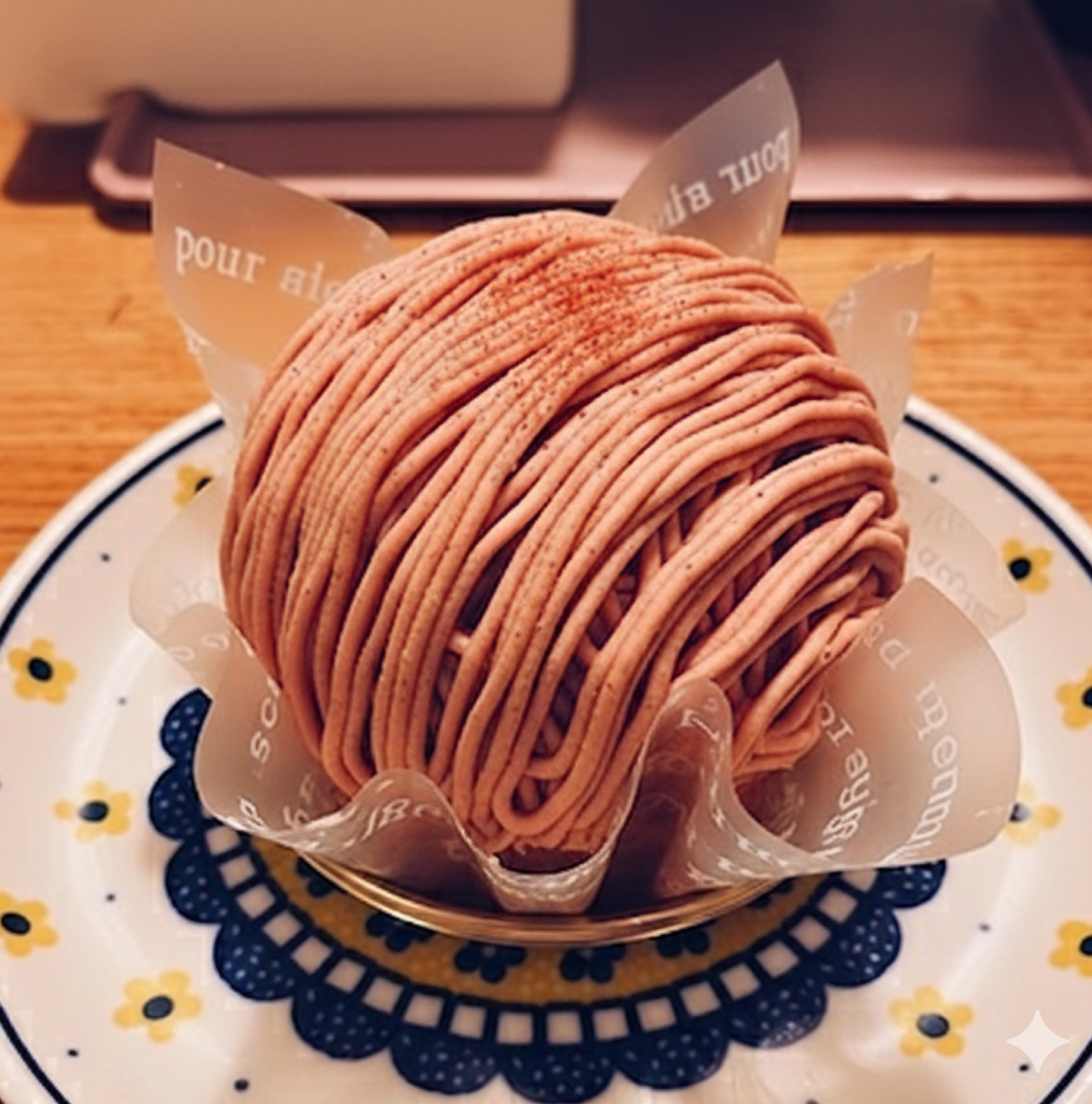
Restore Partially Eaten Food
Restore this half-eaten [XX] back to its original uneaten state.
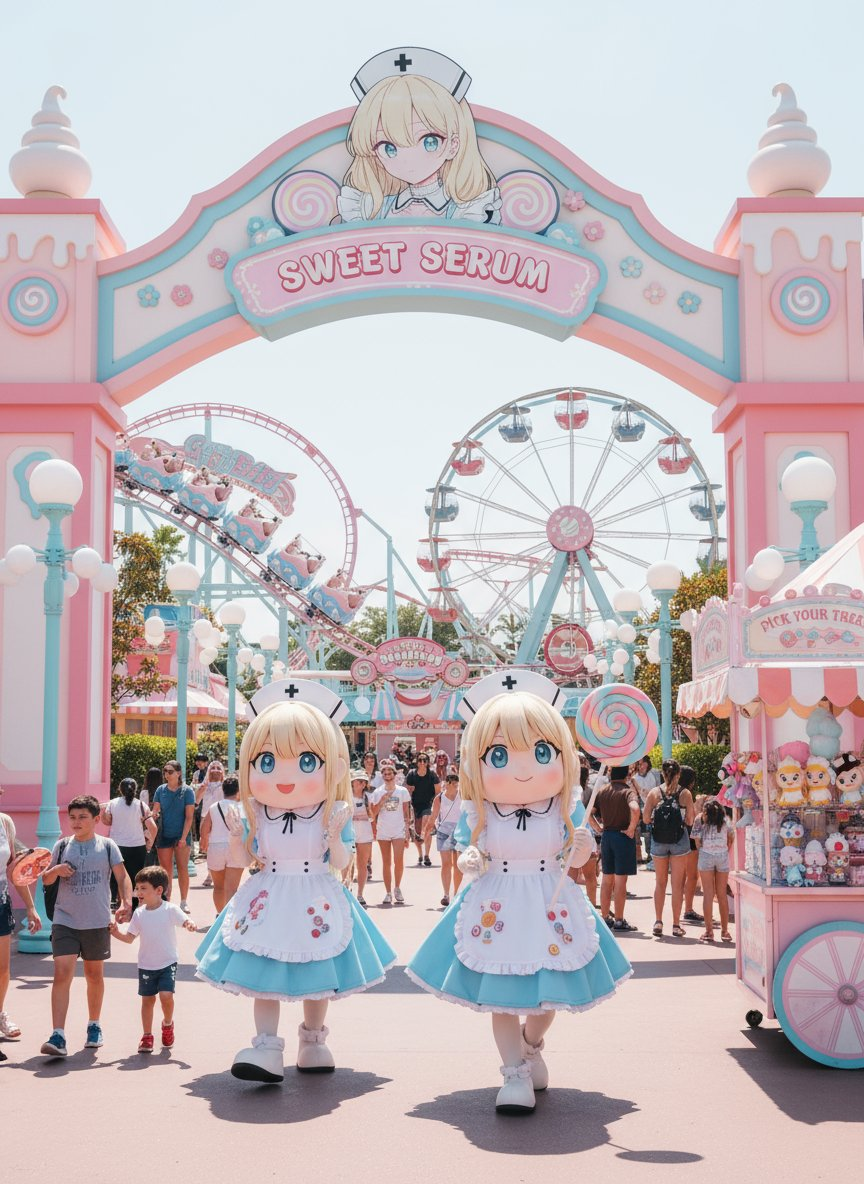
Custom Theme Park
Generates a photorealistic theme park image based on the original image. The theme park and the peop...
Why These Prompts?
Category Matching
These prompts share similar categories and themes with your current selection, ensuring thematic consistency and complementary creative directions for your AI image generation projects.
Technical Compatibility
All recommended prompts are tested and optimized for similar AI models and techniques, providing reliable results and consistent quality across your creative workflow.
Pro Tips for Using These Prompts
- •Combine elements from multiple prompts to create unique variations
- •Adjust style parameters based on your specific project requirements
- •Use these as starting points and add your own creative modifications