Add Watermark to Image
27nano-banana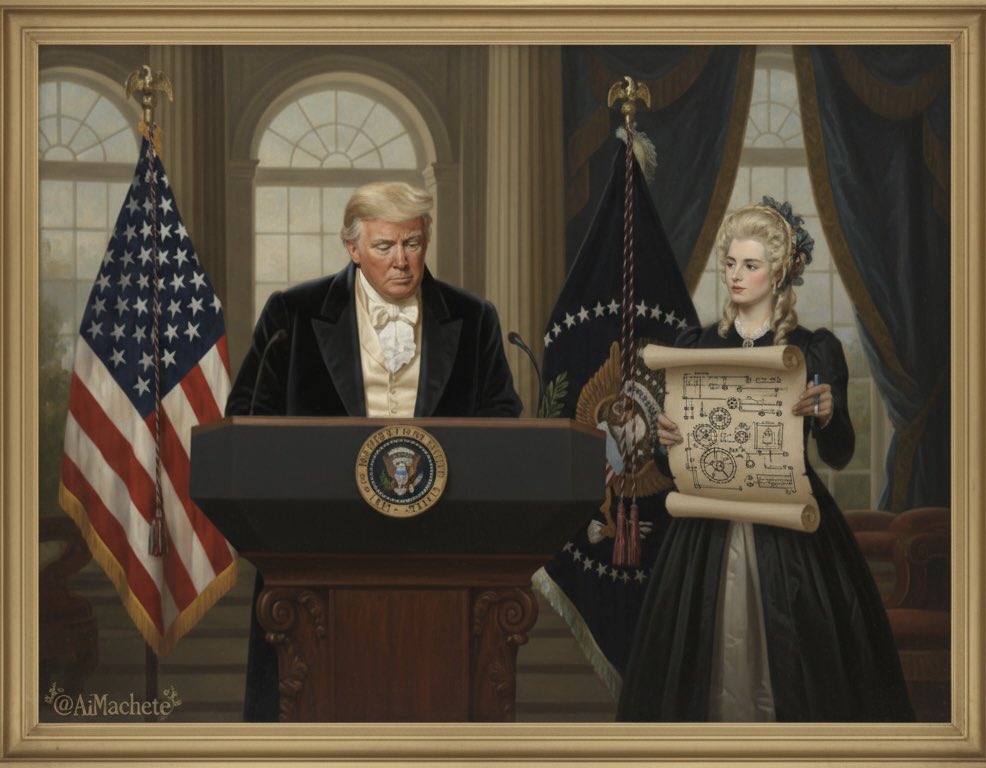
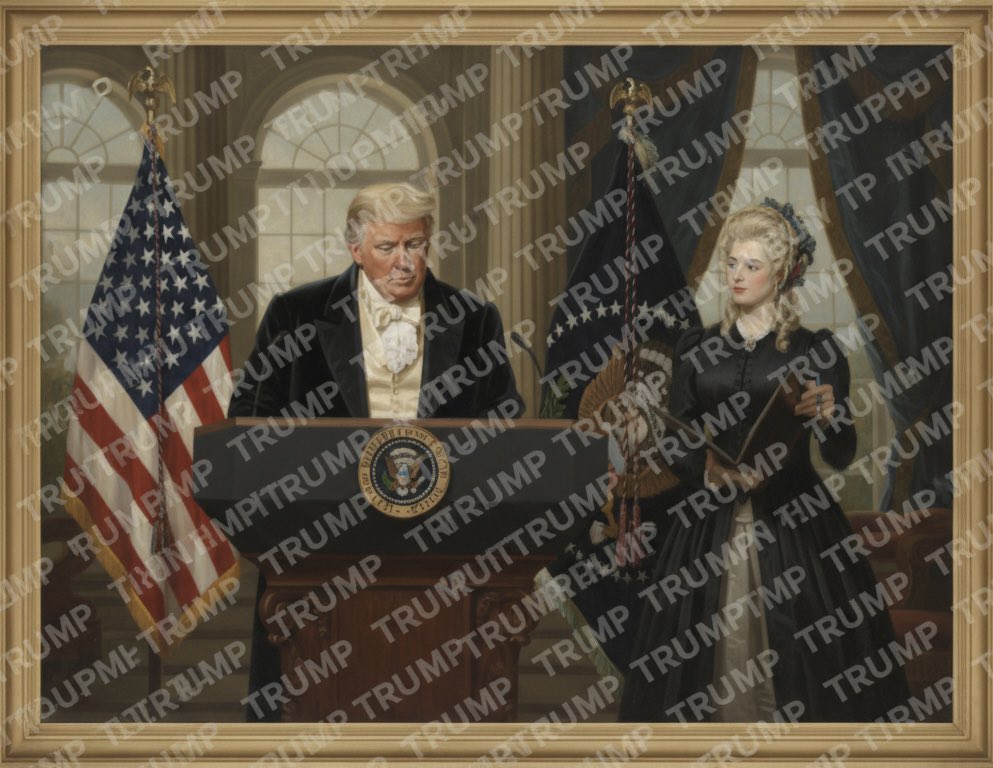
Prompt
Watermark the word ‘TRUMP’ over and over again across the whole image.Requirements
Need to upload a reference image
Author
Source Links
Recommended Prompts
Discover more creative AI photo prompts that complement your current selection. These carefully curated prompts share similar themes, styles, or techniques that can help expand your creative possibilities and enhance your AI image generation workflow.

Emoji Cream Popsicle
Generate an image: Transform the [🍓] into a creamy ice cream bar, with cream flowing in curved swir...
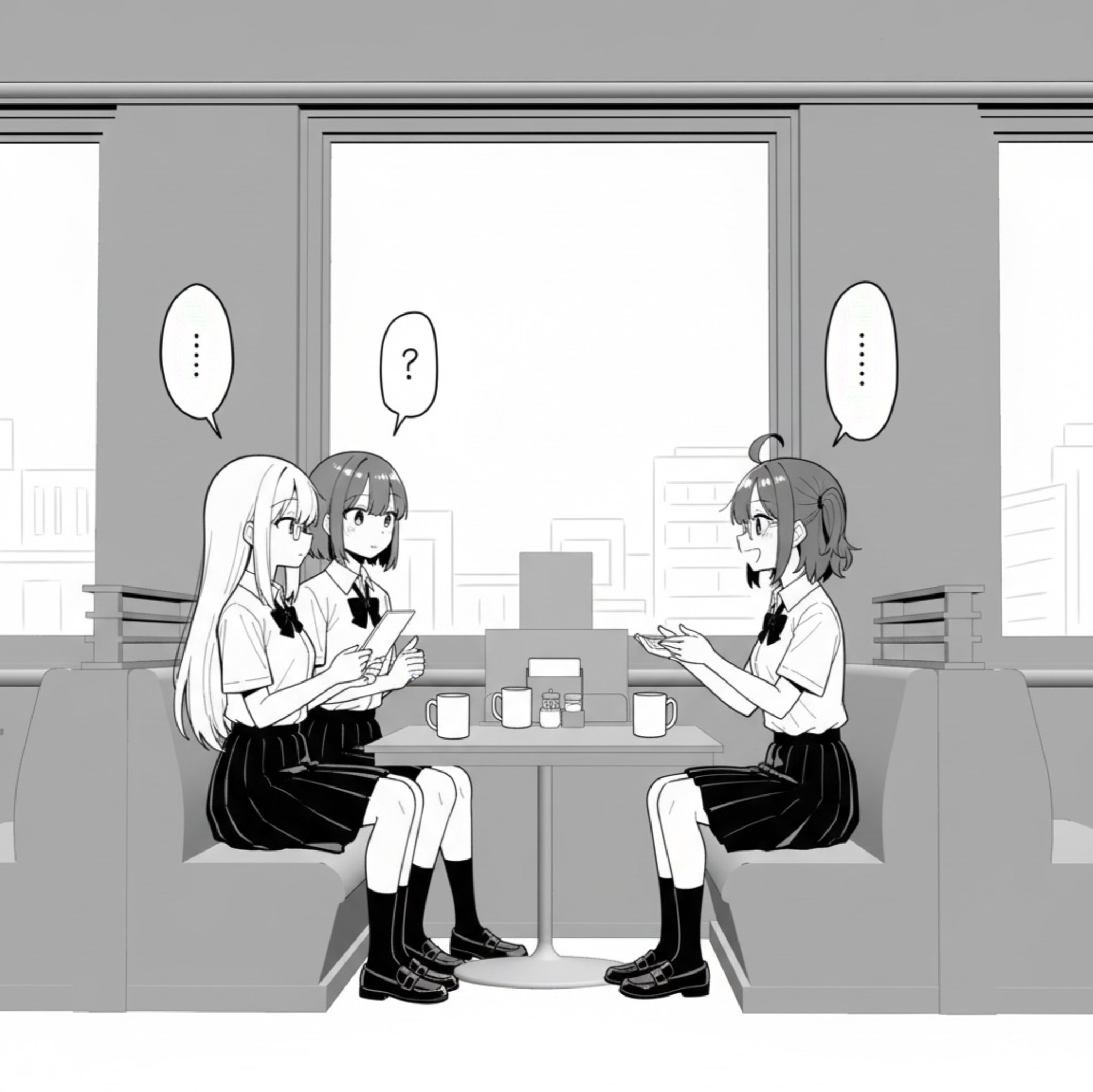
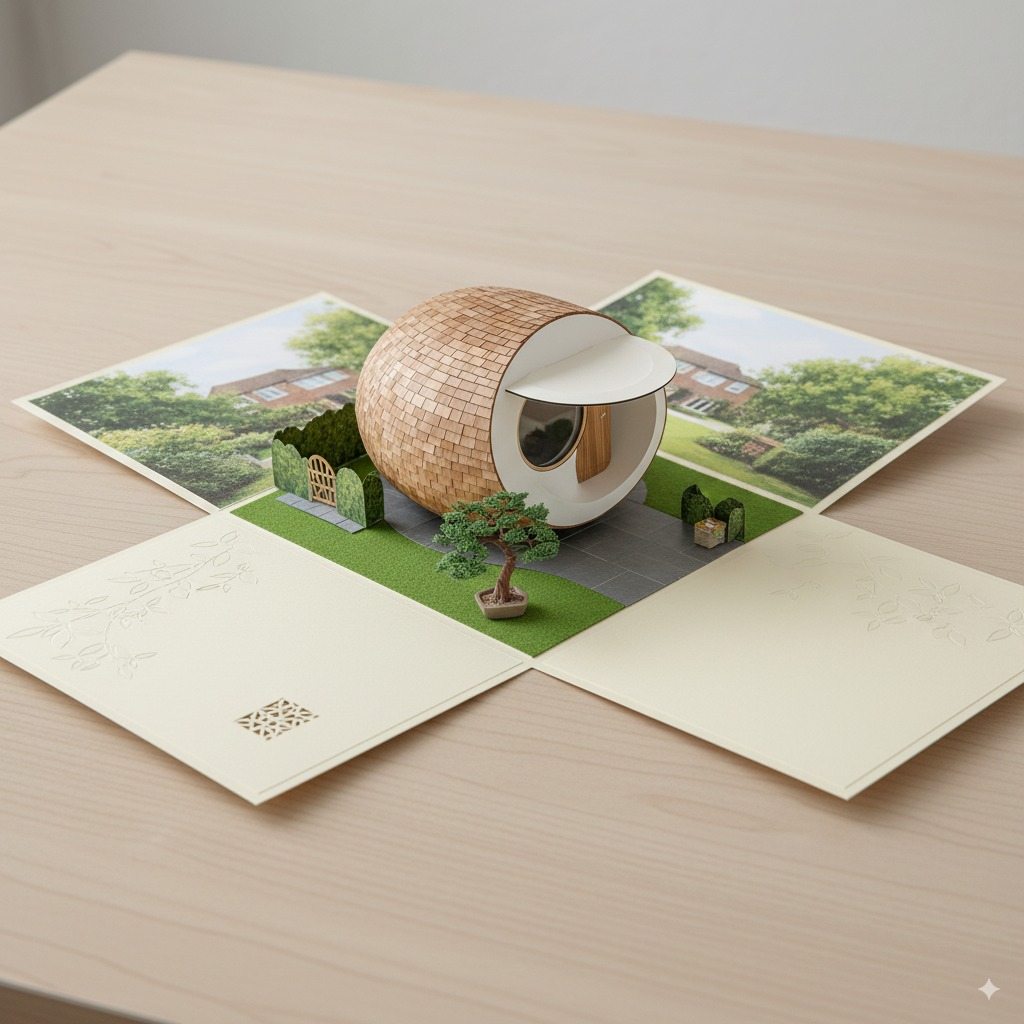
Scene A6 Folding Card
Draw an A6 folding card: when opened, it reveals a complete 3D spherical tiny house with a miniature...
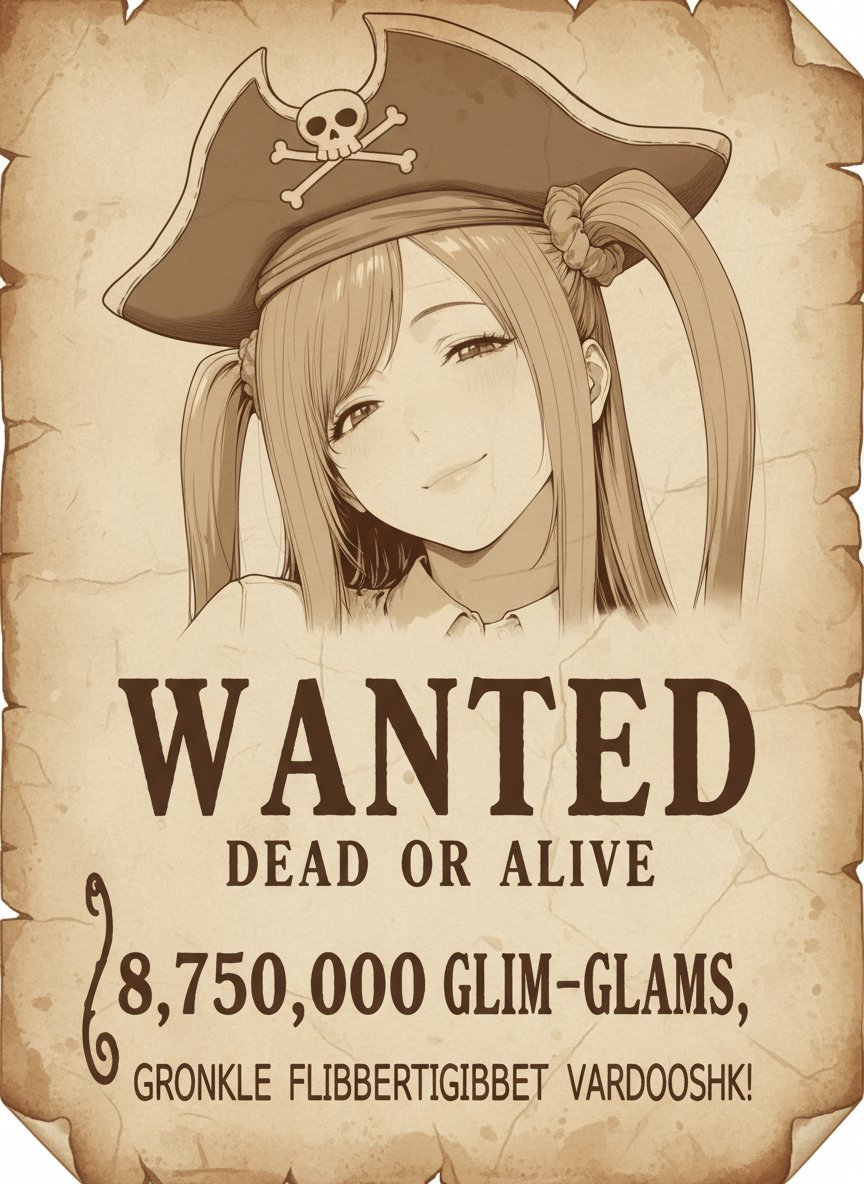
Pirate Wanted Poster
Using the original image, recreate a pirate's wanted poster drawn on parchment. Brown monochrome, wi...
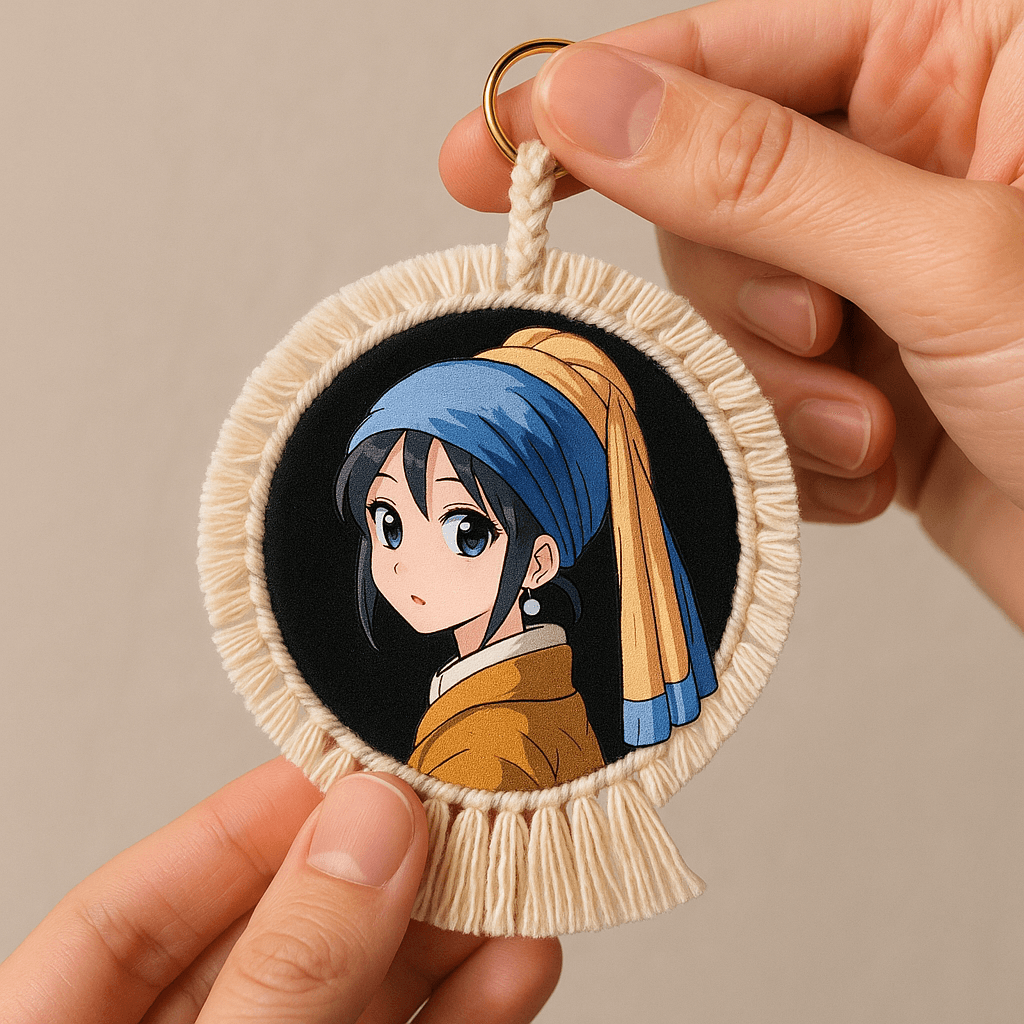
Anime-style Badge
Based on the person in the attachment, generate a photo of an anime-style badge. Requirements: Mater...

Famous Painting Character Cereal Ad
“Master Oats”: Based on the visual features of the person in the uploaded photo, generate a custom o...
Why These Prompts?
Category Matching
These prompts share similar categories and themes with your current selection, ensuring thematic consistency and complementary creative directions for your AI image generation projects.
Technical Compatibility
All recommended prompts are tested and optimized for similar AI models and techniques, providing reliable results and consistent quality across your creative workflow.
Pro Tips for Using These Prompts
- •Combine elements from multiple prompts to create unique variations
- •Adjust style parameters based on your specific project requirements
- •Use these as starting points and add your own creative modifications