Kawaii Enamel Pin
62gpt-4o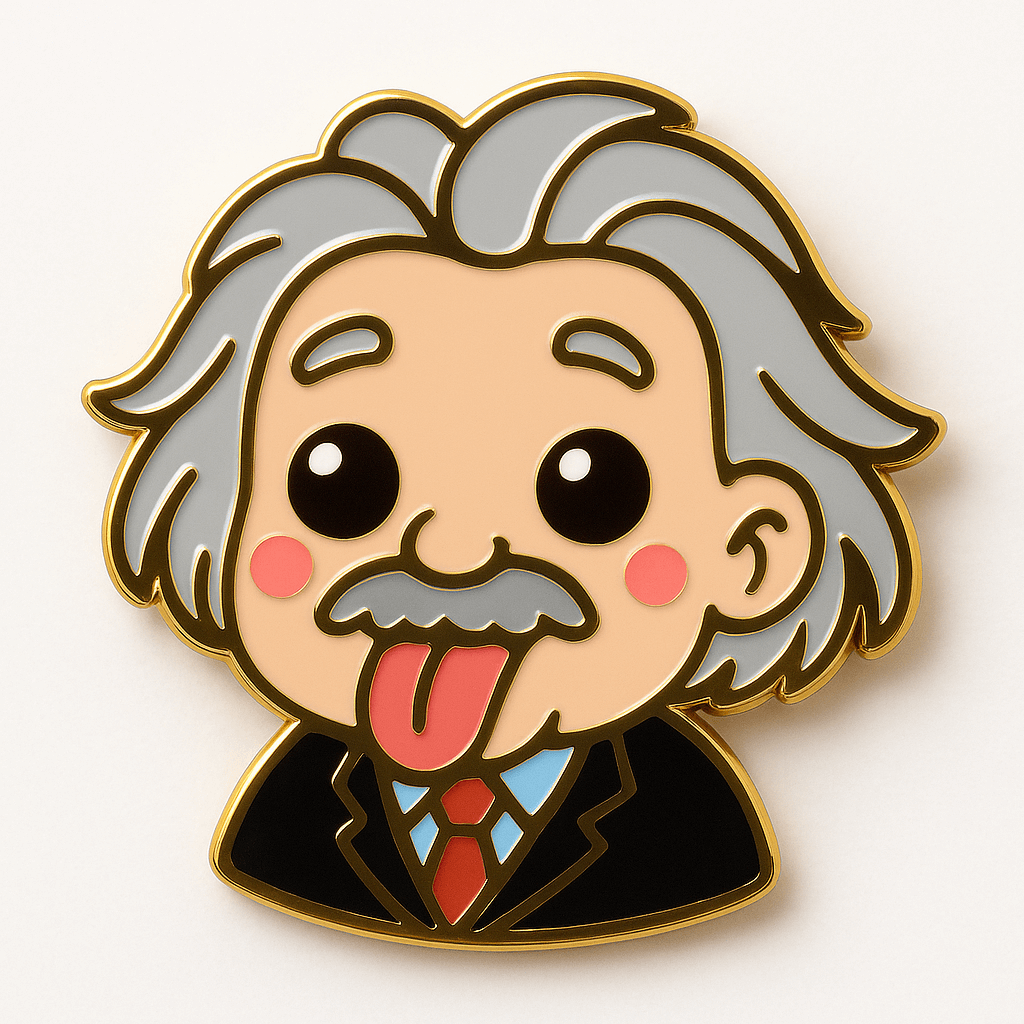
Prompt
Turn the subject in the attached image into a kawaii enamel pin. Use glossy metal outlines and vibrant enamel fill. No extra added features. Square mockup format. White background.Requirements
Needs a photo of a person or object as the subject for transformation.
Author
Source Links
Recommended Prompts
Discover more creative AI photo prompts that complement your current selection. These carefully curated prompts share similar themes, styles, or techniques that can help expand your creative possibilities and enhance your AI image generation workflow.
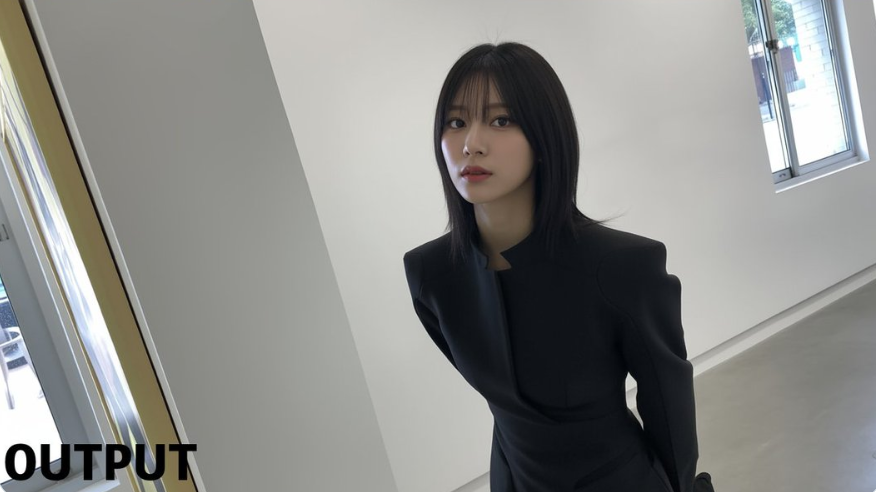
Character Pose Modification
Have the person in the picture look straight ahead
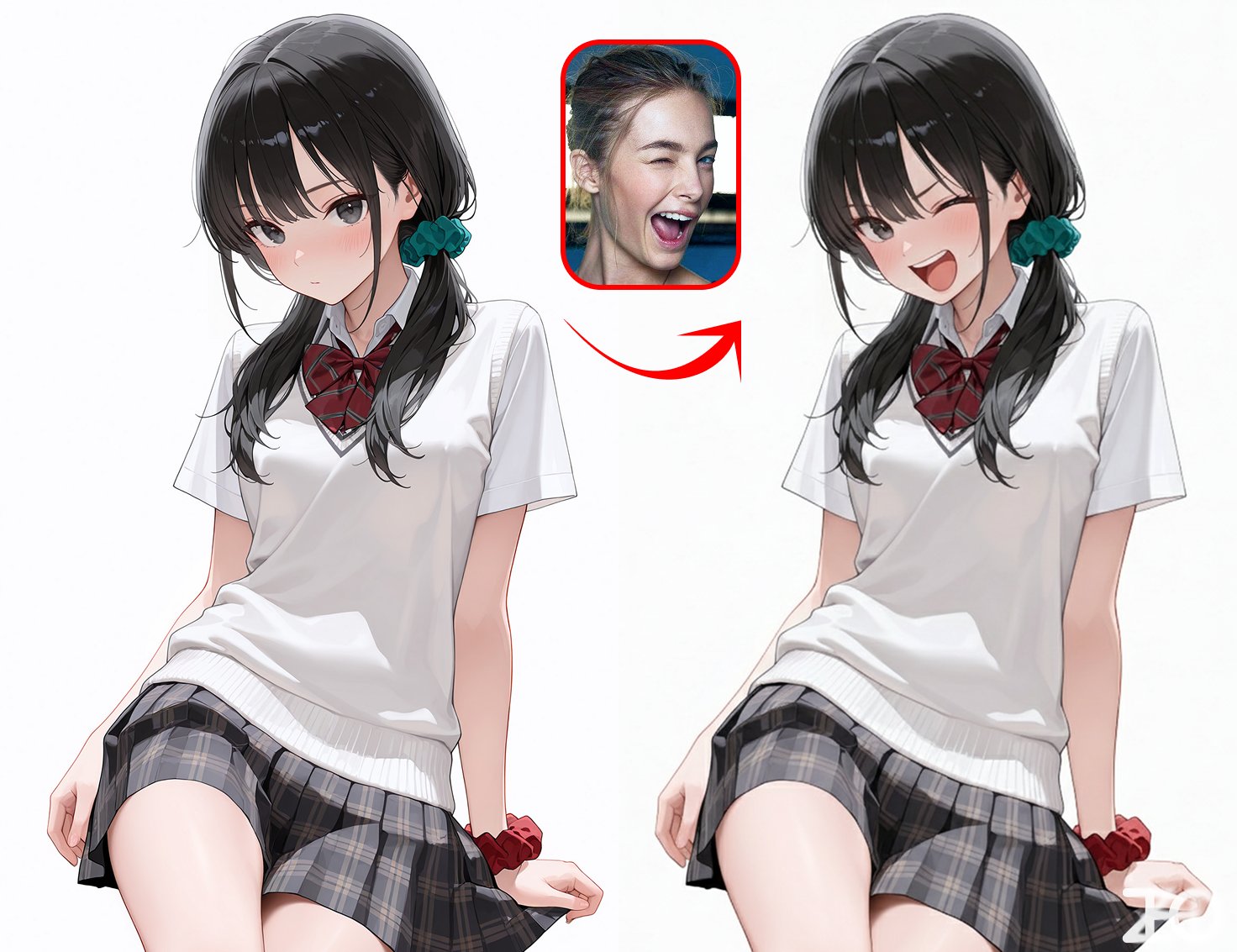
Reference Image Controls Character Expression
Character reference from Image 1 / Change to the expression from Image 2
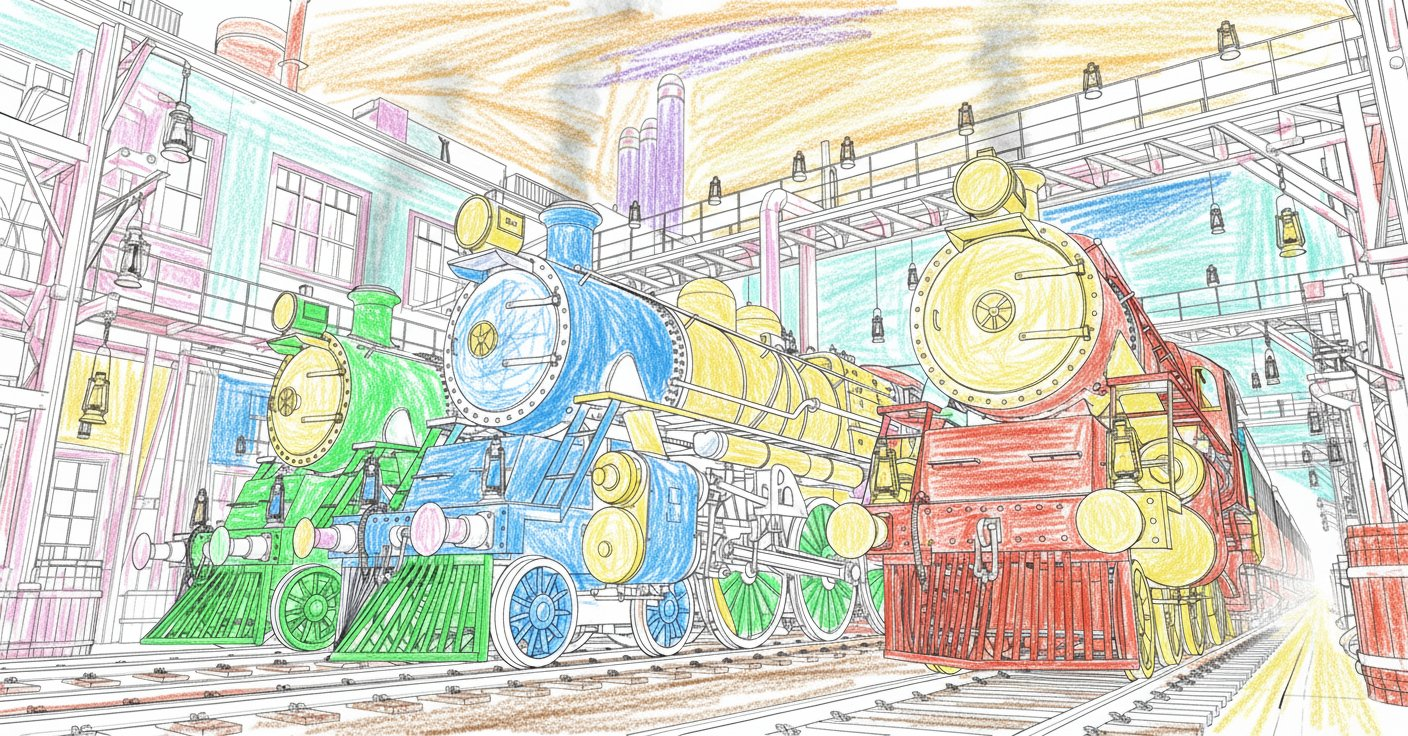
Line Art to Doodle Drawing
Make the uploaded picture book look as if it was drawn by a five-year-old child.
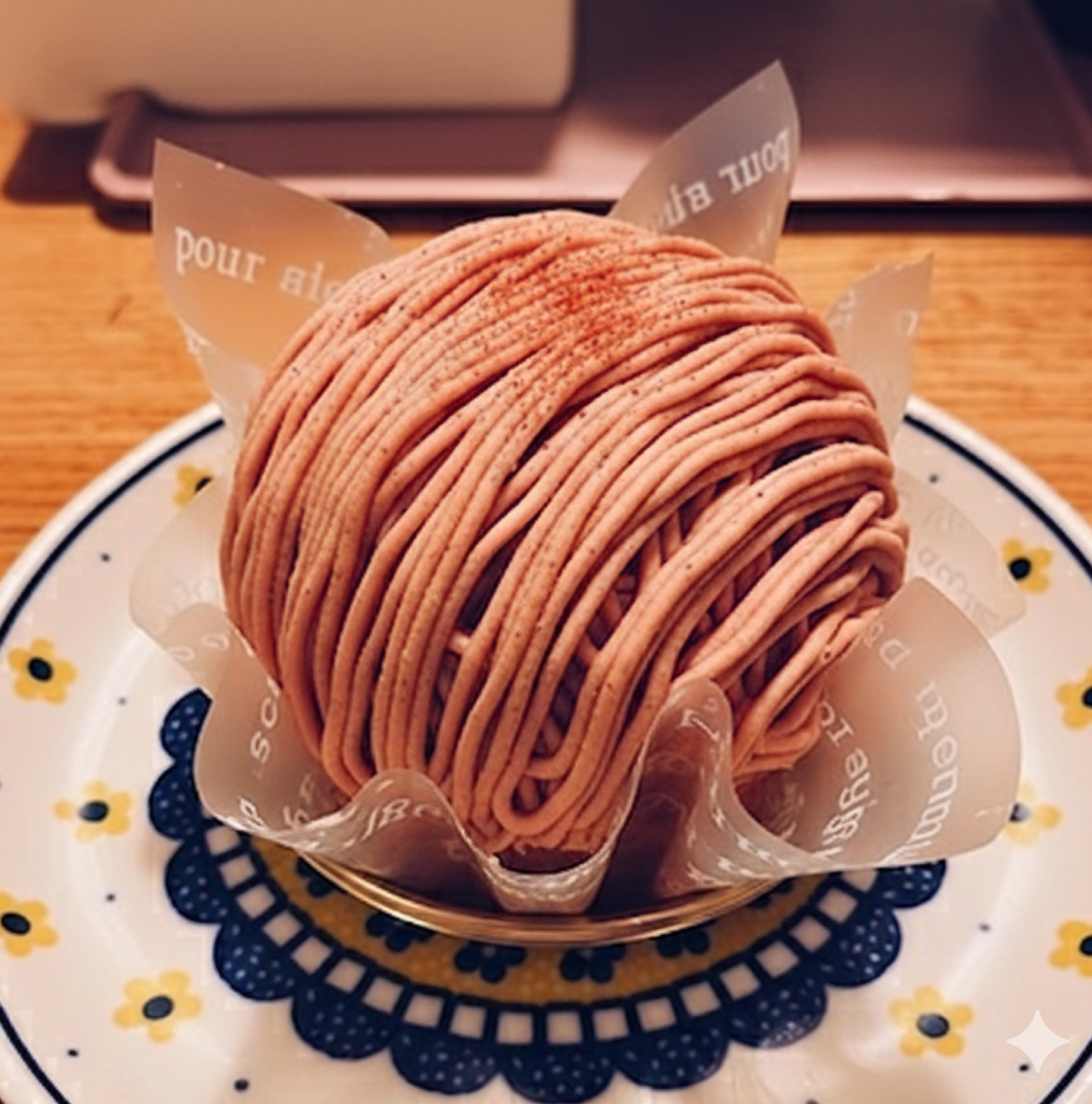
Restore Partially Eaten Food
Restore this half-eaten [XX] back to its original uneaten state.
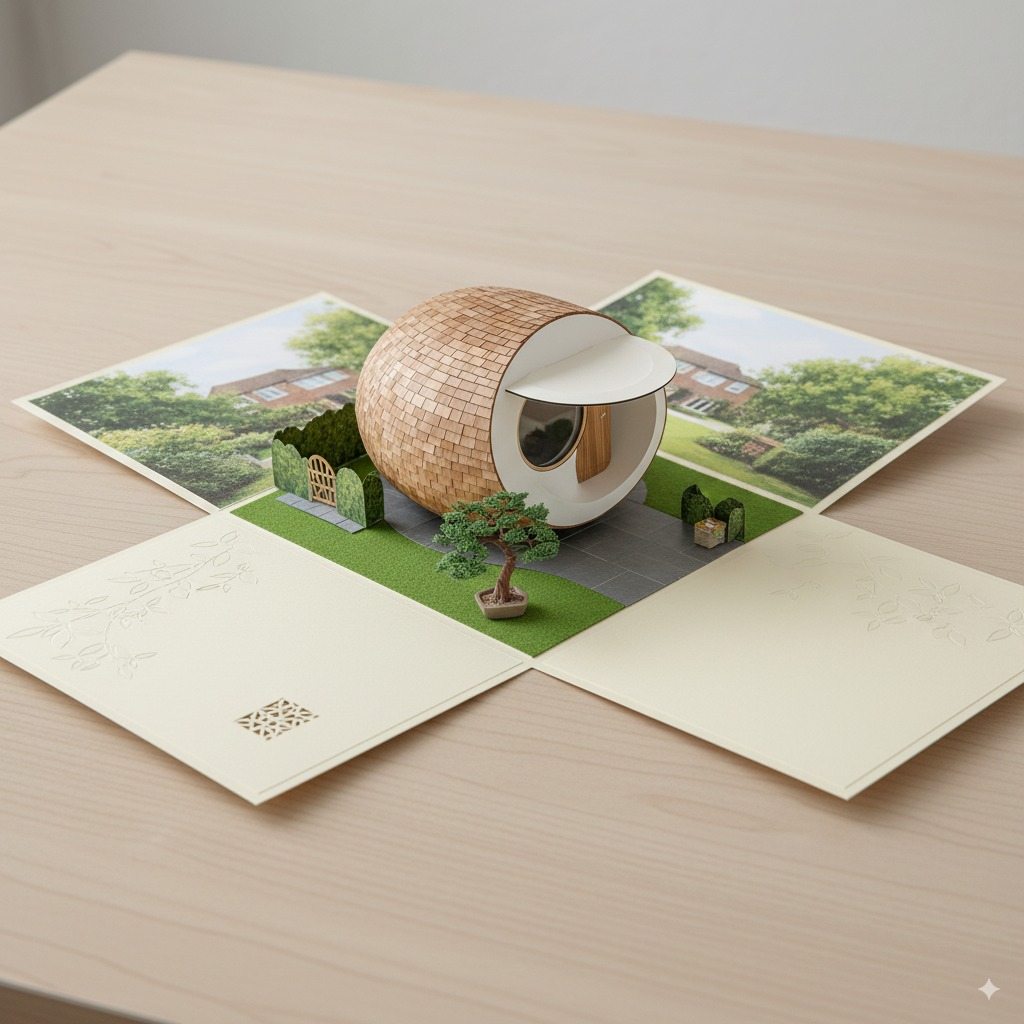
Scene A6 Folding Card
Draw an A6 folding card: when opened, it reveals a complete 3D spherical tiny house with a miniature...
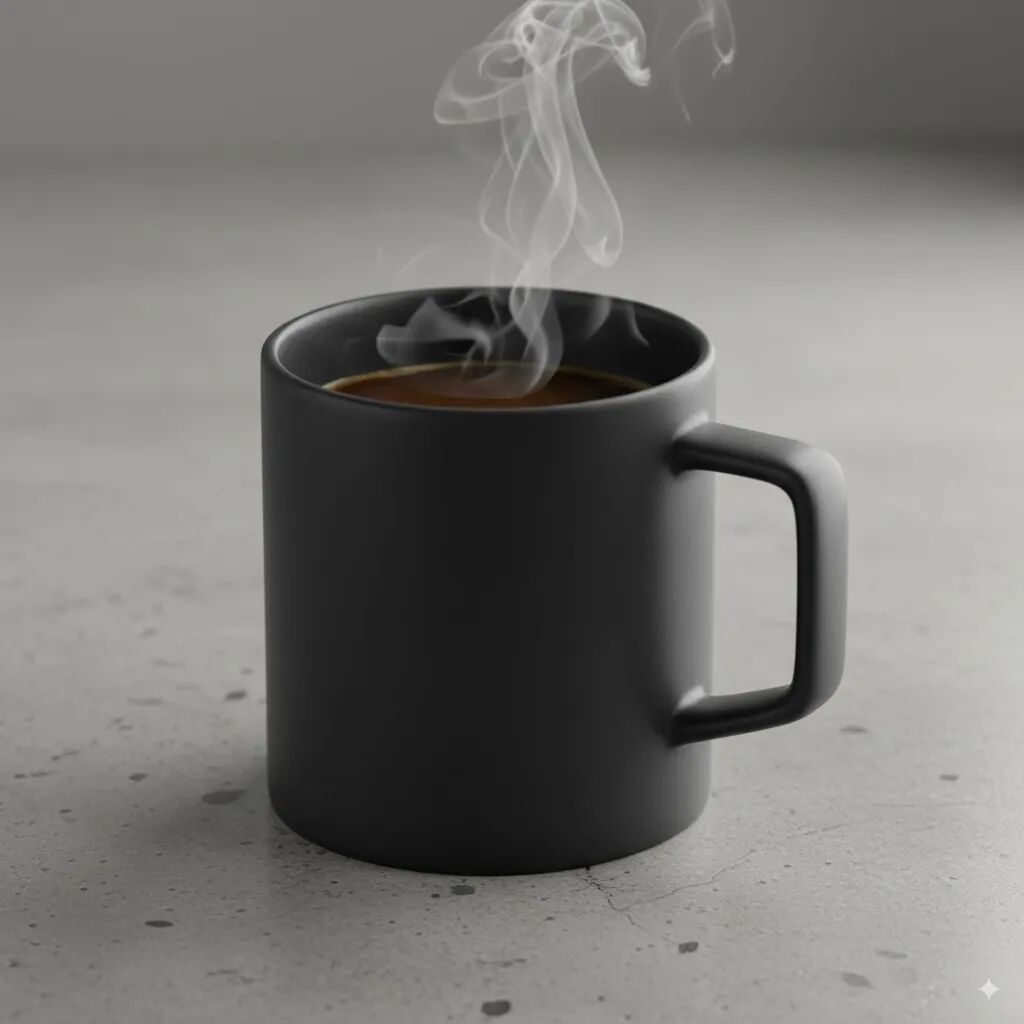
Product Mockups & Commercial Photography
A high-resolution, studio-lit product photograph of a minimalist ceramic coffee mug in matte black, ...
Why These Prompts?
Category Matching
These prompts share similar categories and themes with your current selection, ensuring thematic consistency and complementary creative directions for your AI image generation projects.
Technical Compatibility
All recommended prompts are tested and optimized for similar AI models and techniques, providing reliable results and consistent quality across your creative workflow.
Pro Tips for Using These Prompts
- •Combine elements from multiple prompts to create unique variations
- •Adjust style parameters based on your specific project requirements
- •Use these as starting points and add your own creative modifications