Integrating Word Meaning into Letters
87gpt-4o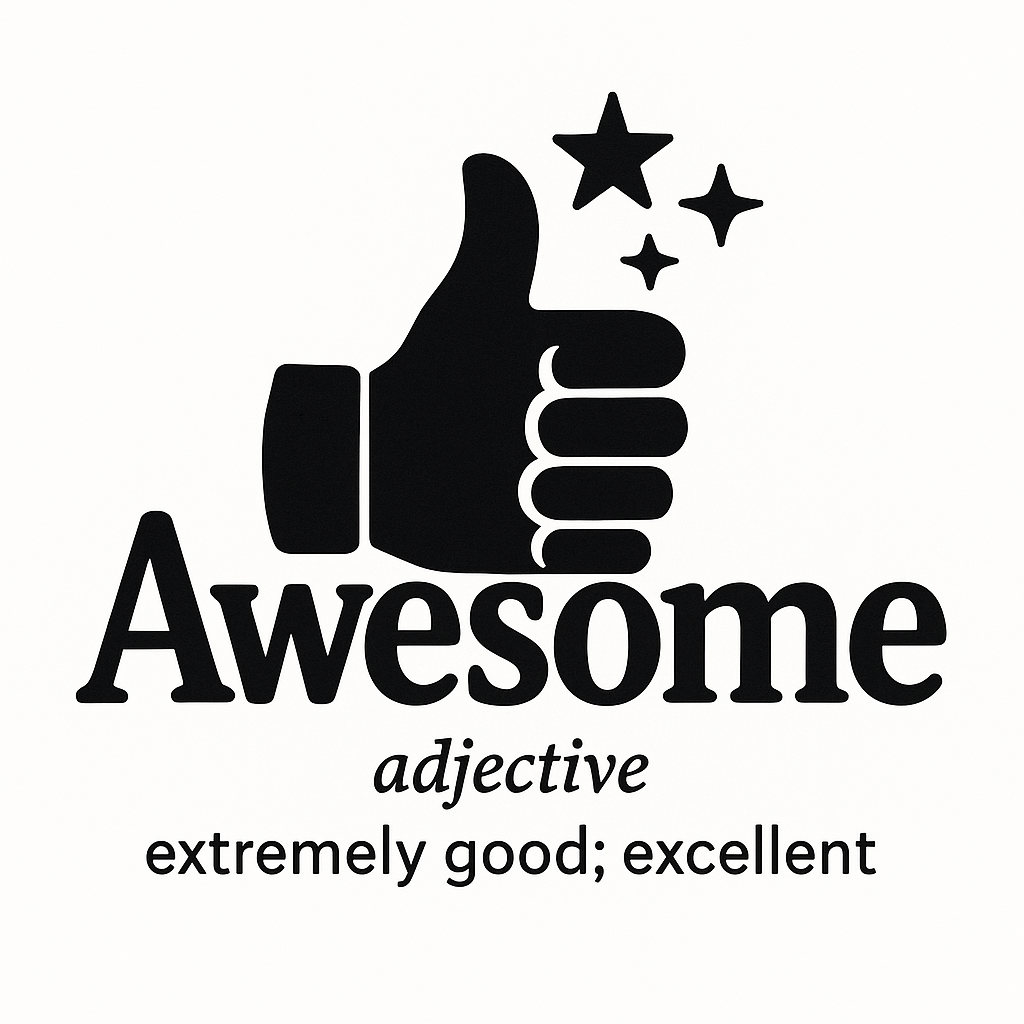
Prompt
Integrate the meaning of the word into the letters, cleverly blending graphics and letters.
Word: {beautify}
Add a brief explanation of the word below.
Author
Source Links
Recommended Prompts
Discover more creative AI photo prompts that complement your current selection. These carefully curated prompts share similar themes, styles, or techniques that can help expand your creative possibilities and enhance your AI image generation workflow.
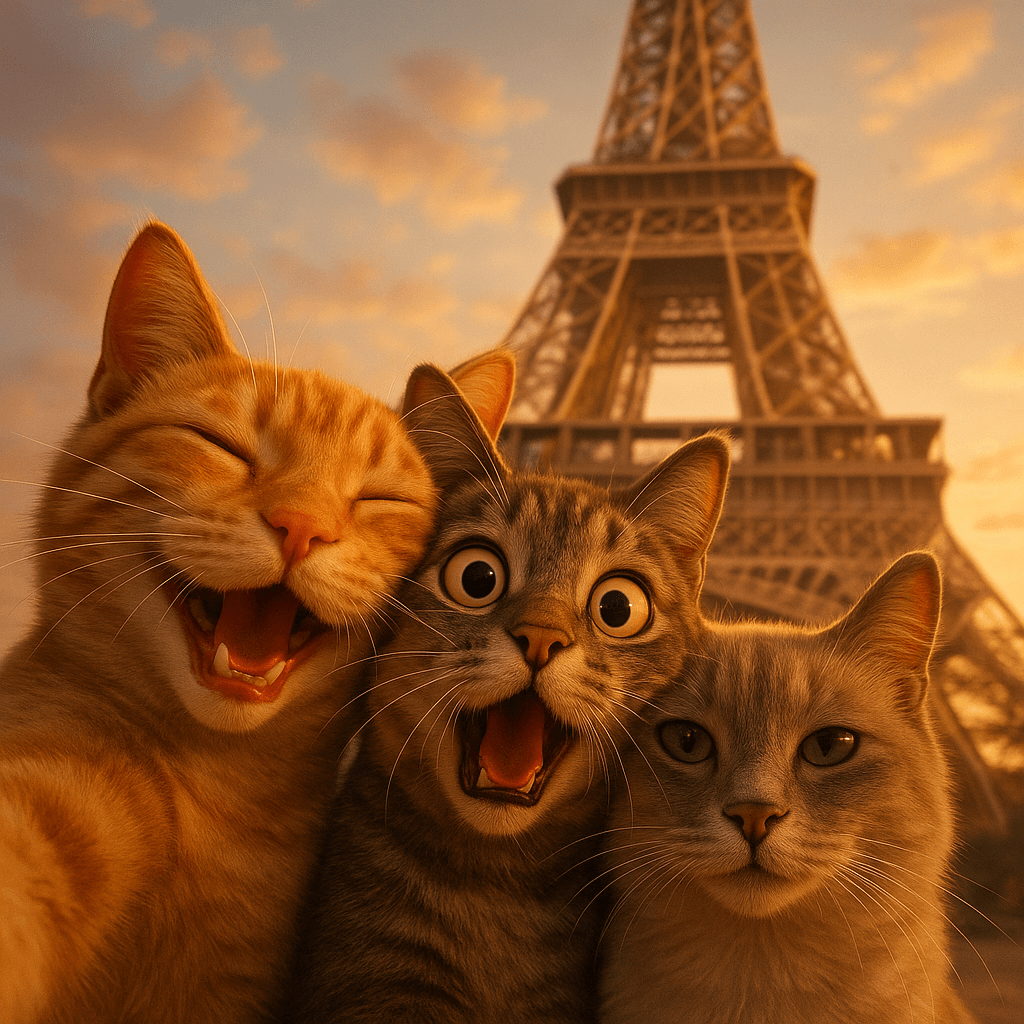
Three Animals Selfie at Landmark
A close-up selfie of three [animal type] with different expressions in front of the iconic [landmark...
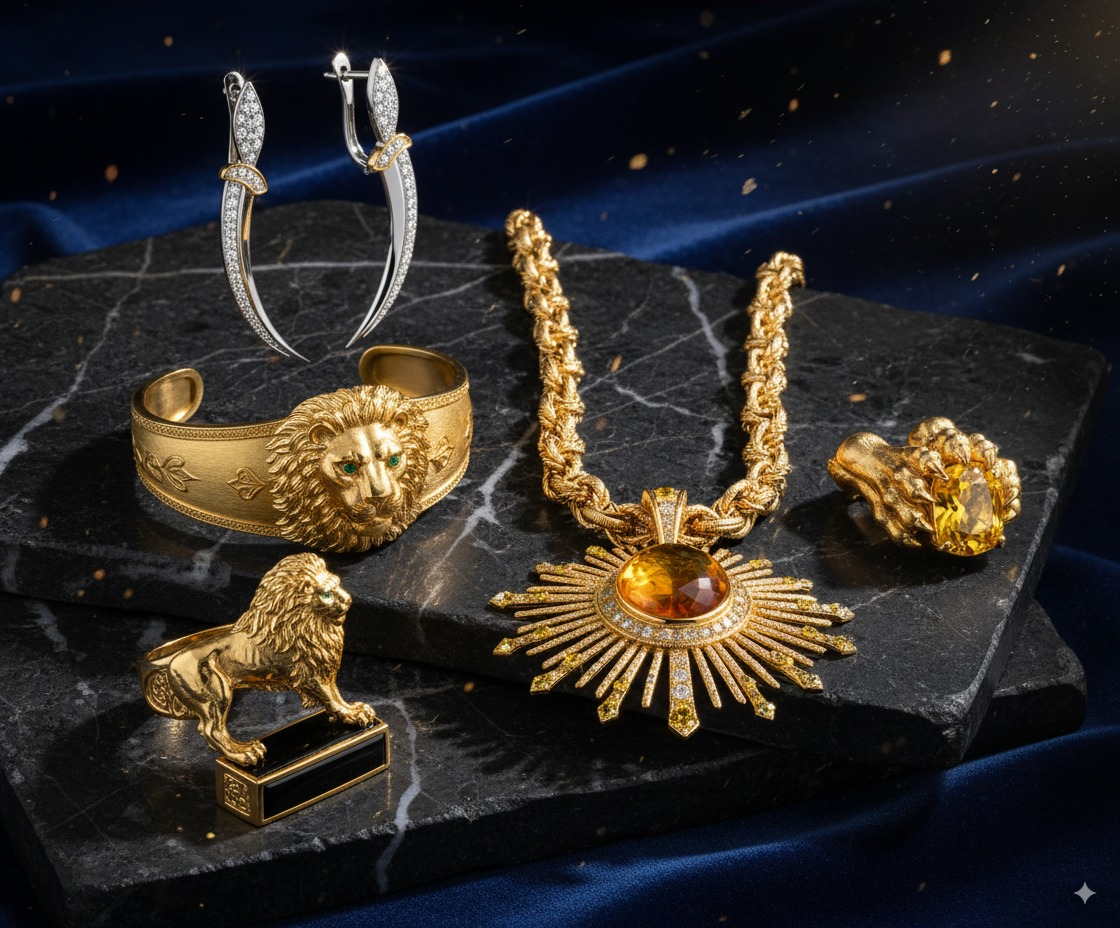
Jewelry Collection Design
Transform this image into a 5-piece jewelry collection.
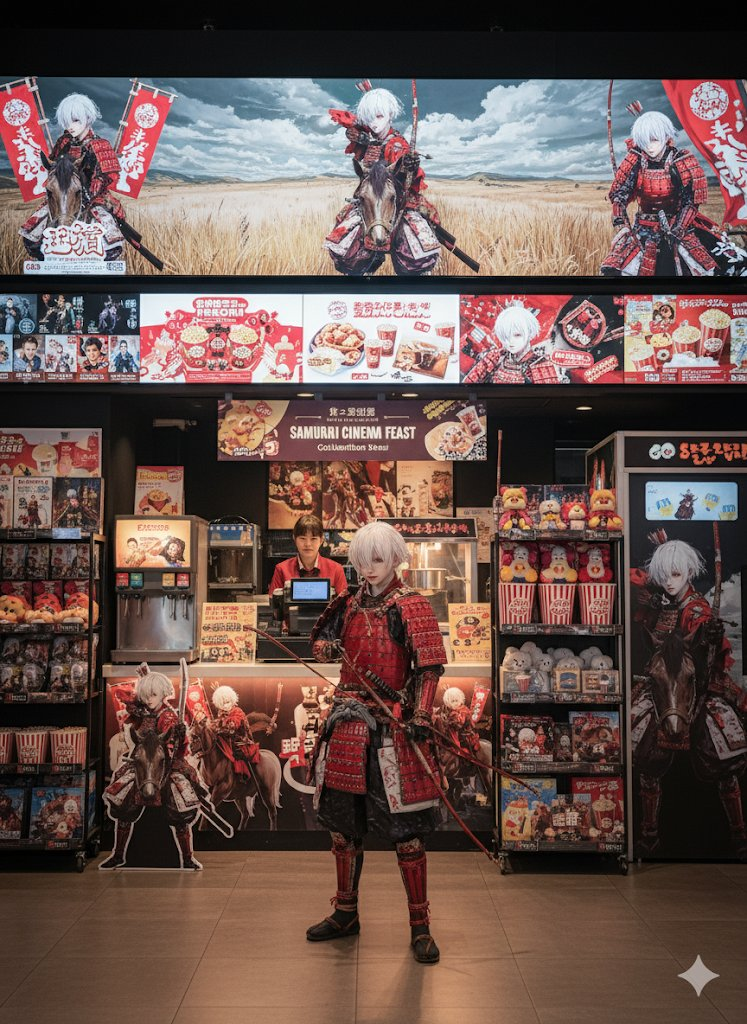
Merchandise Design
Create merchandise using this character image.
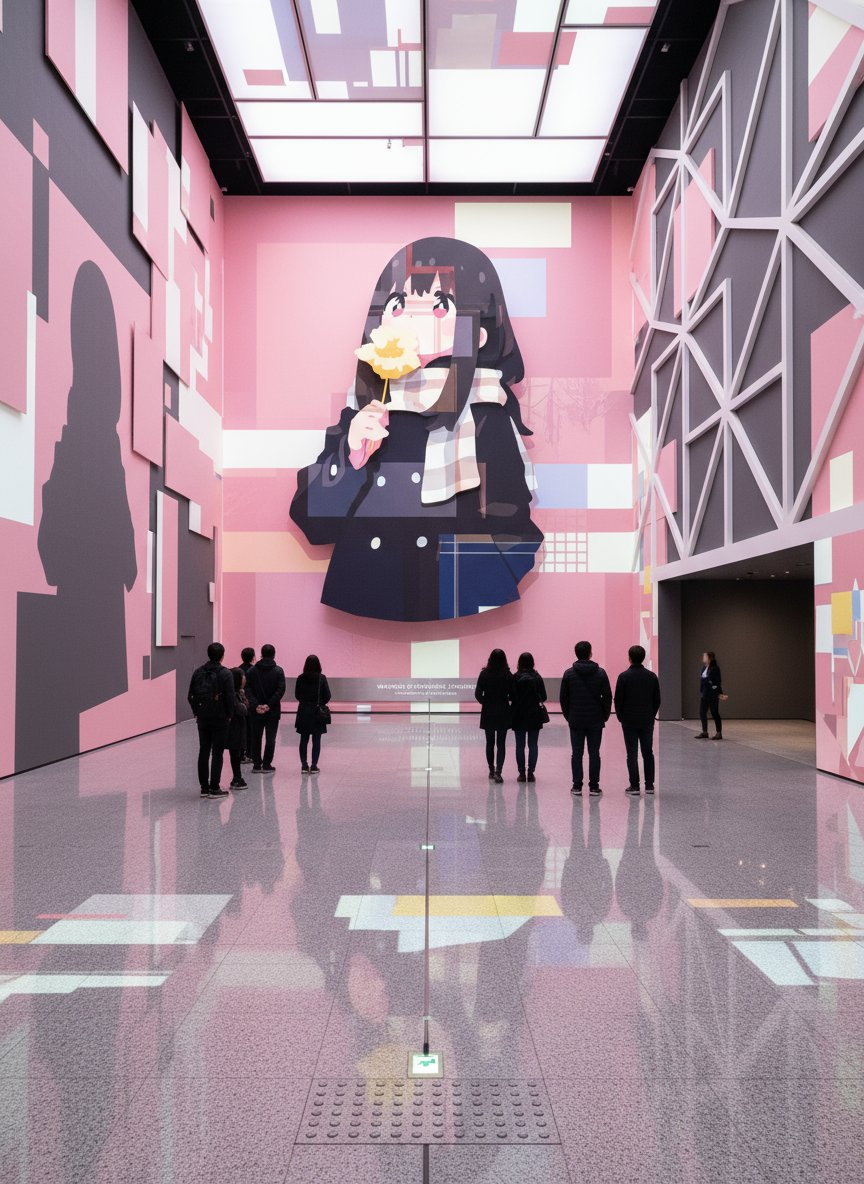
Contemporary Art Exhibition Space
An avant-garde contemporary art exhibition space themed around the reference image. The entire exhib...
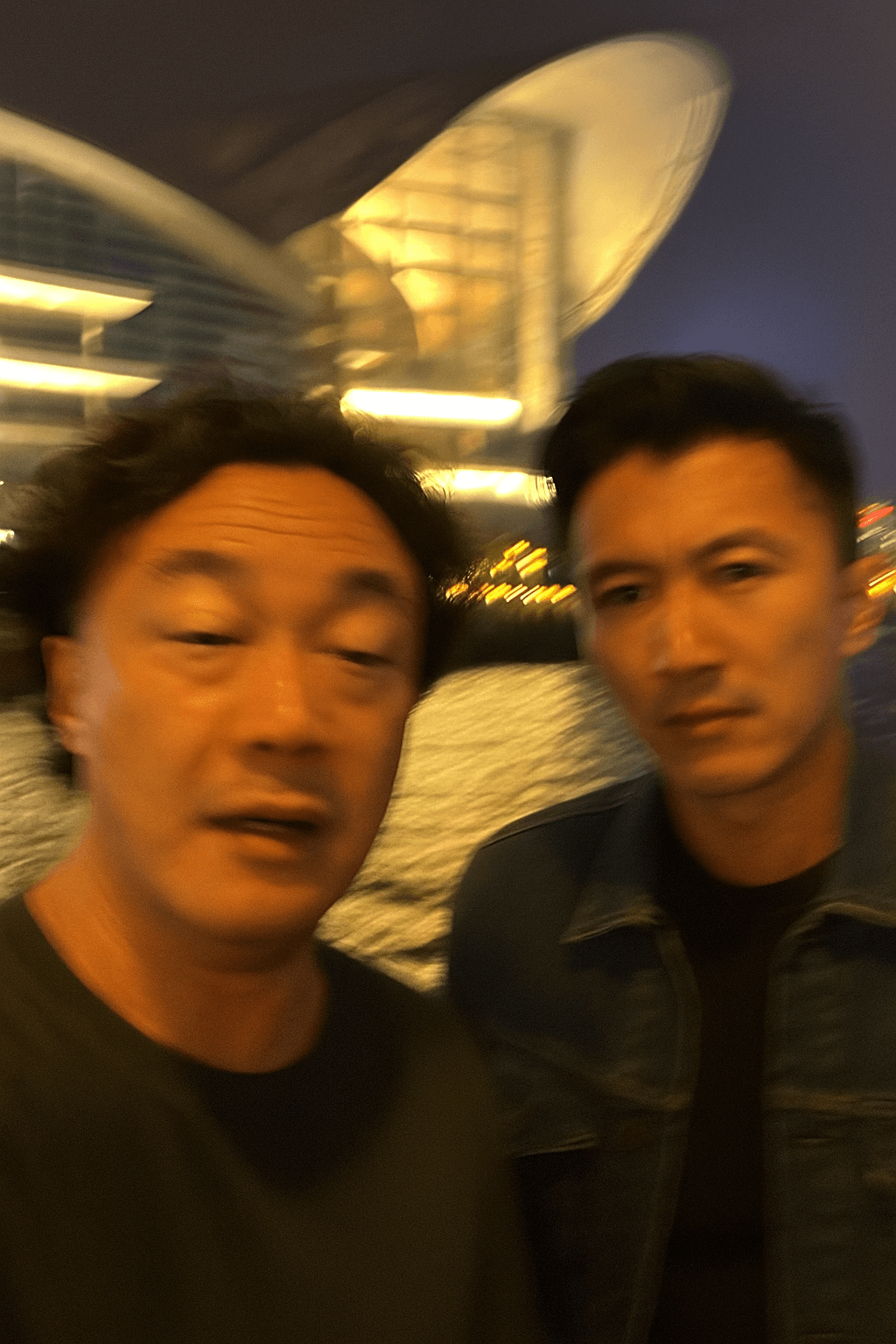
Extremely Ordinary iPhone Selfie
Please draw an extremely ordinary and unremarkable iPhone selfie, with no clear subject or sense of ...
Why These Prompts?
Category Matching
These prompts share similar categories and themes with your current selection, ensuring thematic consistency and complementary creative directions for your AI image generation projects.
Technical Compatibility
All recommended prompts are tested and optimized for similar AI models and techniques, providing reliable results and consistent quality across your creative workflow.
Pro Tips for Using These Prompts
- •Combine elements from multiple prompts to create unique variations
- •Adjust style parameters based on your specific project requirements
- •Use these as starting points and add your own creative modifications