Emoji Inflatable Cushion
53gpt-4o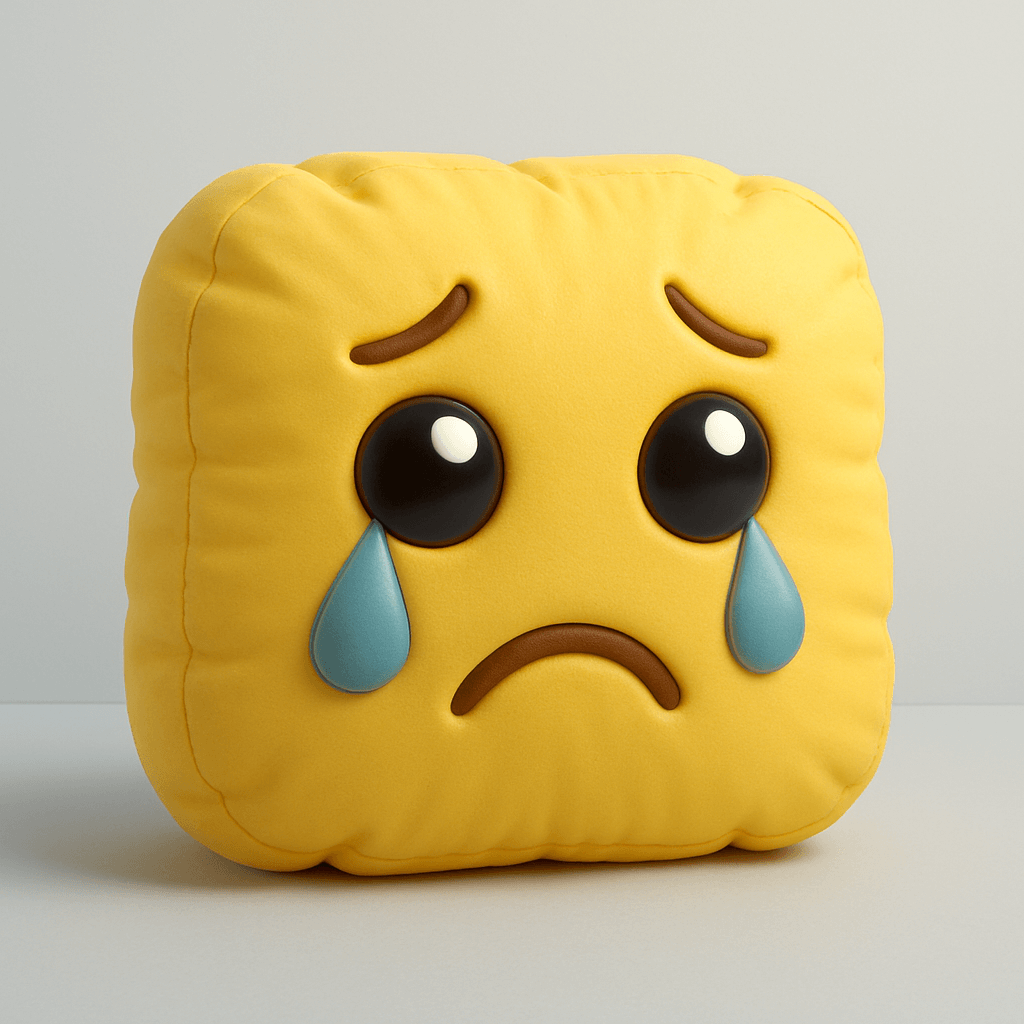
Prompt
Create a high-resolution 3D render of [🥹] designed as an inflatable, puffy object. The shape should appear soft, rounded, and air-filled — like a plush balloon or blow-up toy. Use a smooth, matte texture with subtle fabric creases and stitching to emphasize the inflatable look. The form should be slightly irregular and squishy, with gentle shadows and soft lighting that highlight volume and realism. Place it on a clean, minimal background (light gray or pale blue), and maintain a playful, sculptural aesthetic.Author
Source Links
Recommended Prompts
Discover more creative AI photo prompts that complement your current selection. These carefully curated prompts share similar themes, styles, or techniques that can help expand your creative possibilities and enhance your AI image generation workflow.
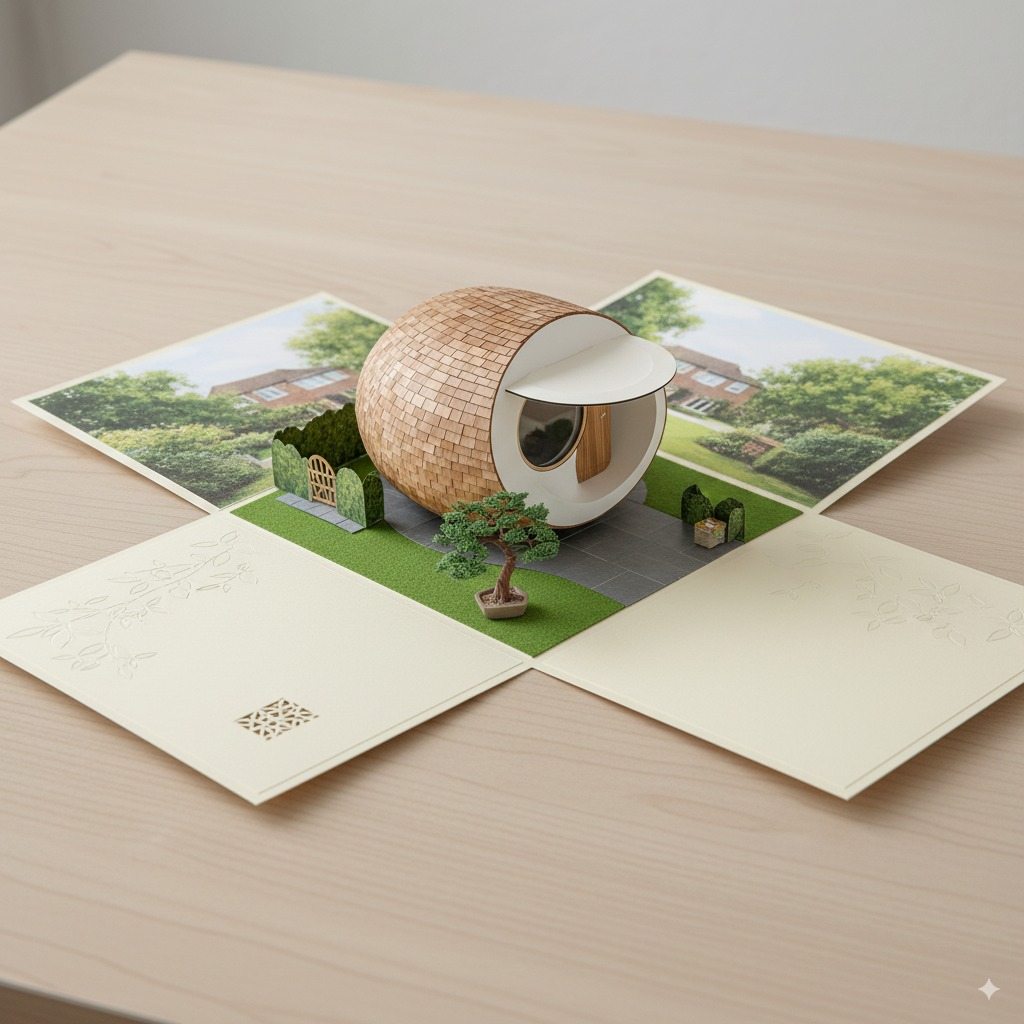
Scene A6 Folding Card
Draw an A6 folding card: when opened, it reveals a complete 3D spherical tiny house with a miniature...
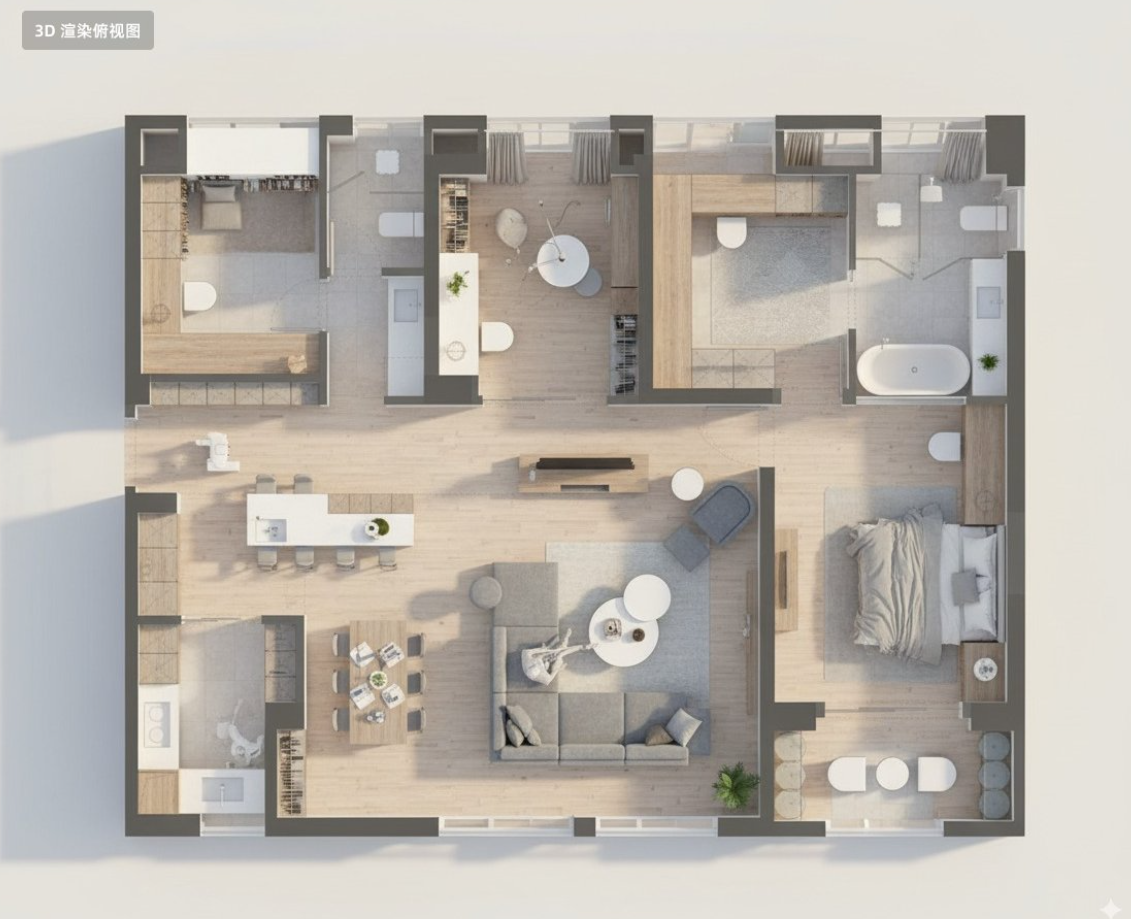
Floor Plan 3D Render
Convert this residential floor plan into an isometric, photo-realistic 3D rendering of the house.

Action Figure and Real Person in the Same Frame
In a casual, everyday style as if shot on a mobile phone, an anime figure of [Jackie Chan] is placed...
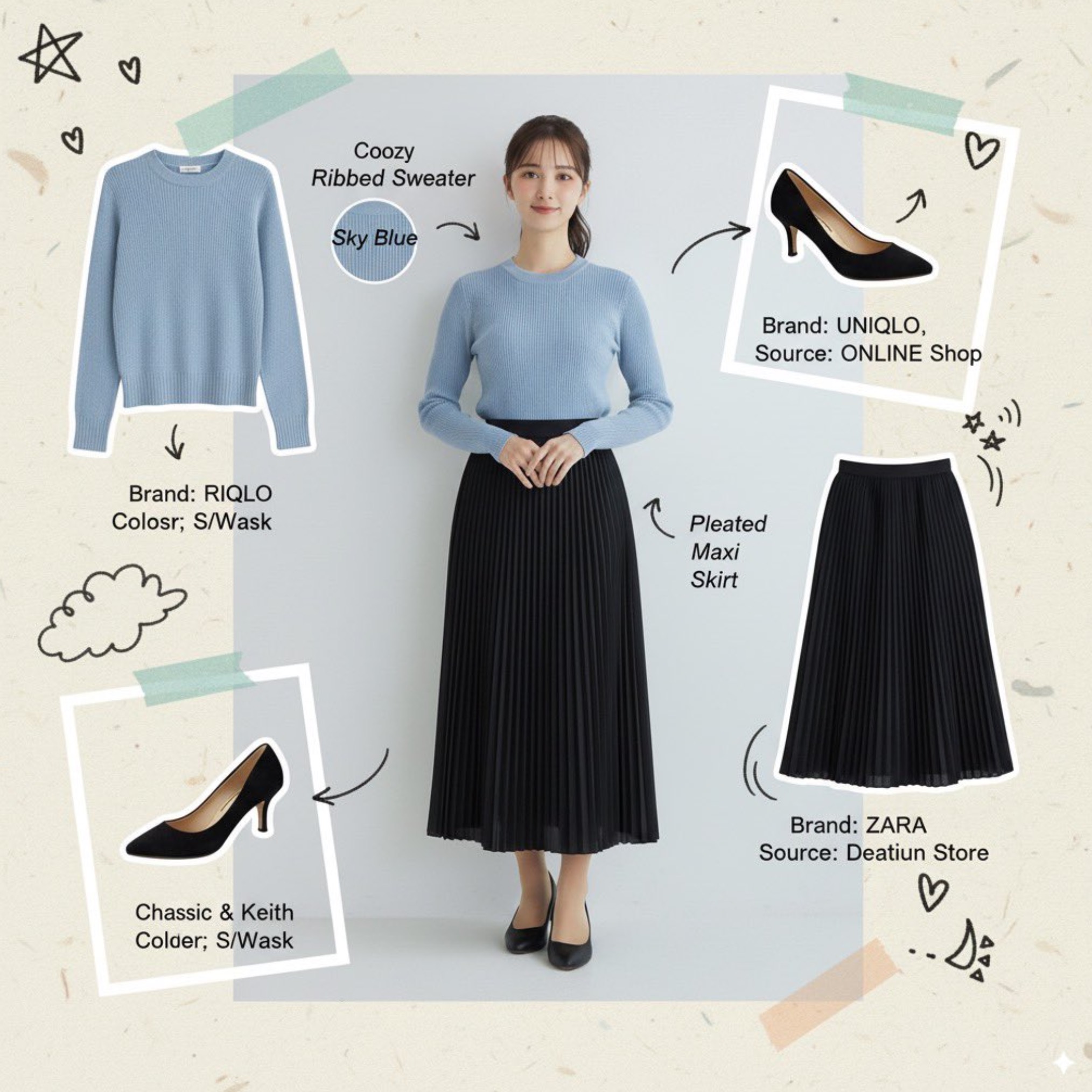
Fashion Moodboard Collage
A fashion mood board collage. Surround a portrait with cutouts of the individual items the model is ...
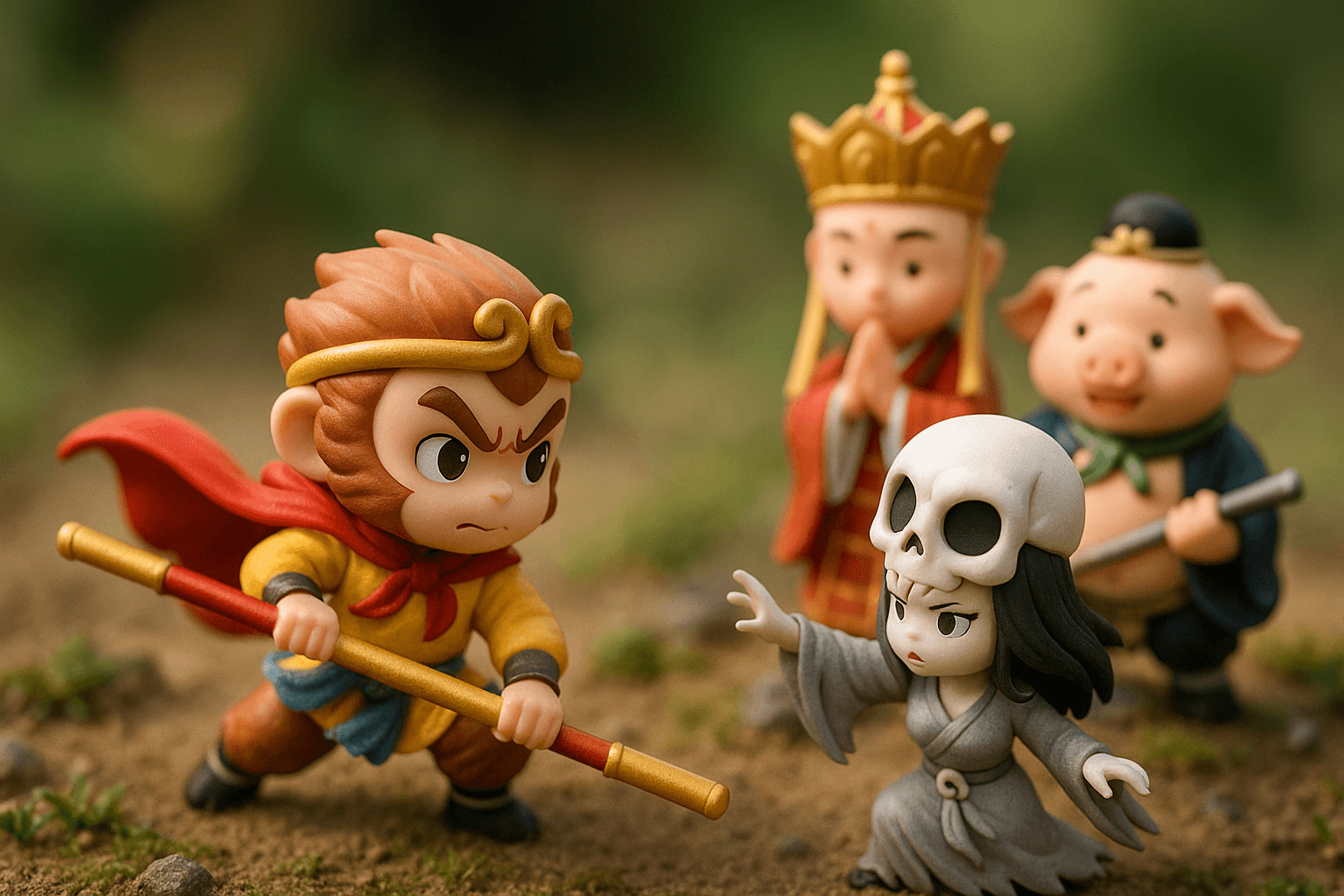
Miniature Three-dimensional Scene Presentation
Miniature three-dimensional scene presentation using tilt-shift photography techniques, depicting a ...
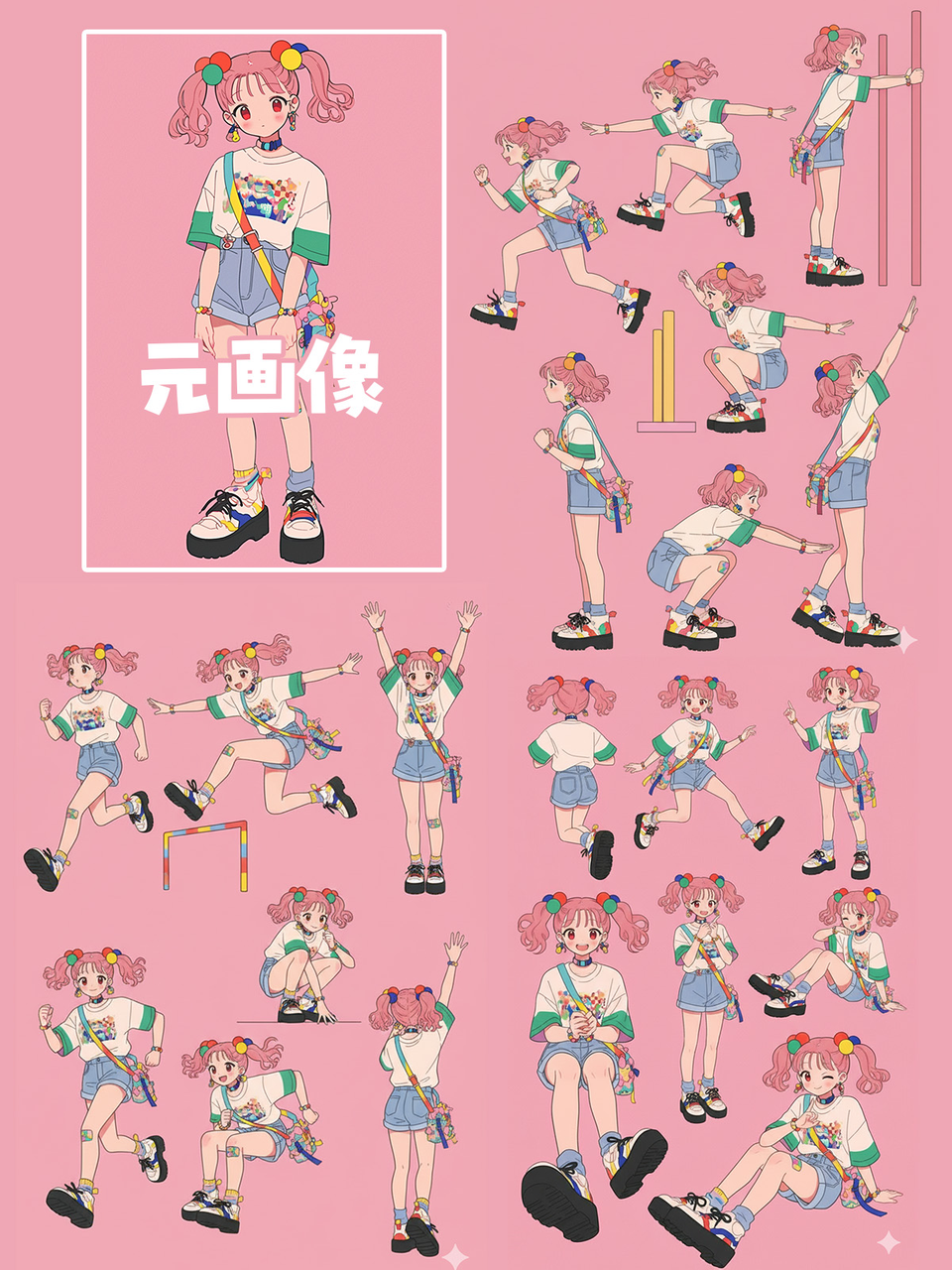
Multiple Character Poses Generation
Please create a pose sheet for this illustration, making various poses!
Why These Prompts?
Category Matching
These prompts share similar categories and themes with your current selection, ensuring thematic consistency and complementary creative directions for your AI image generation projects.
Technical Compatibility
All recommended prompts are tested and optimized for similar AI models and techniques, providing reliable results and consistent quality across your creative workflow.
Pro Tips for Using These Prompts
- •Combine elements from multiple prompts to create unique variations
- •Adjust style parameters based on your specific project requirements
- •Use these as starting points and add your own creative modifications