Voxel Style 3D Icon Conversion
48gpt-4o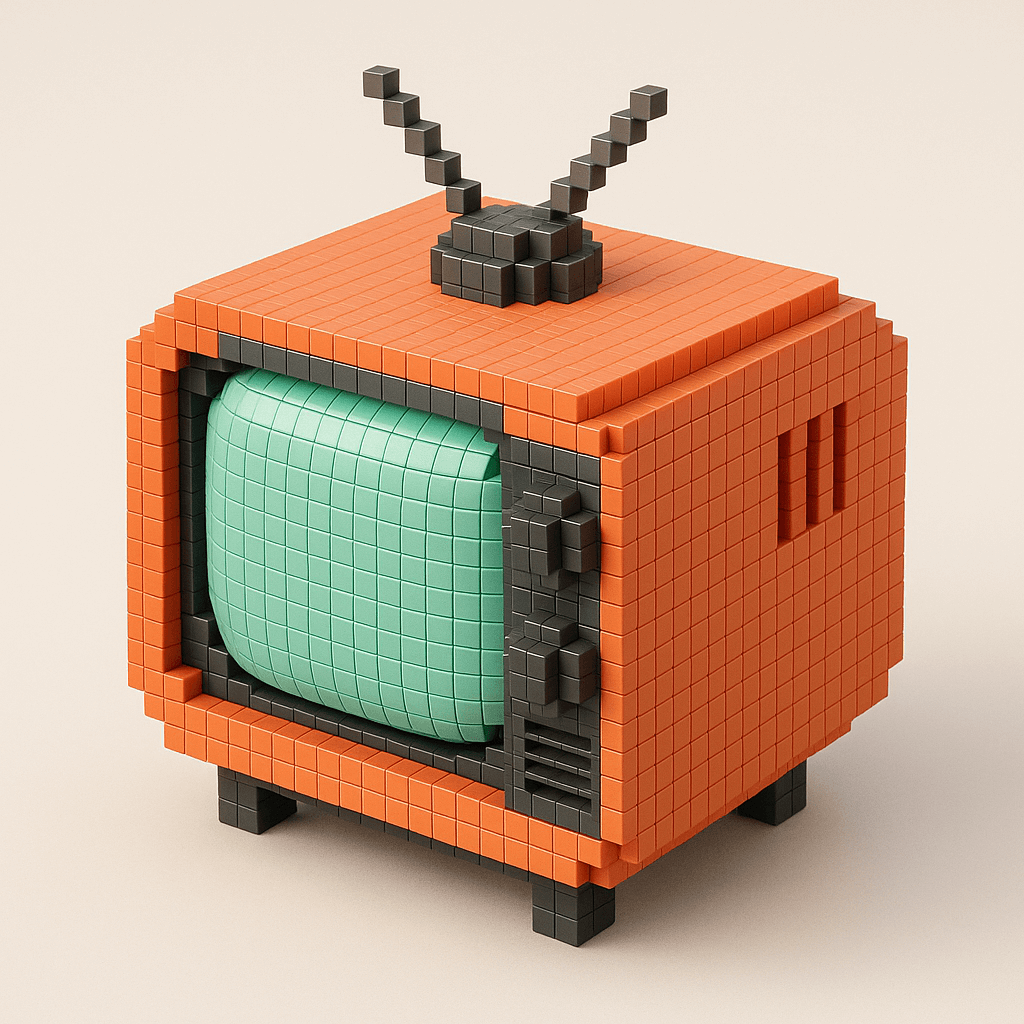
Prompt
Take the icon on the right and transform it into a voxel 3d icon like the icons in the left image. Octane render. 8k.Requirements
The reference image for voxel style icons is obtained from the original link 1; and an original icon to be transformed.
Author
Source Links
Recommended Prompts
Discover more creative AI photo prompts that complement your current selection. These carefully curated prompts share similar themes, styles, or techniques that can help expand your creative possibilities and enhance your AI image generation workflow.
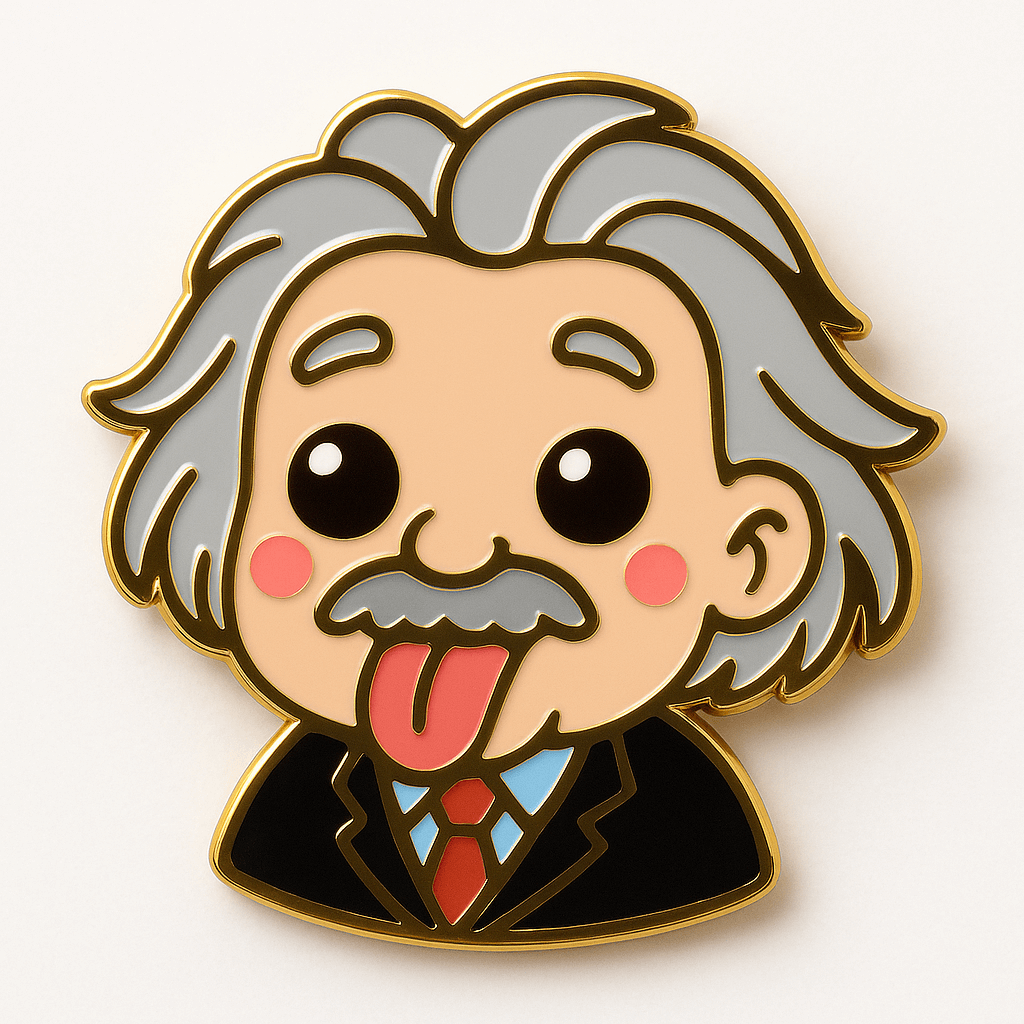
Kawaii Enamel Pin
Turn the subject in the attached image into a kawaii enamel pin. Use glossy metal outlines and vibra...
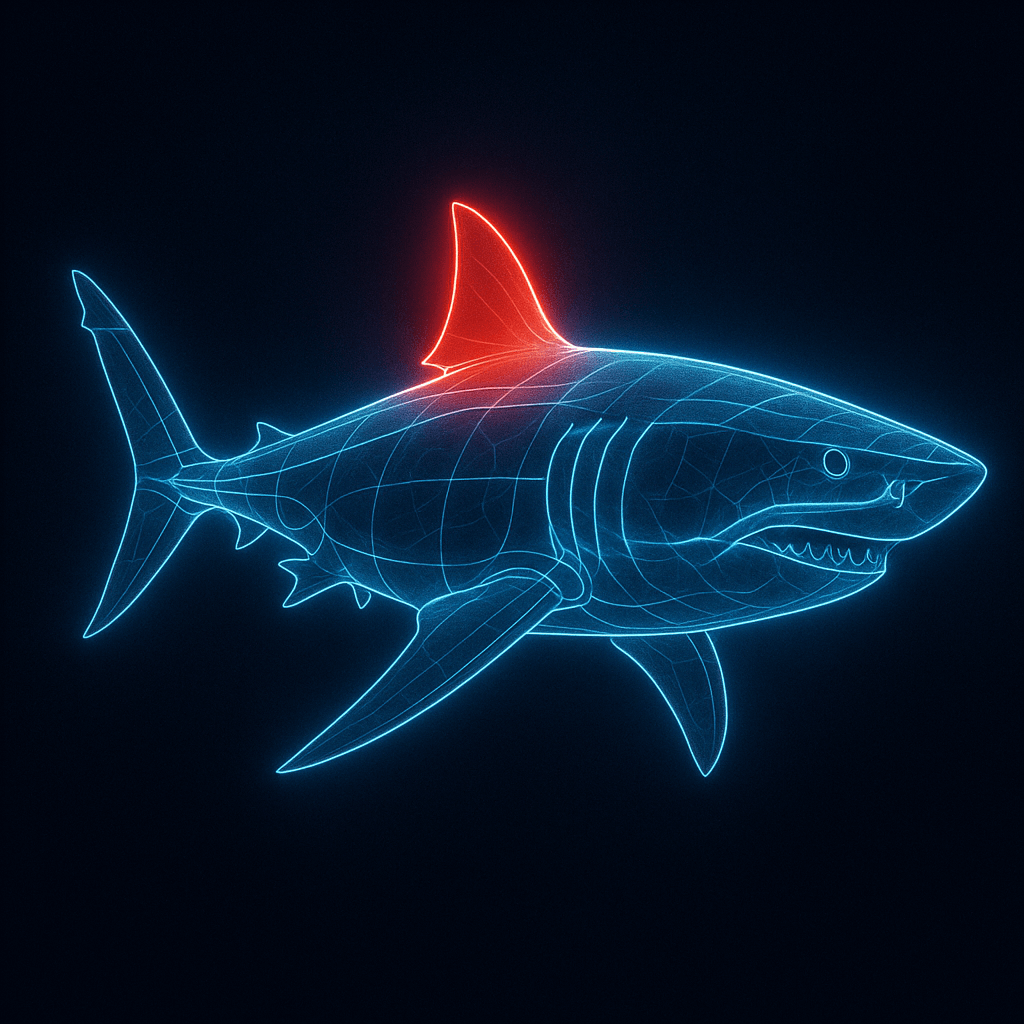
Glowing Lines Anatomy Diagram
A digital illustration of a [SUBJECT], portrayed with a network of glowing clean pristine blue lines...
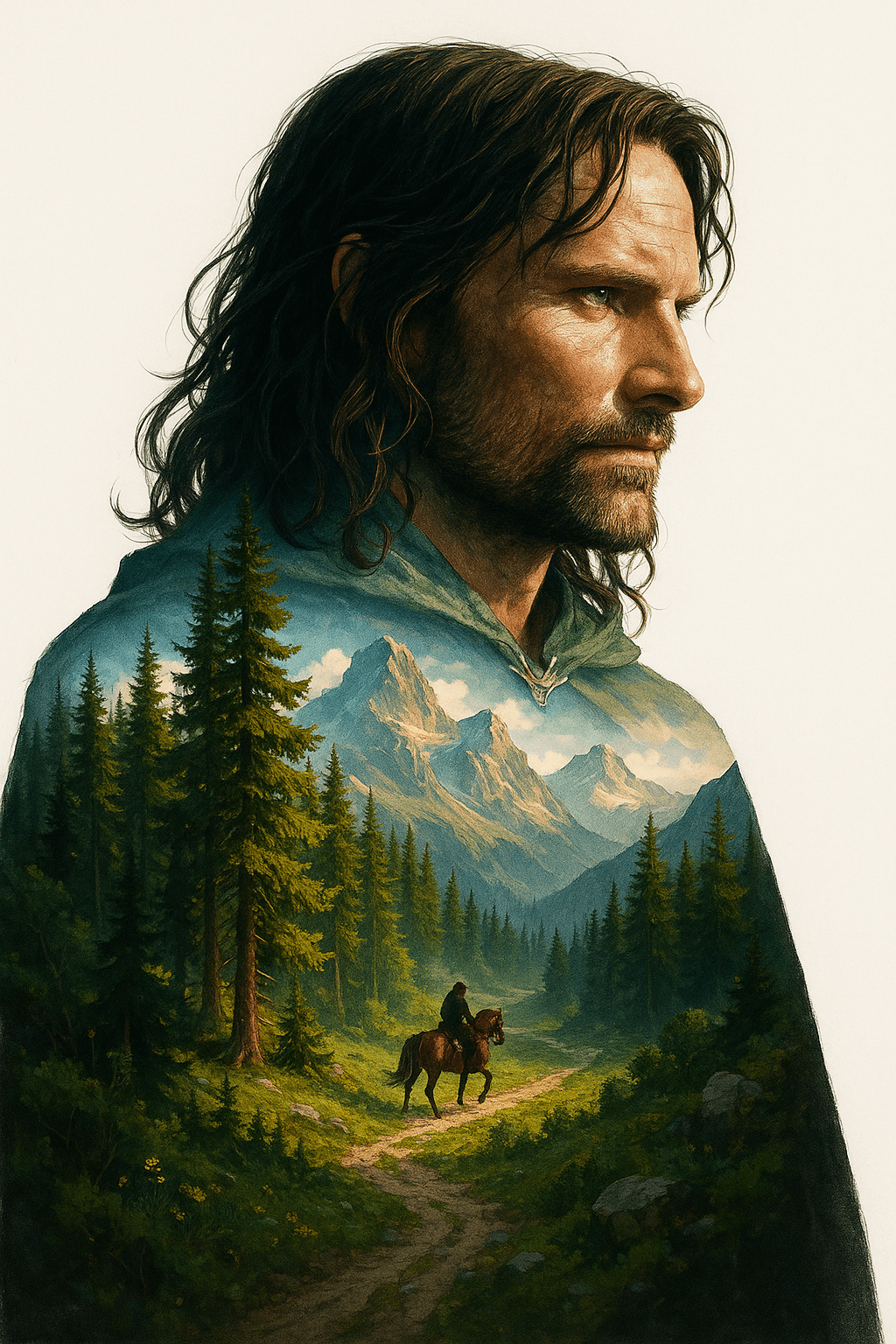
Double Exposure
Double exposure, Midjourney style, merging, blending, overlay double exposure image, Double Exposure...
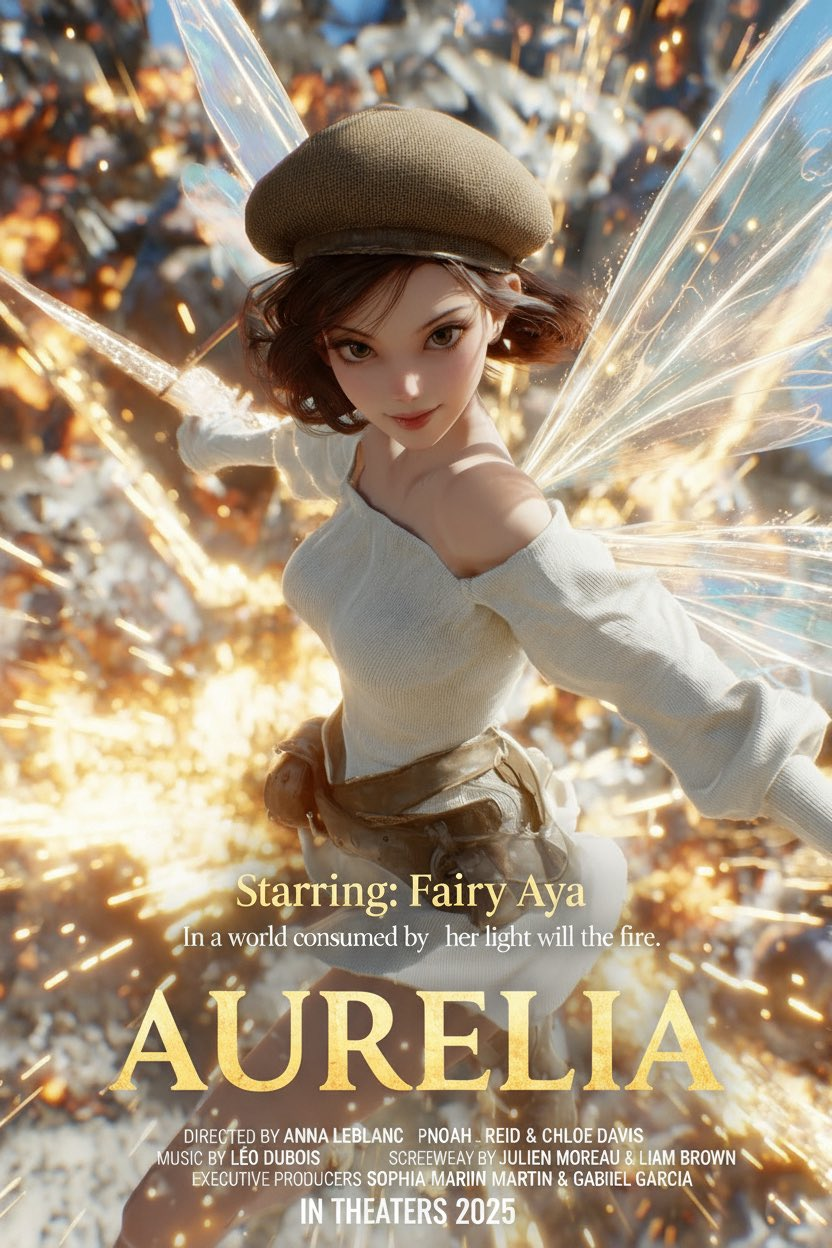
Make a Movie Poster
Analyze the uploaded photo and detect the subject, mood, and atmosphere. Automatically classify th...
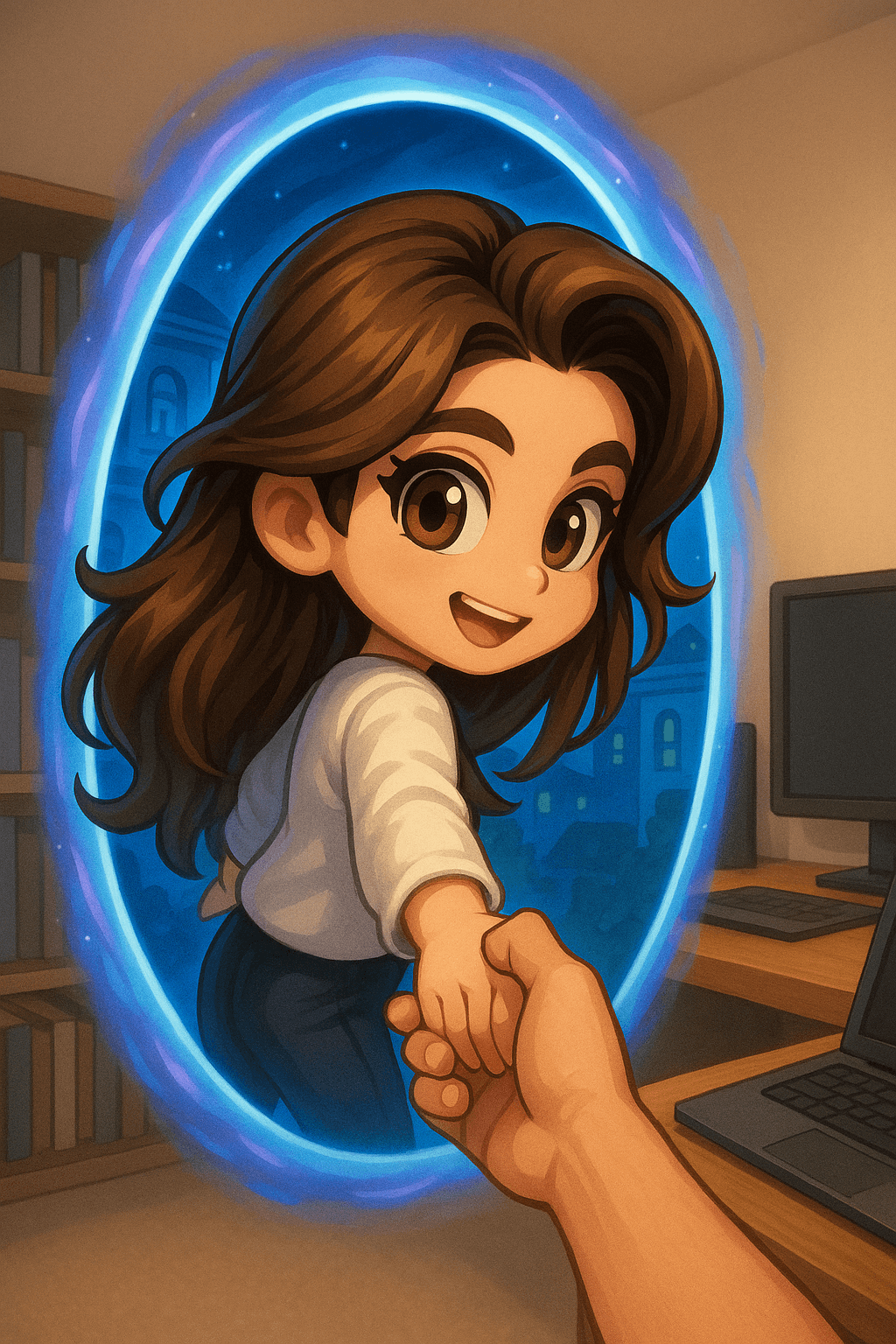
Character Stepping Through Portal
A 3D chibi-style version of the person in the photo is stepping through a glowing portal, reaching o...

3D Q-version Couple Snow Globe
Transform the person in the attached image into a snow globe scene. Overall environment: The snow gl...
Why These Prompts?
Category Matching
These prompts share similar categories and themes with your current selection, ensuring thematic consistency and complementary creative directions for your AI image generation projects.
Technical Compatibility
All recommended prompts are tested and optimized for similar AI models and techniques, providing reliable results and consistent quality across your creative workflow.
Pro Tips for Using These Prompts
- •Combine elements from multiple prompts to create unique variations
- •Adjust style parameters based on your specific project requirements
- •Use these as starting points and add your own creative modifications